


Free downloads
Free animated desktop wallpapers for Windows
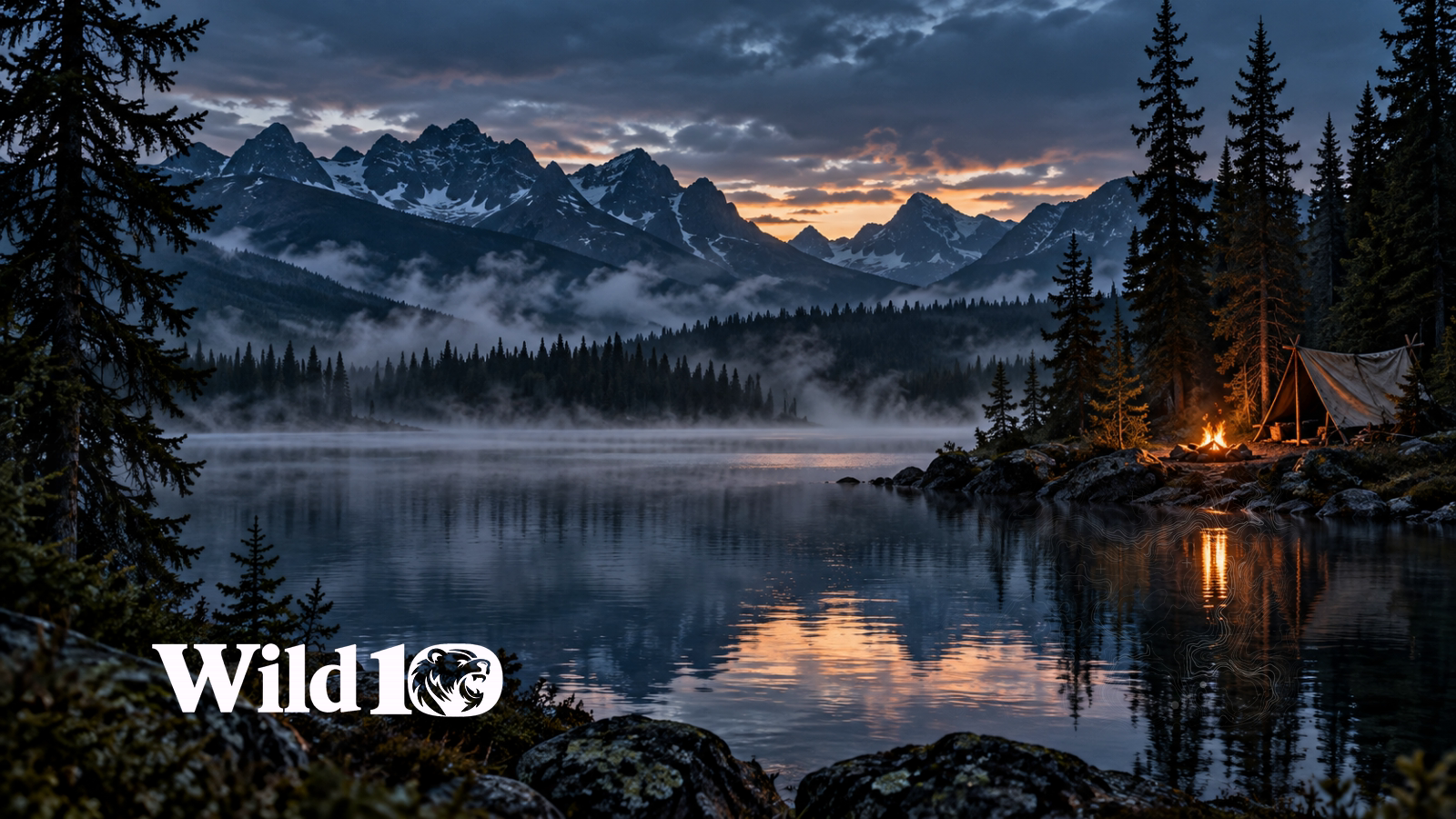
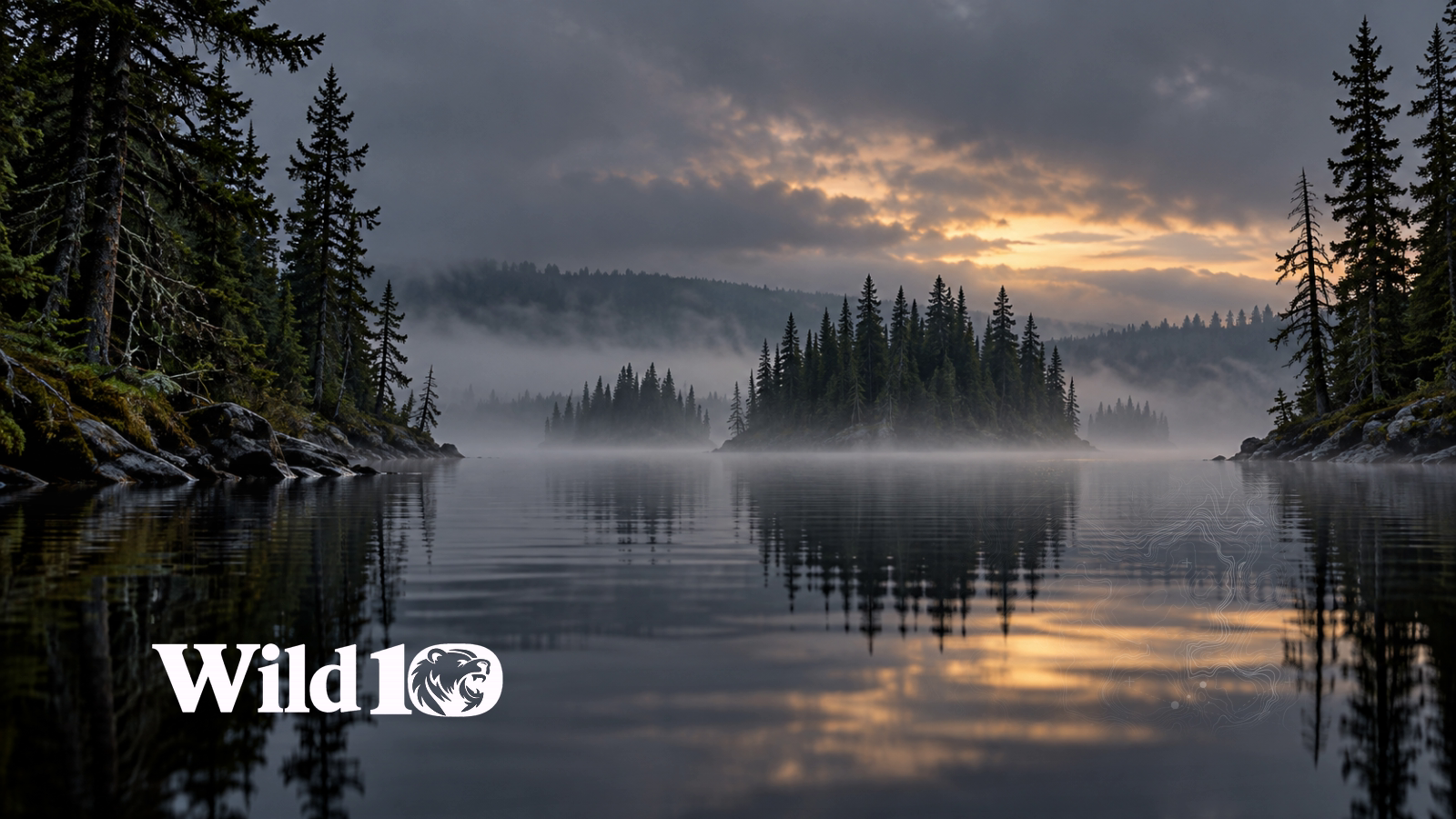
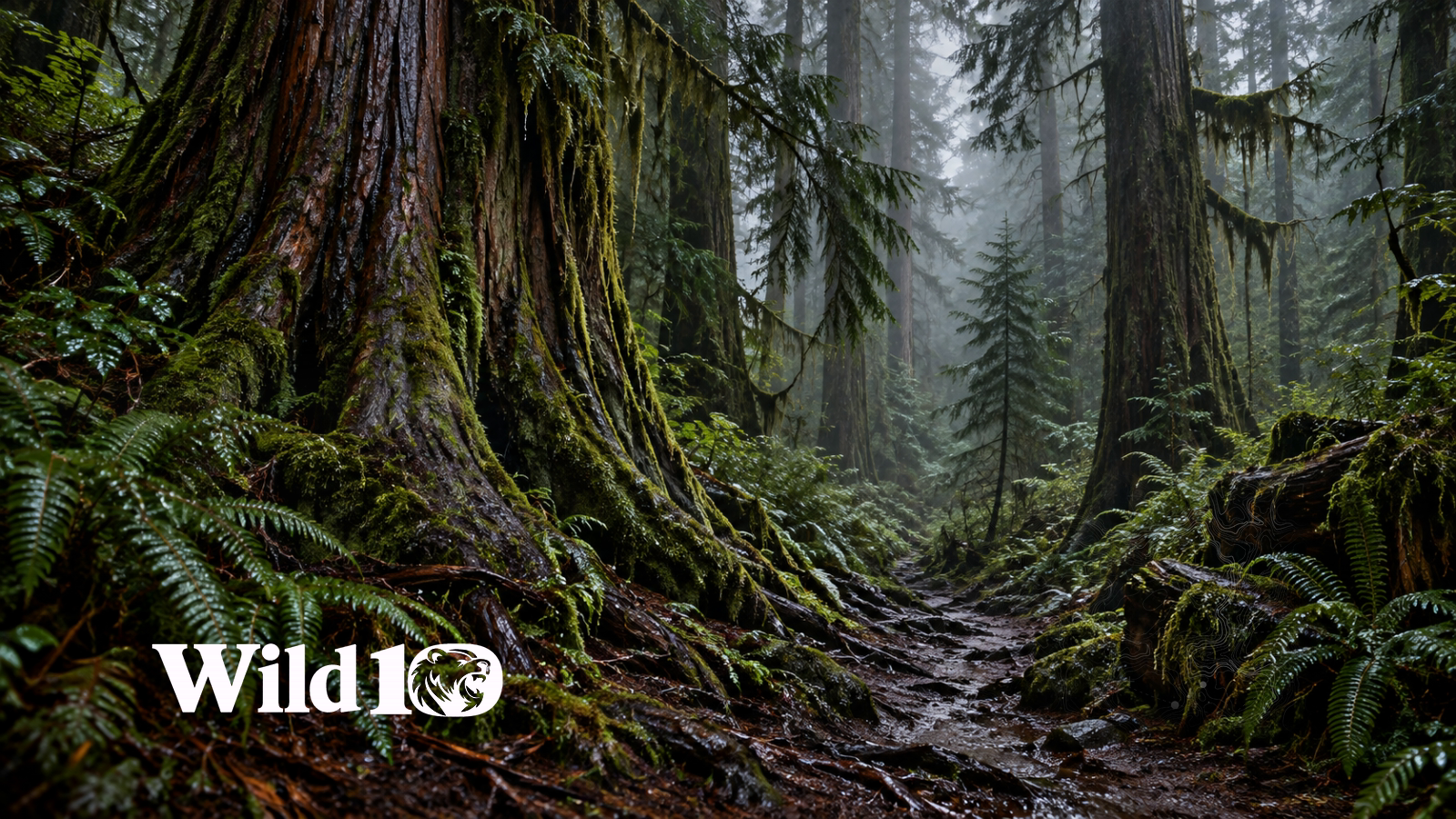
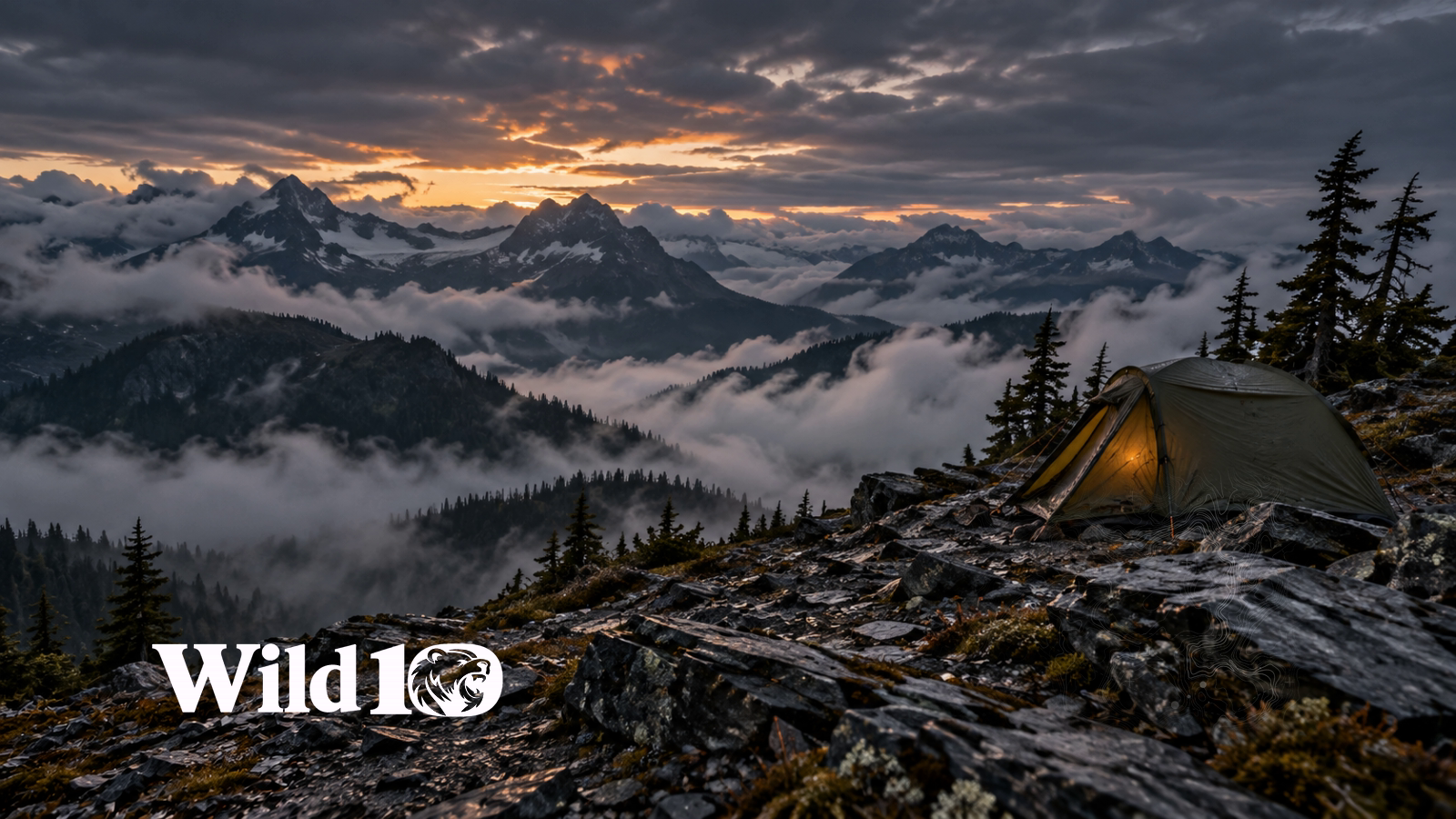
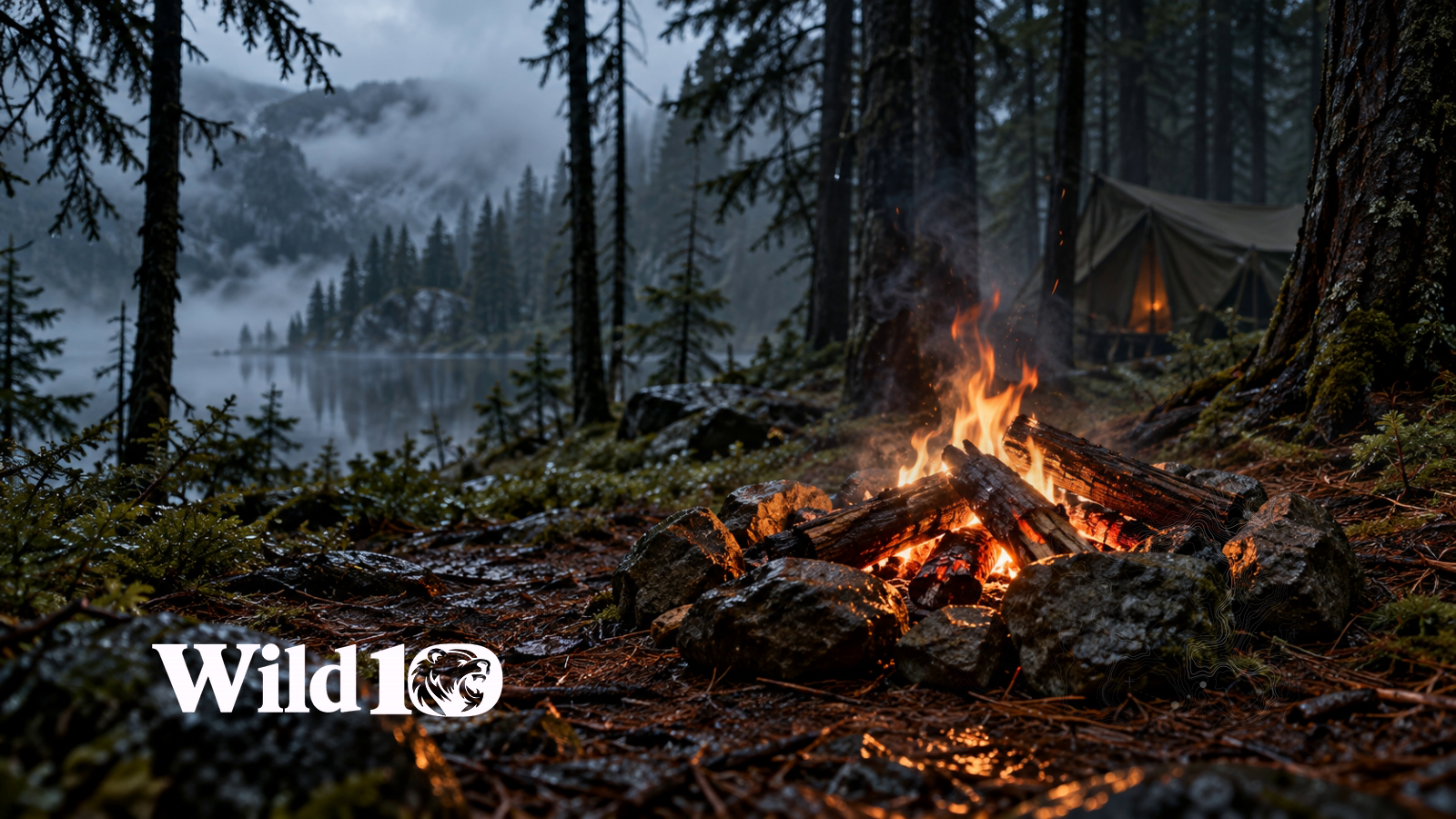
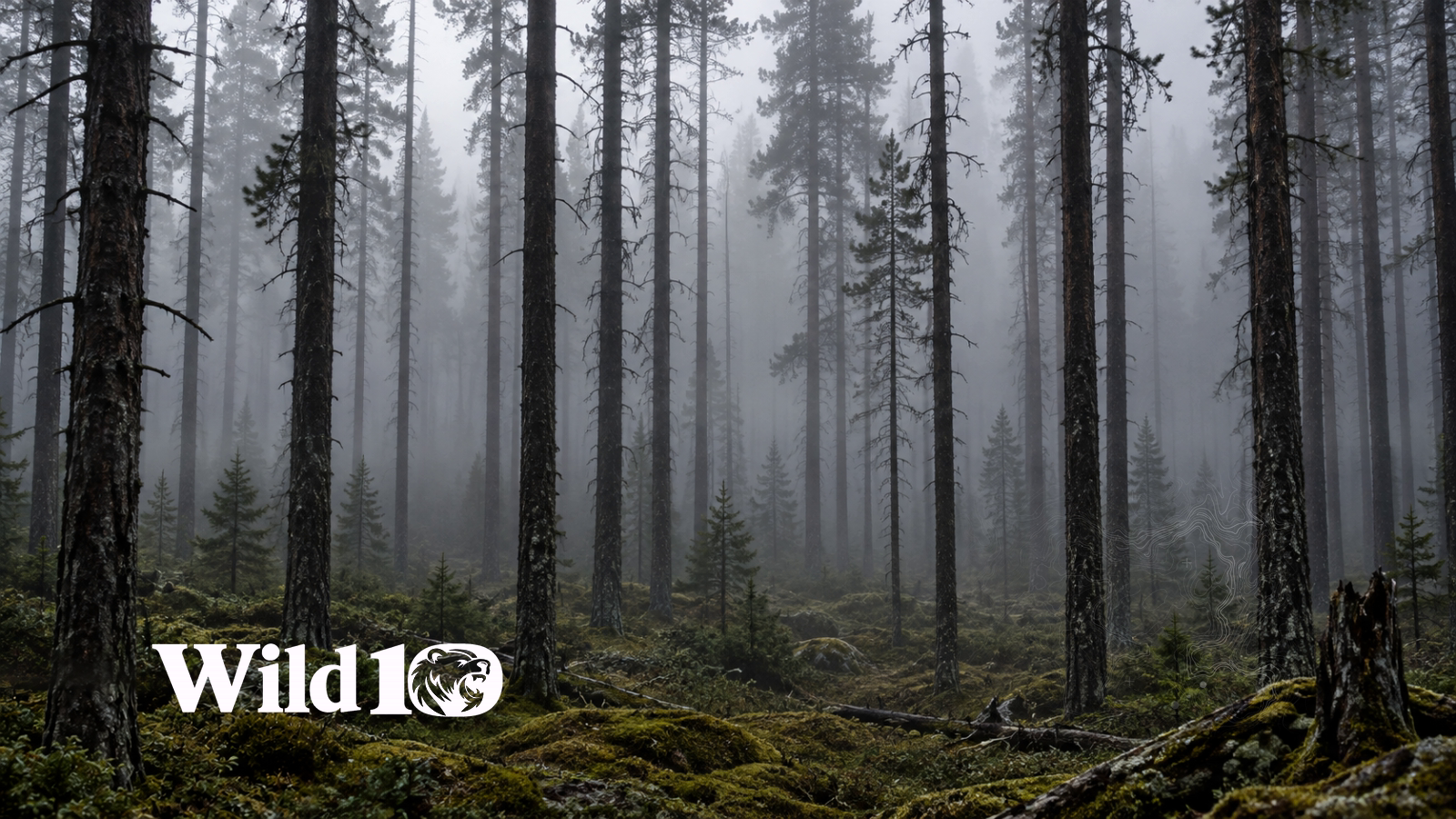
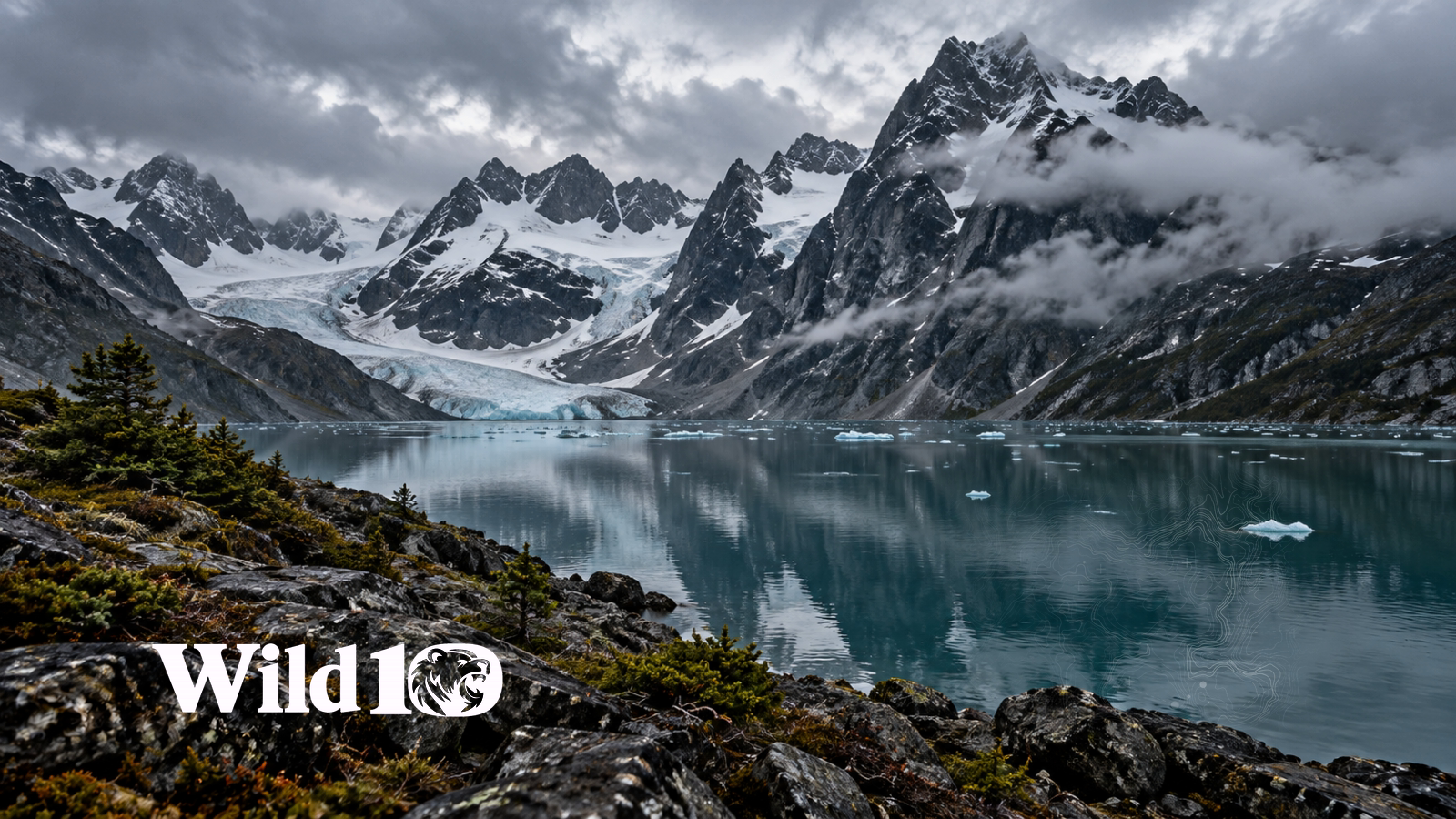
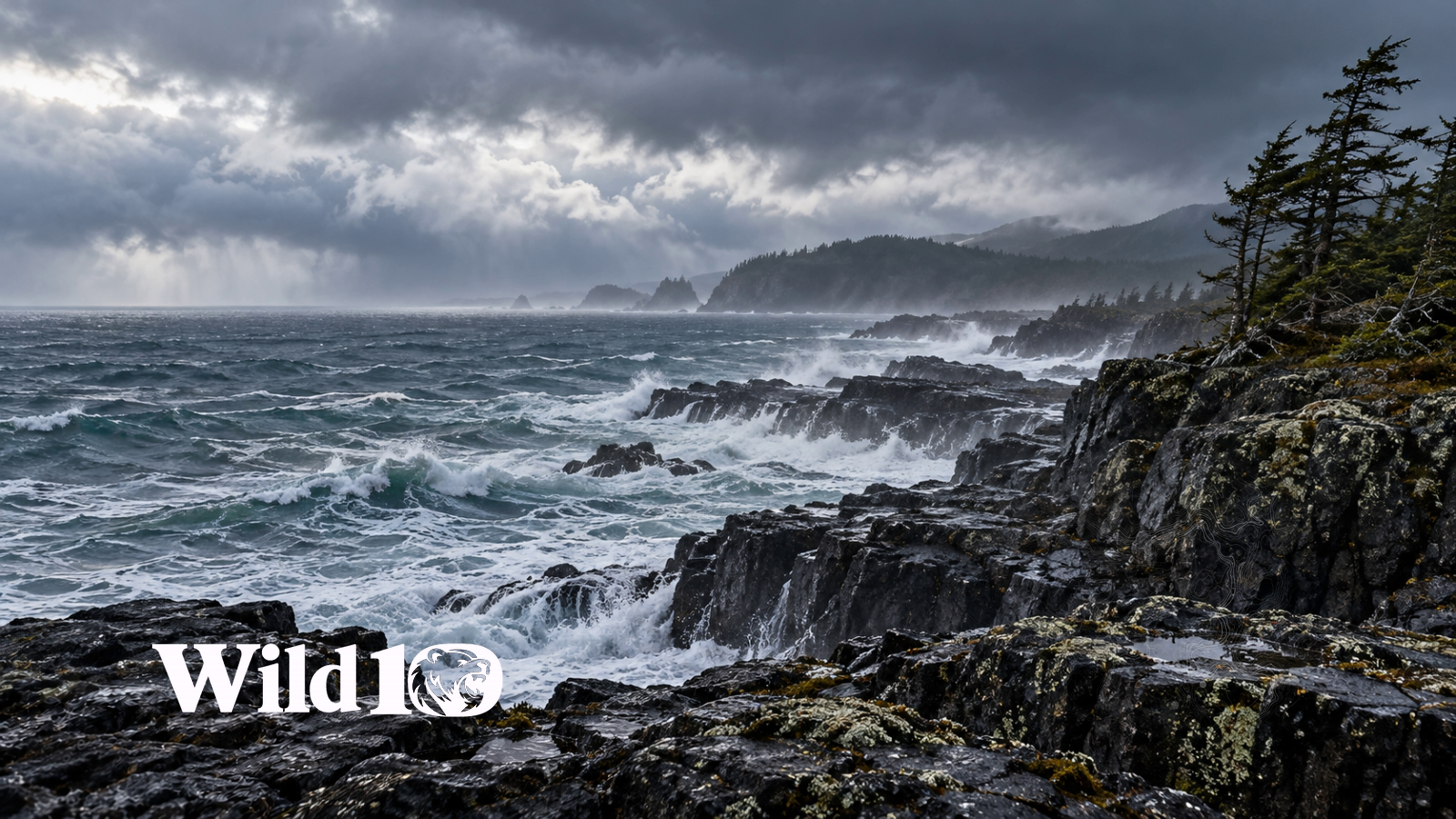
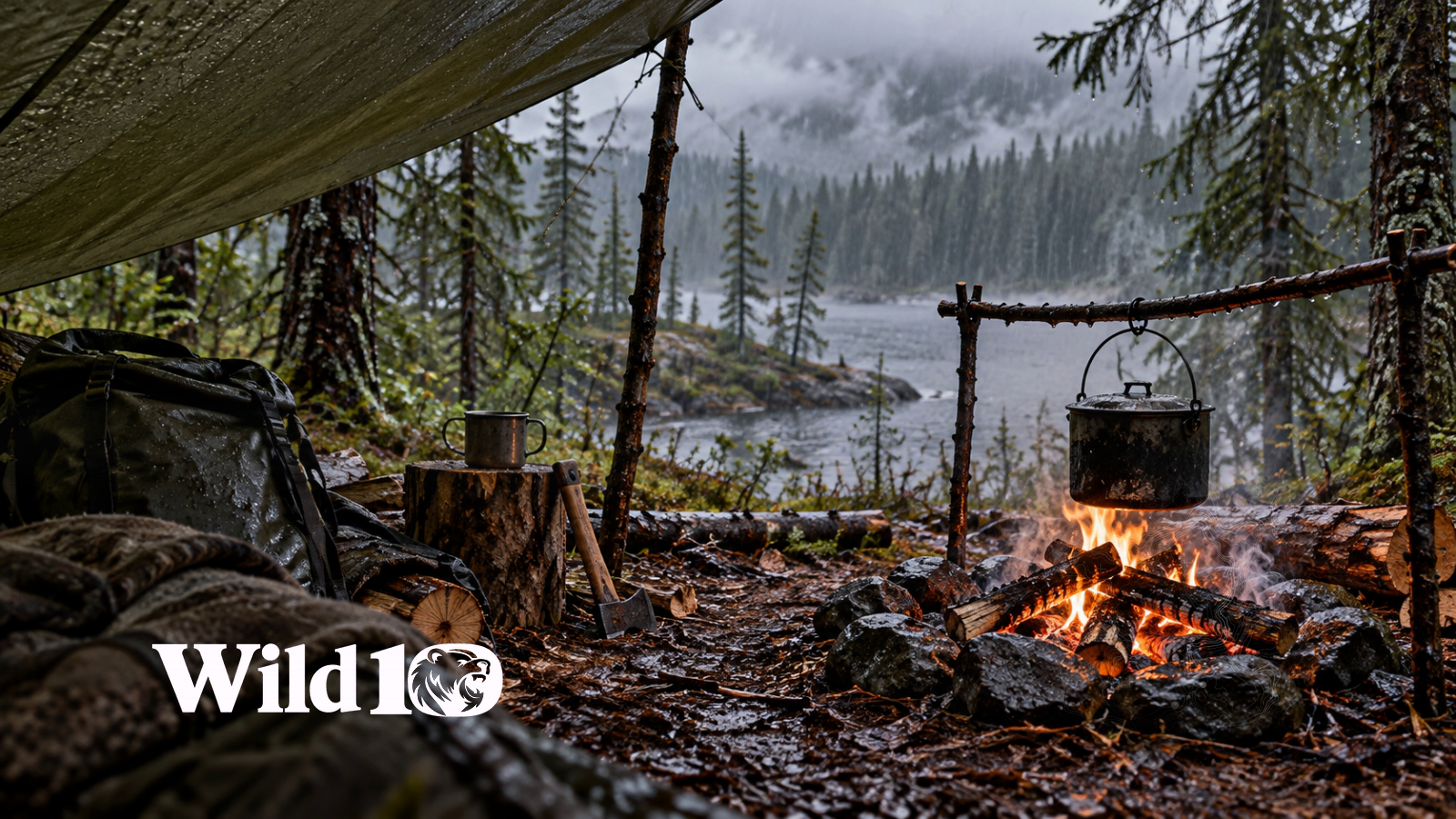
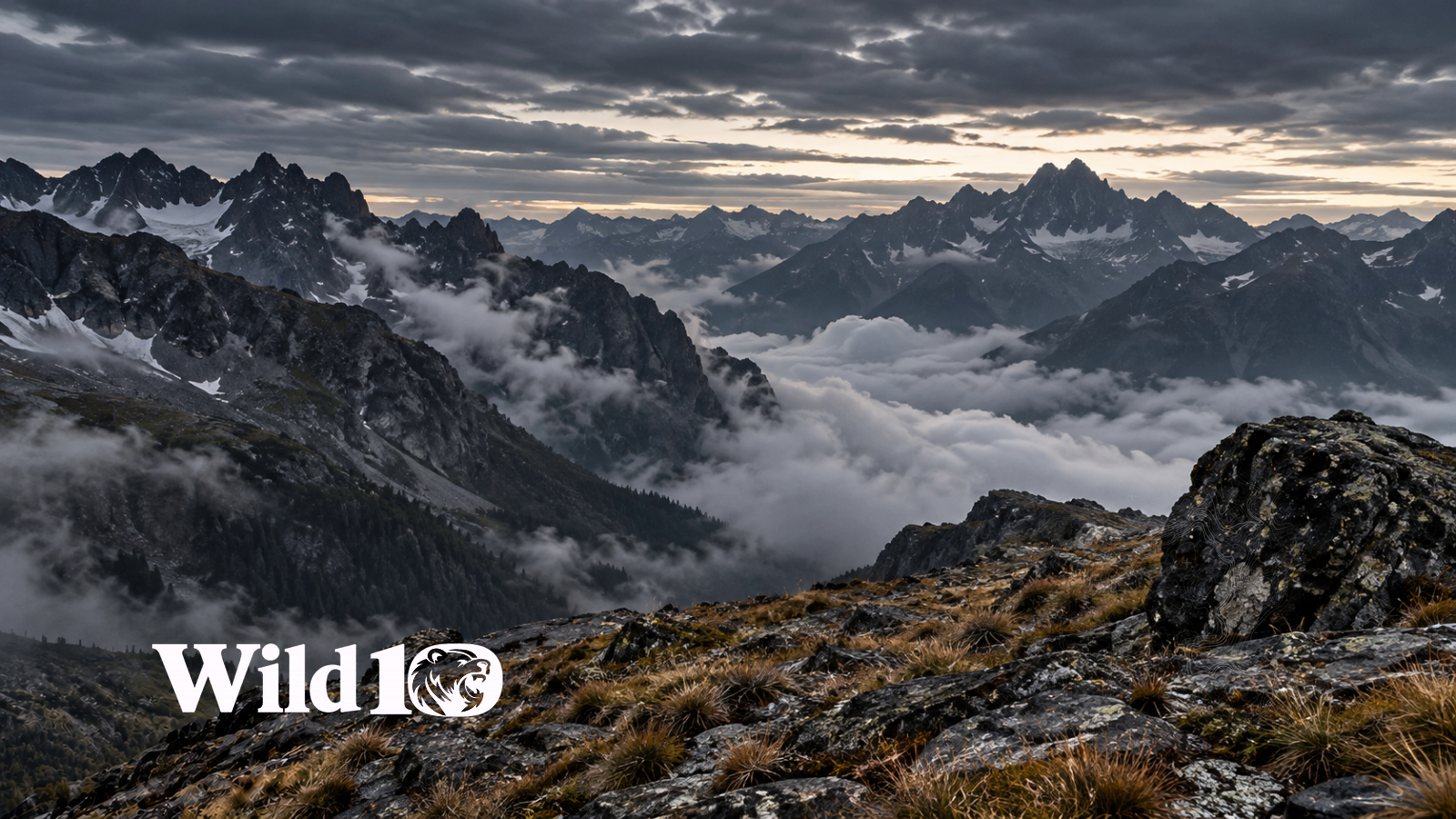
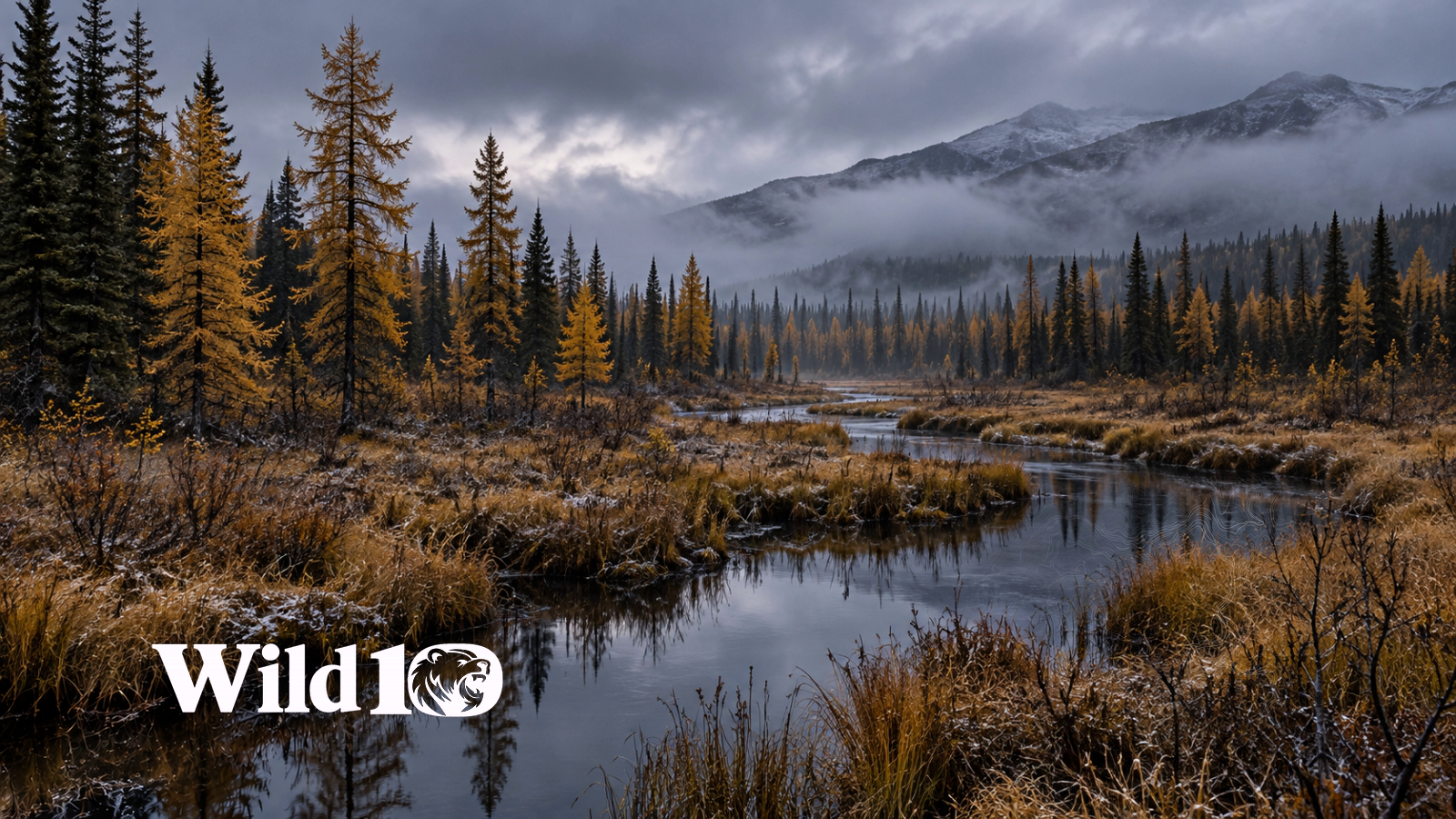
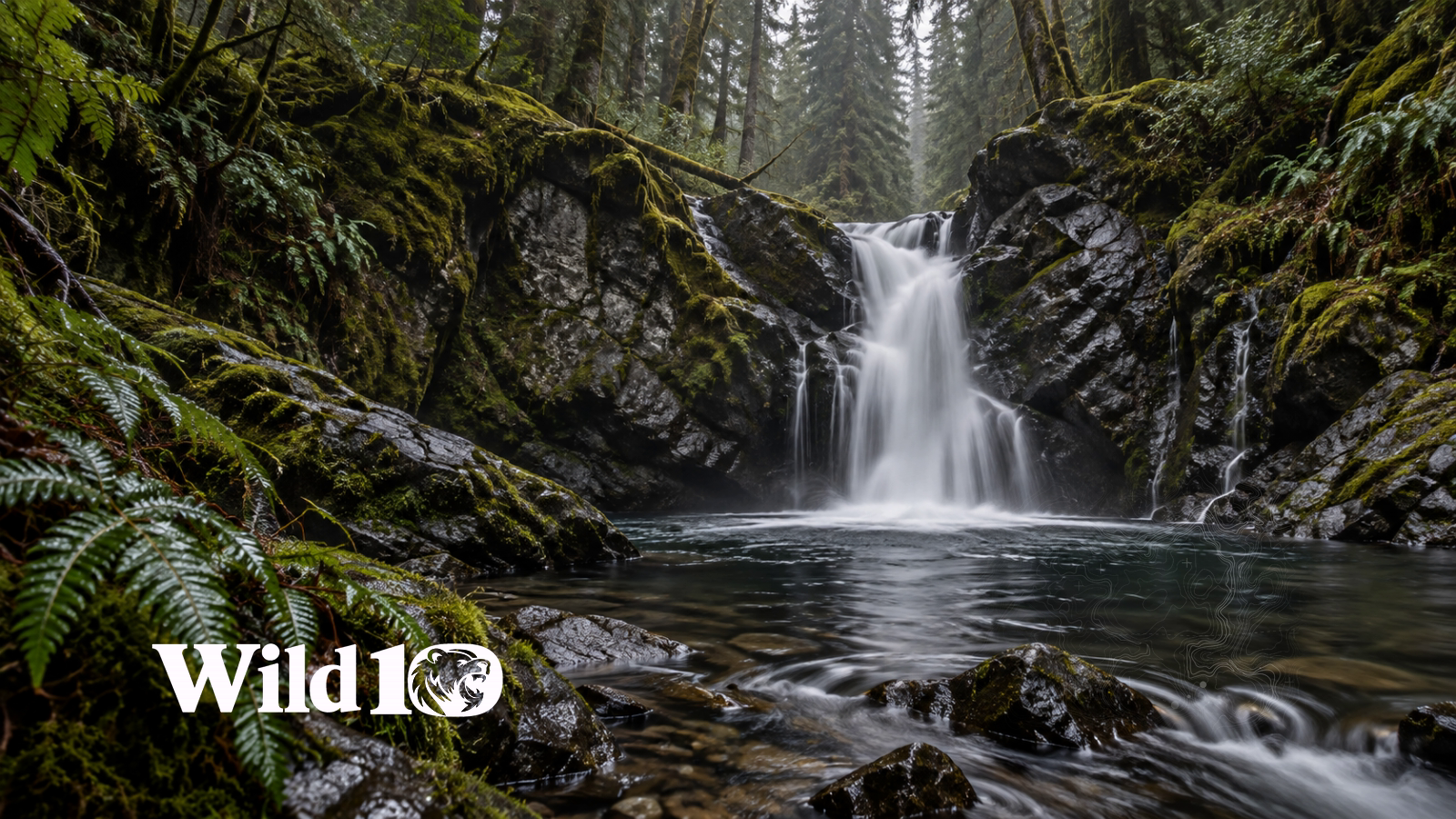
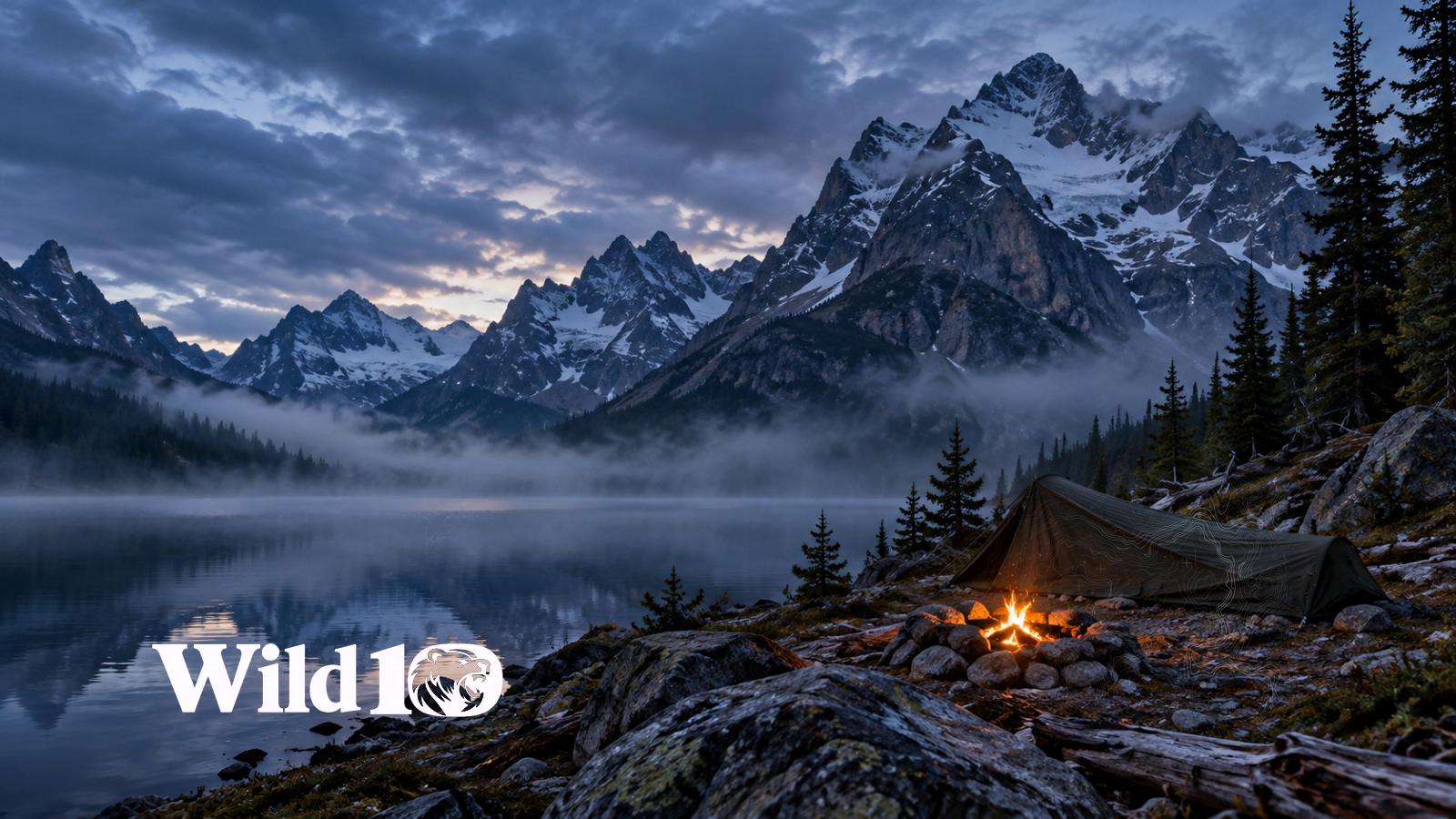
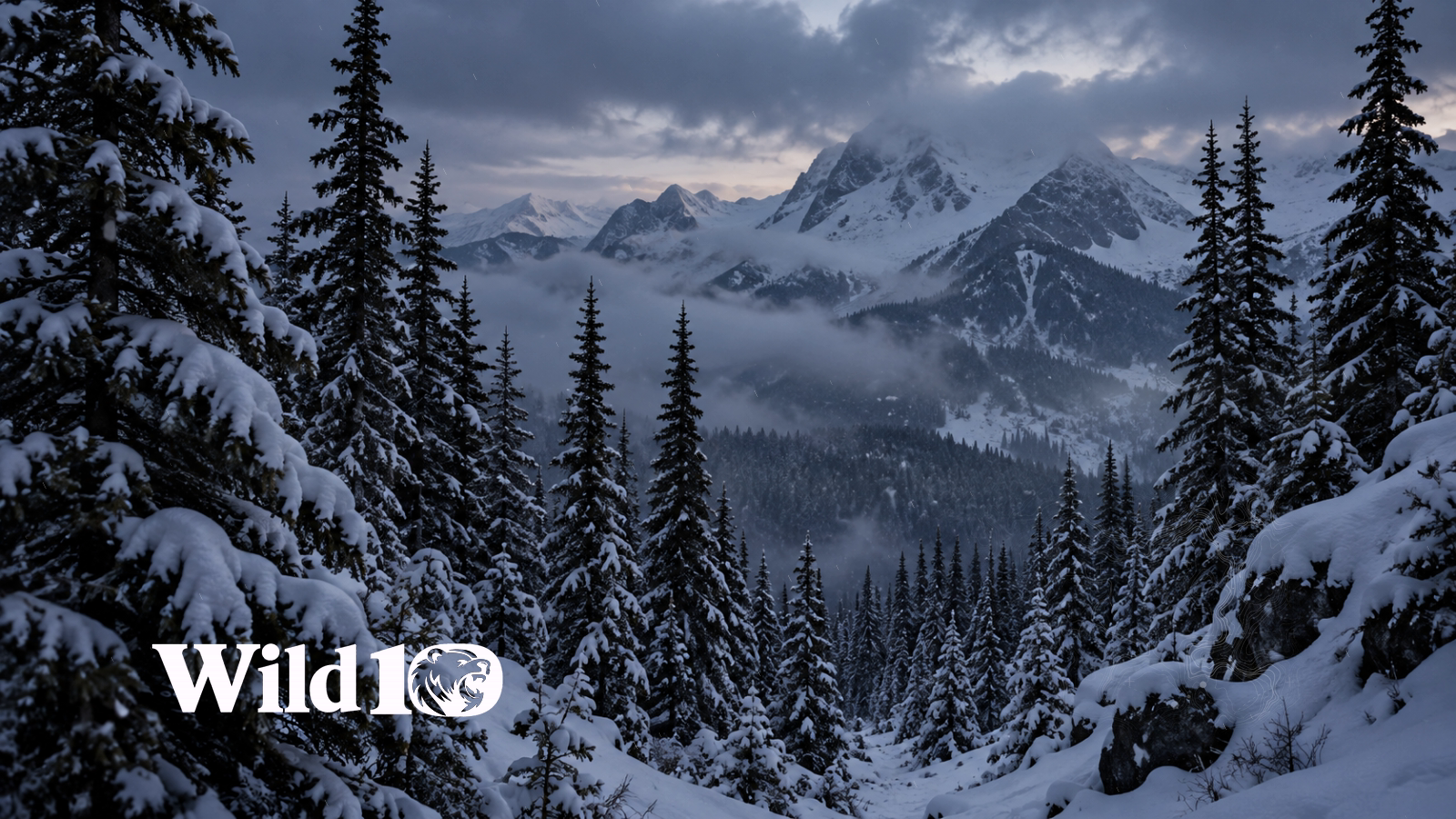
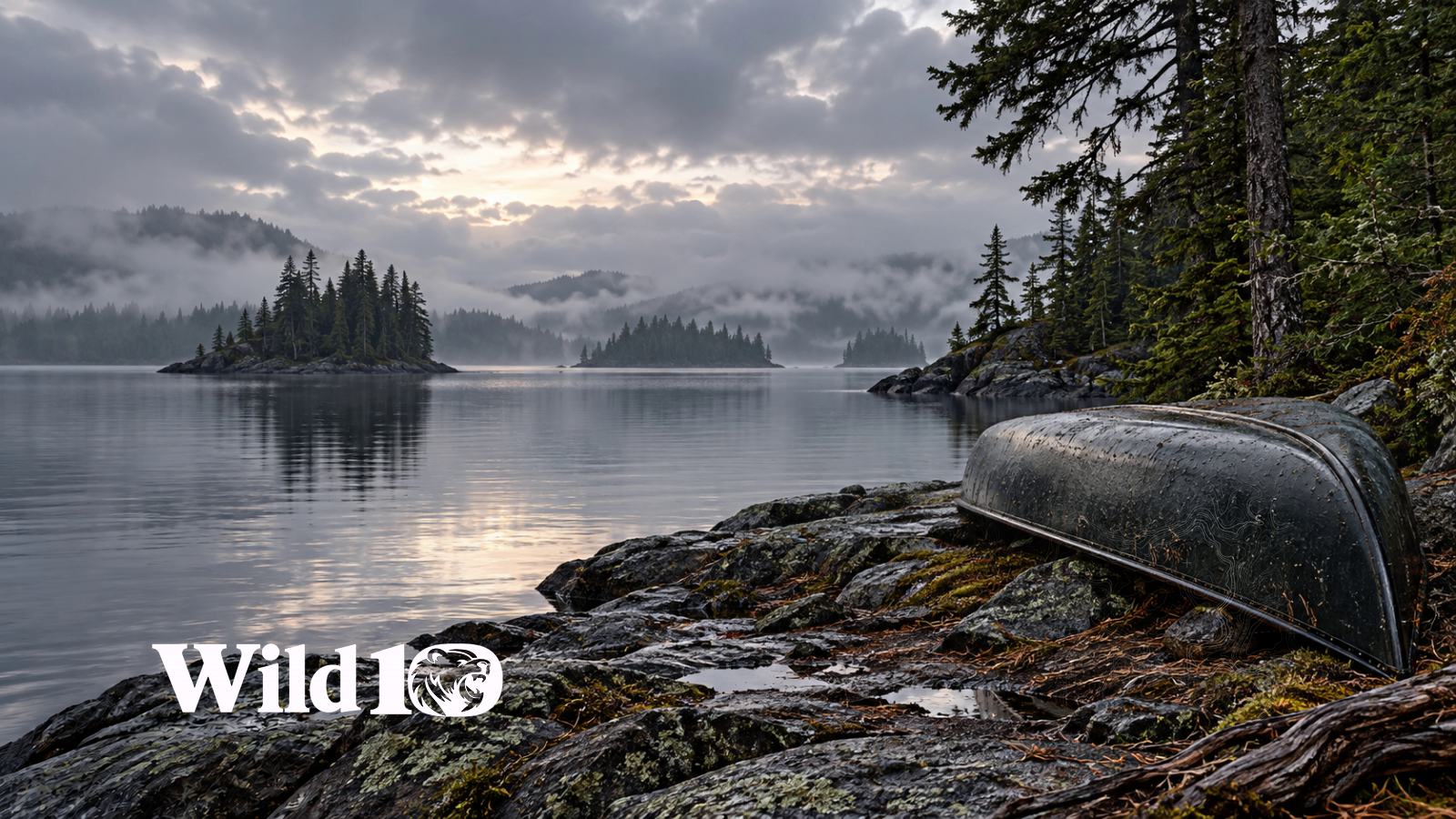
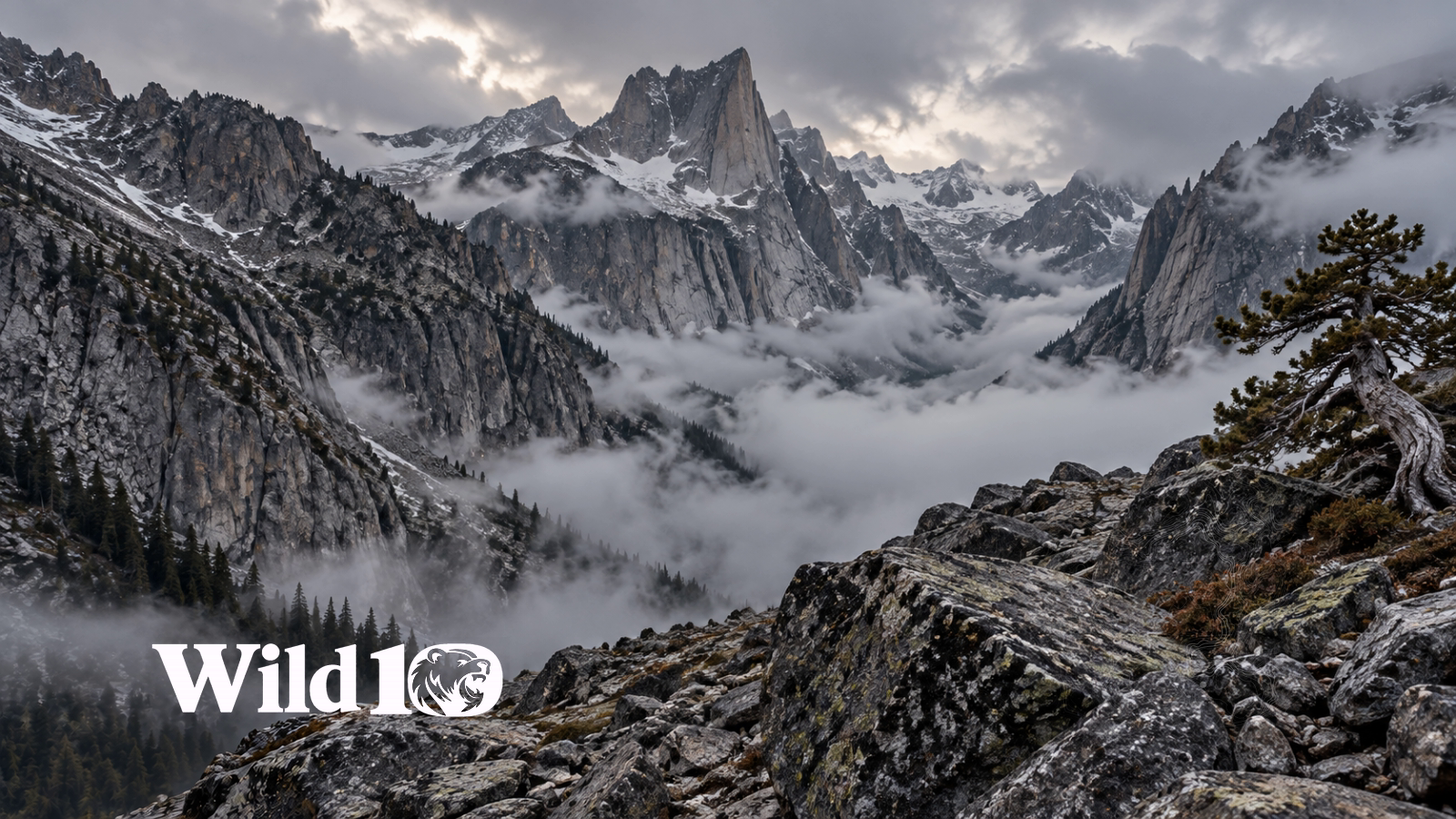
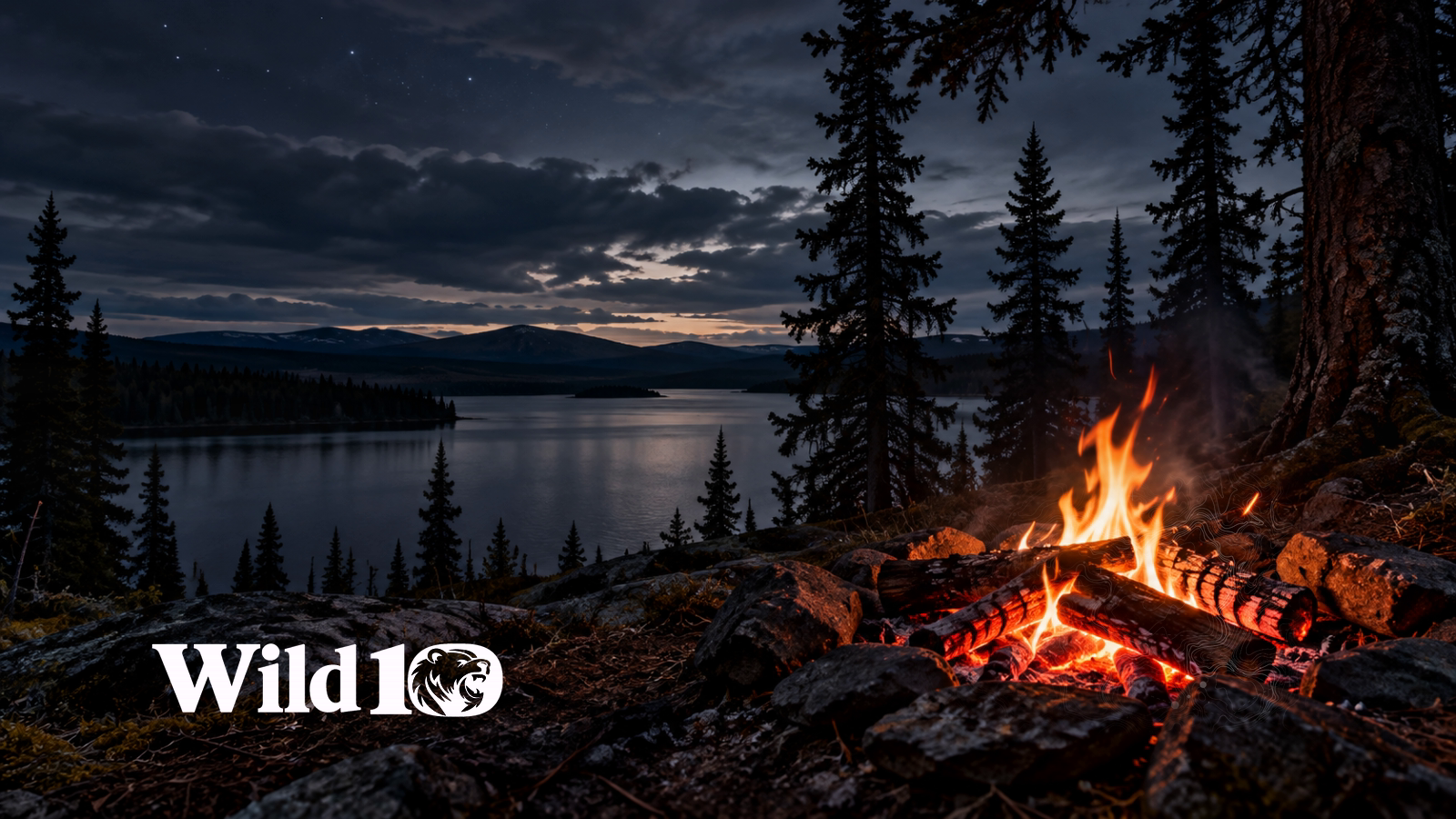
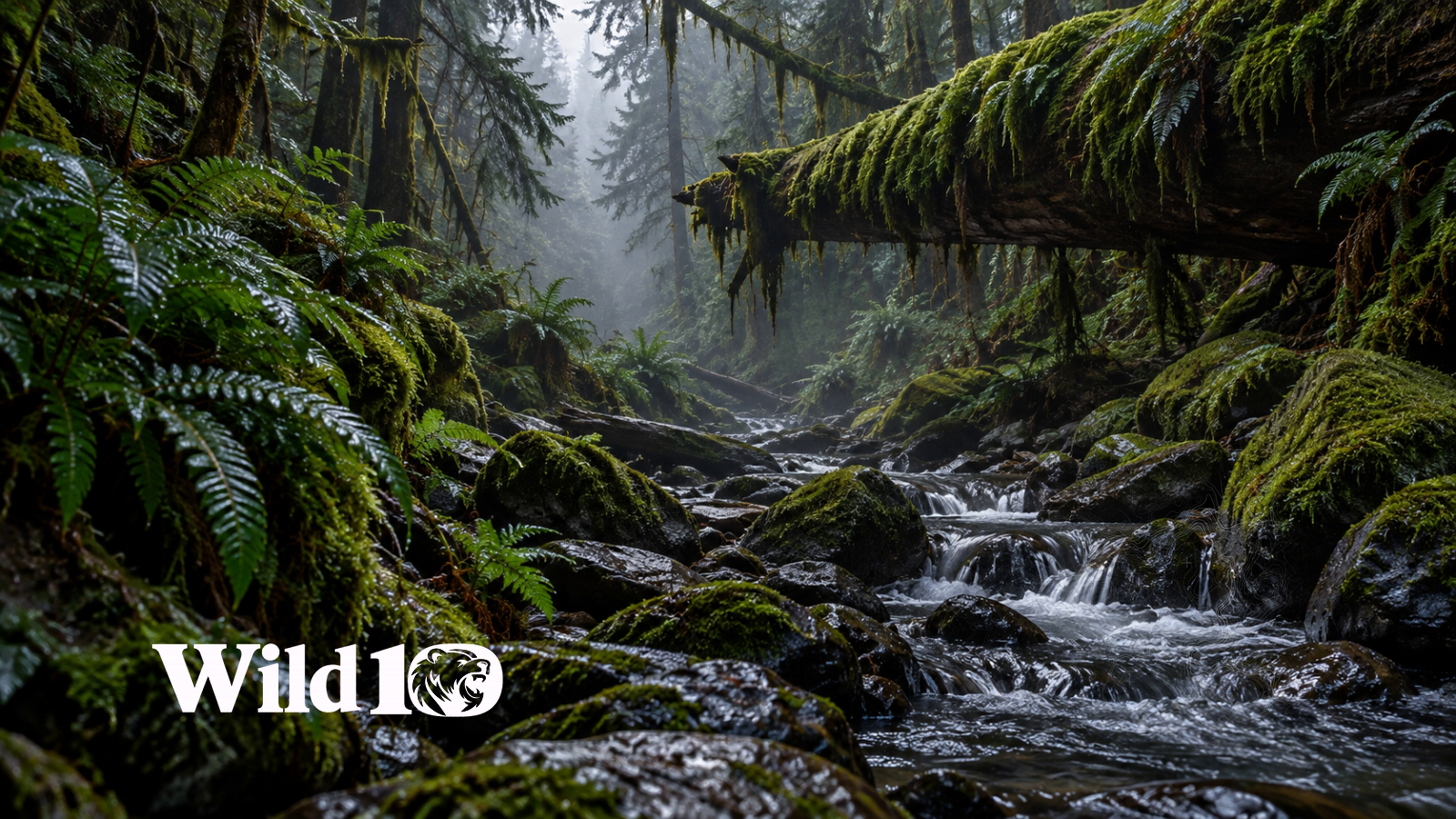
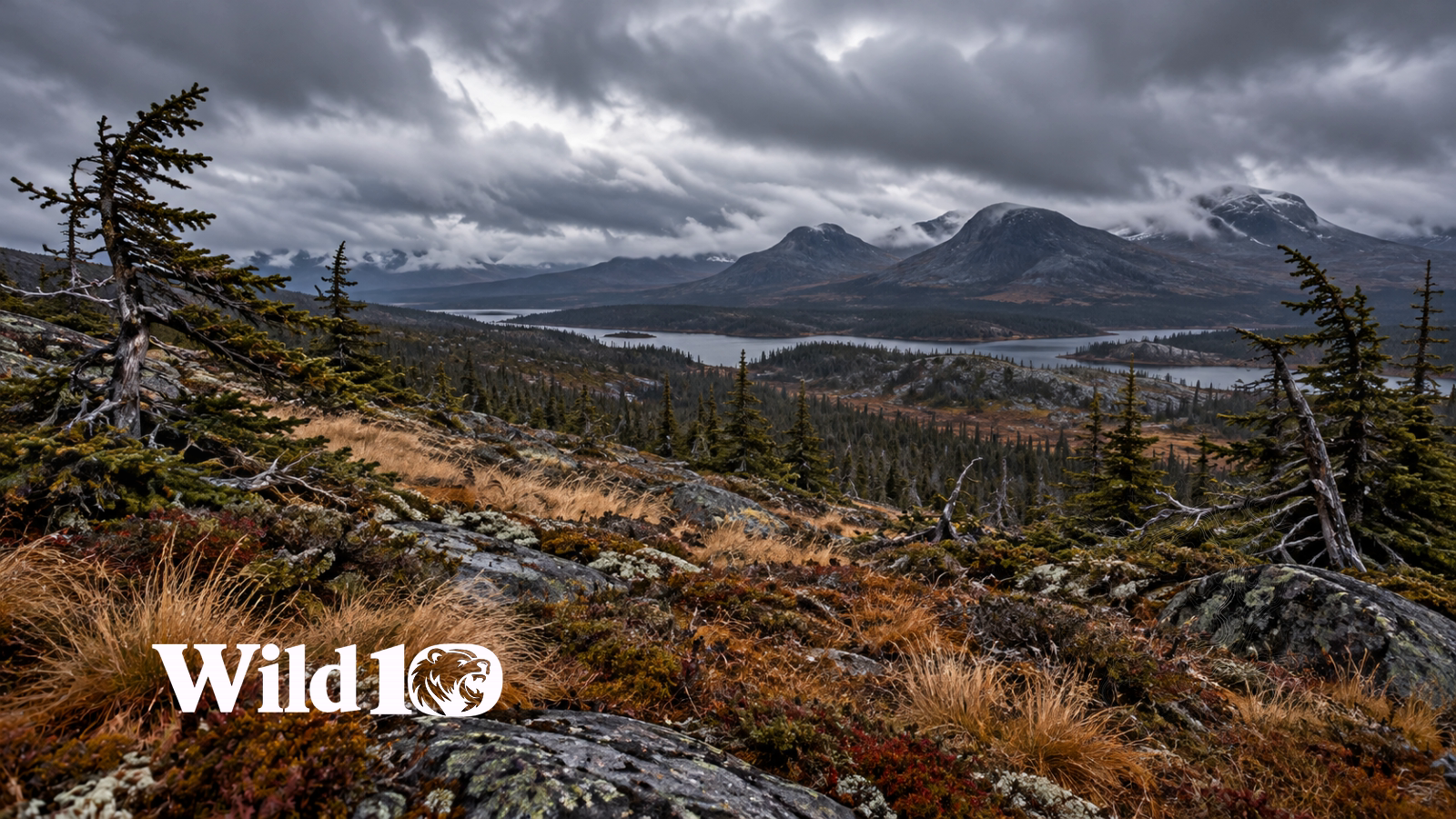
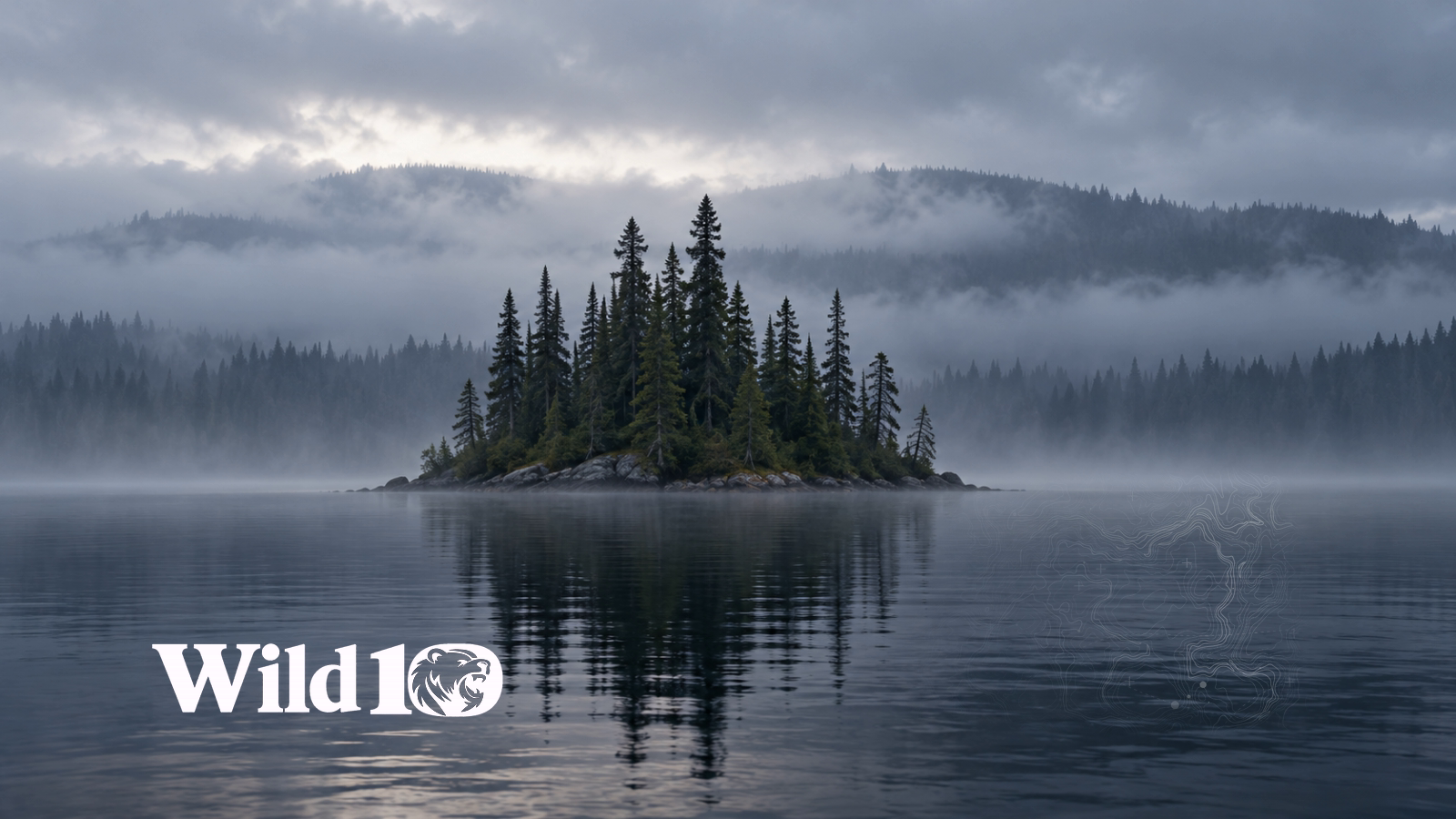
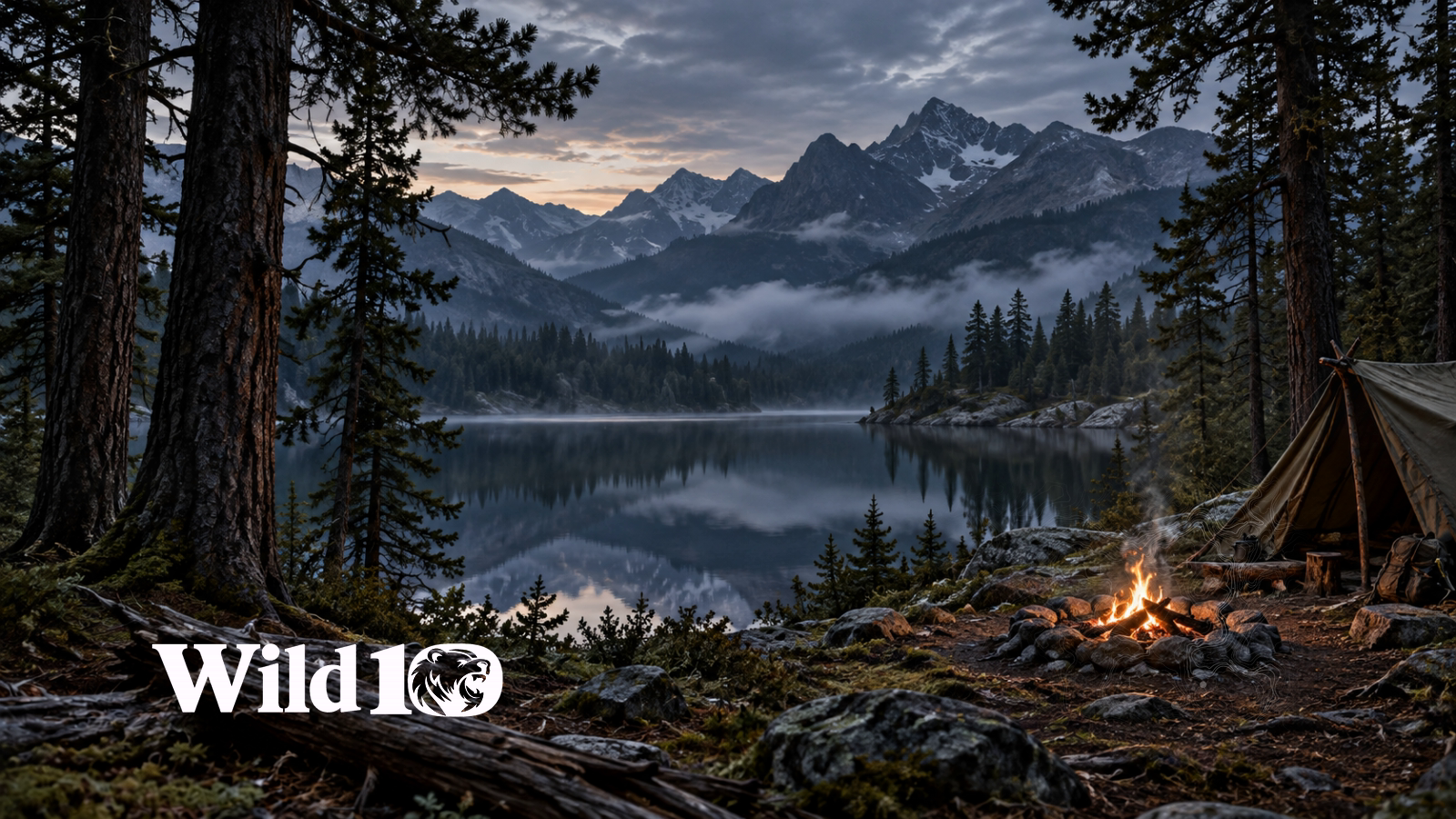
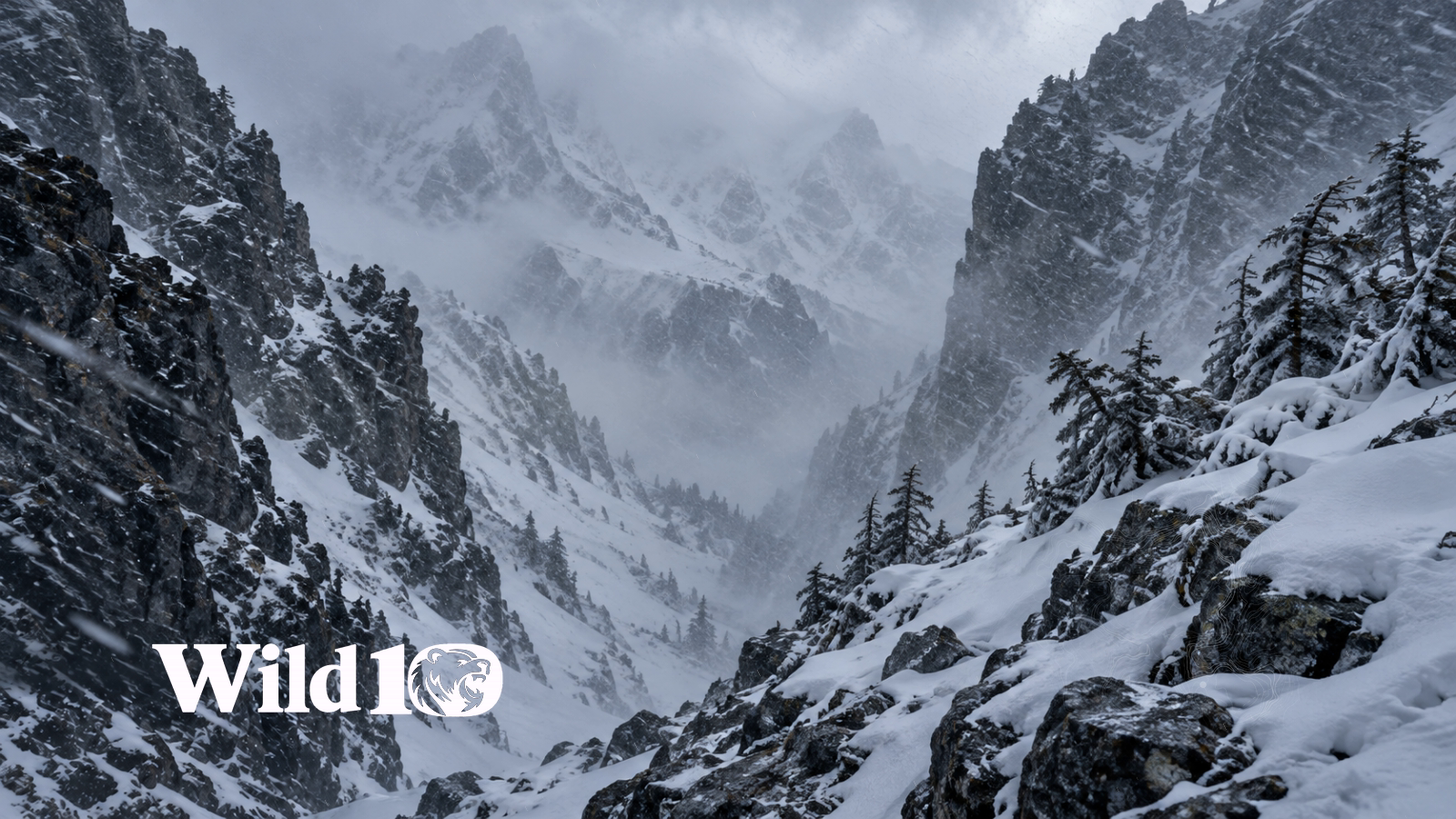
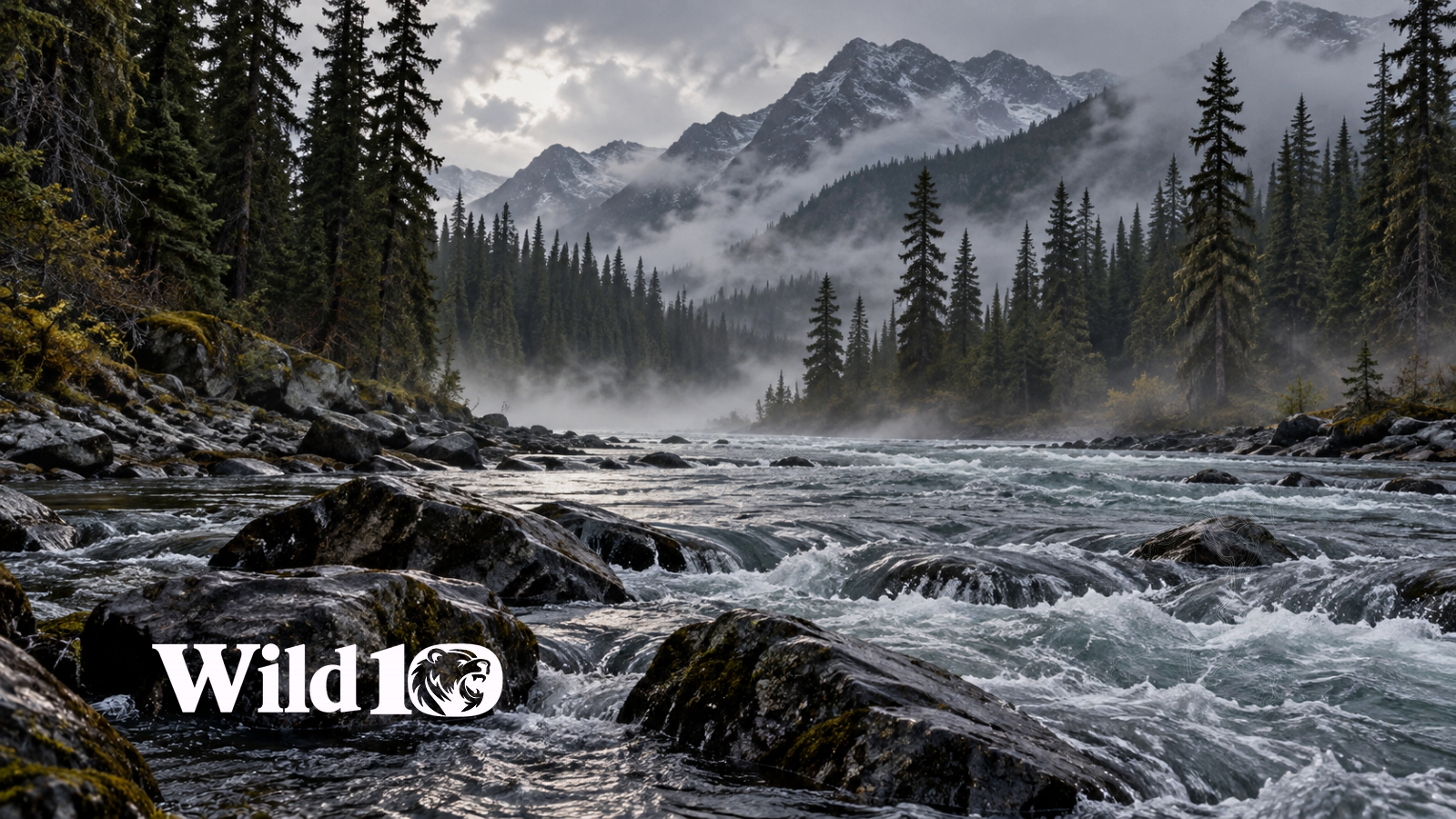
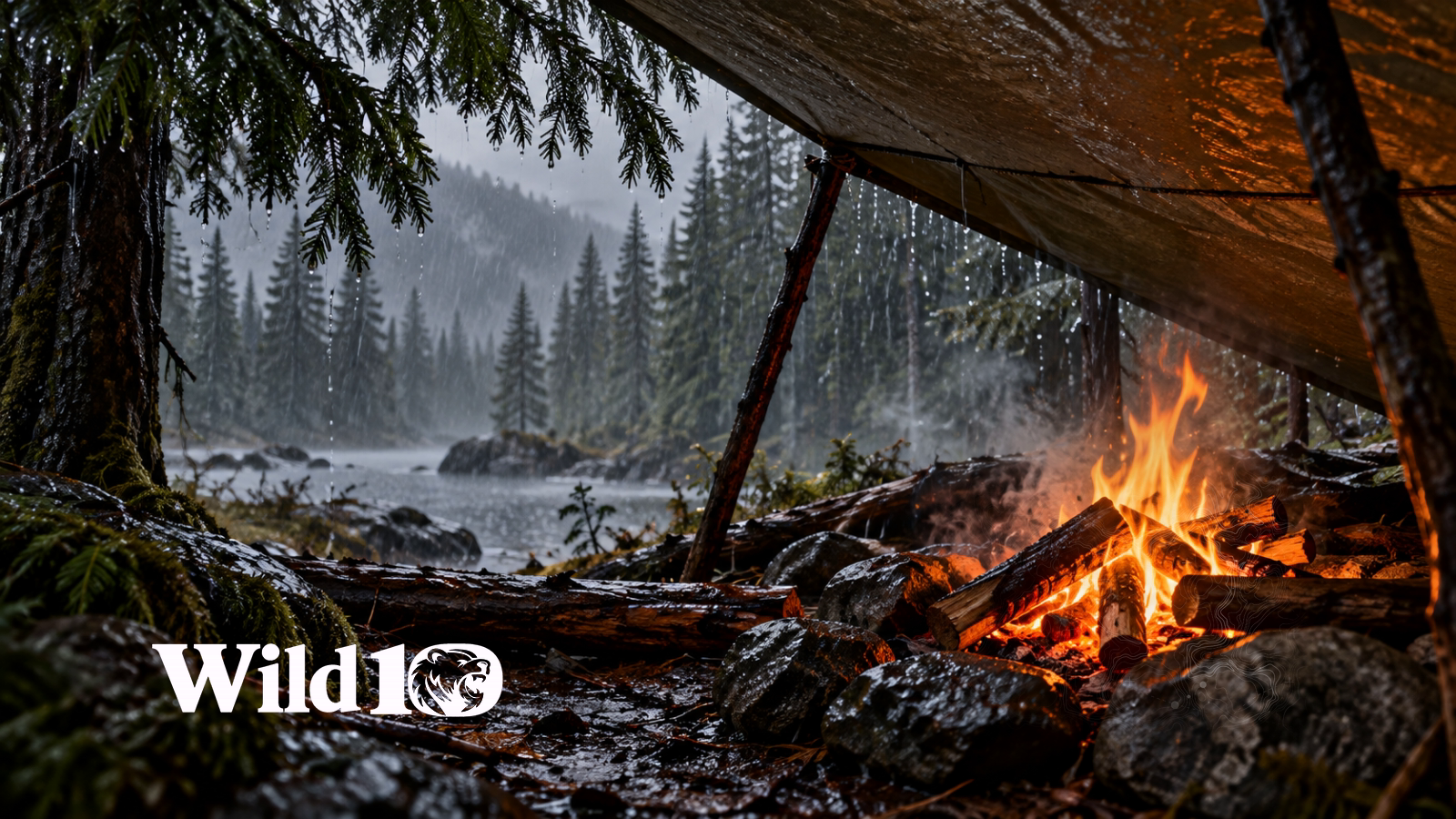
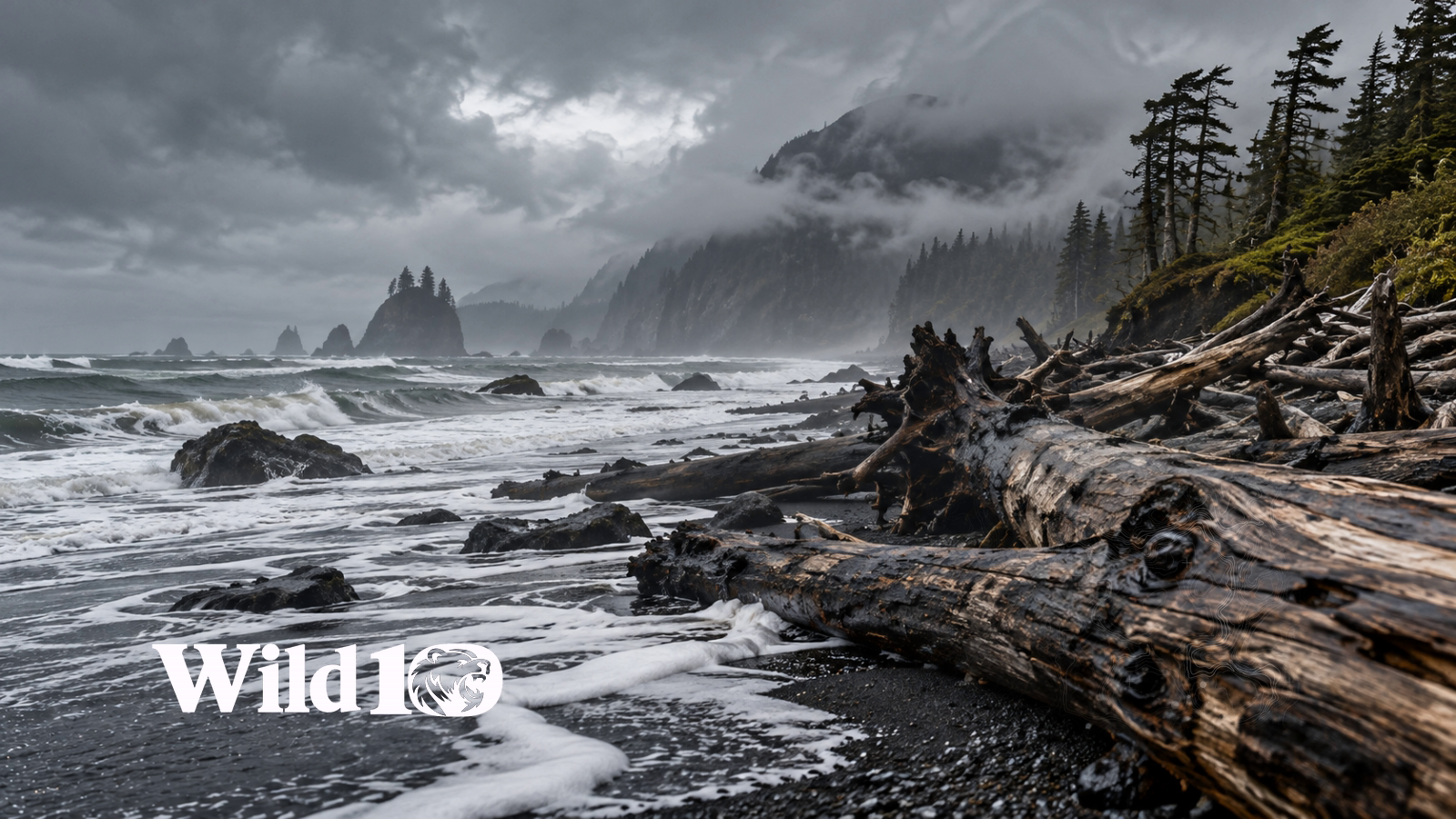
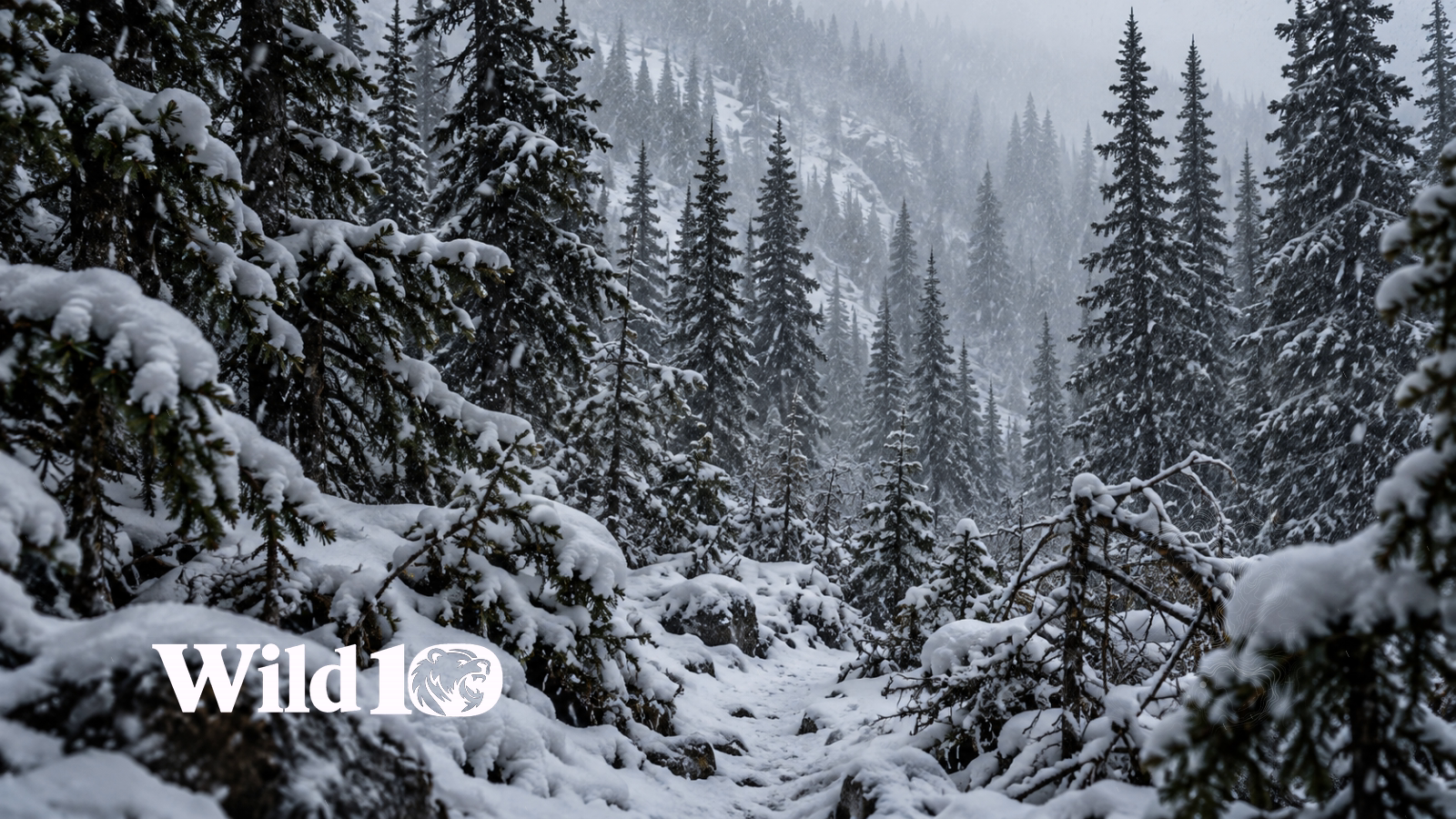
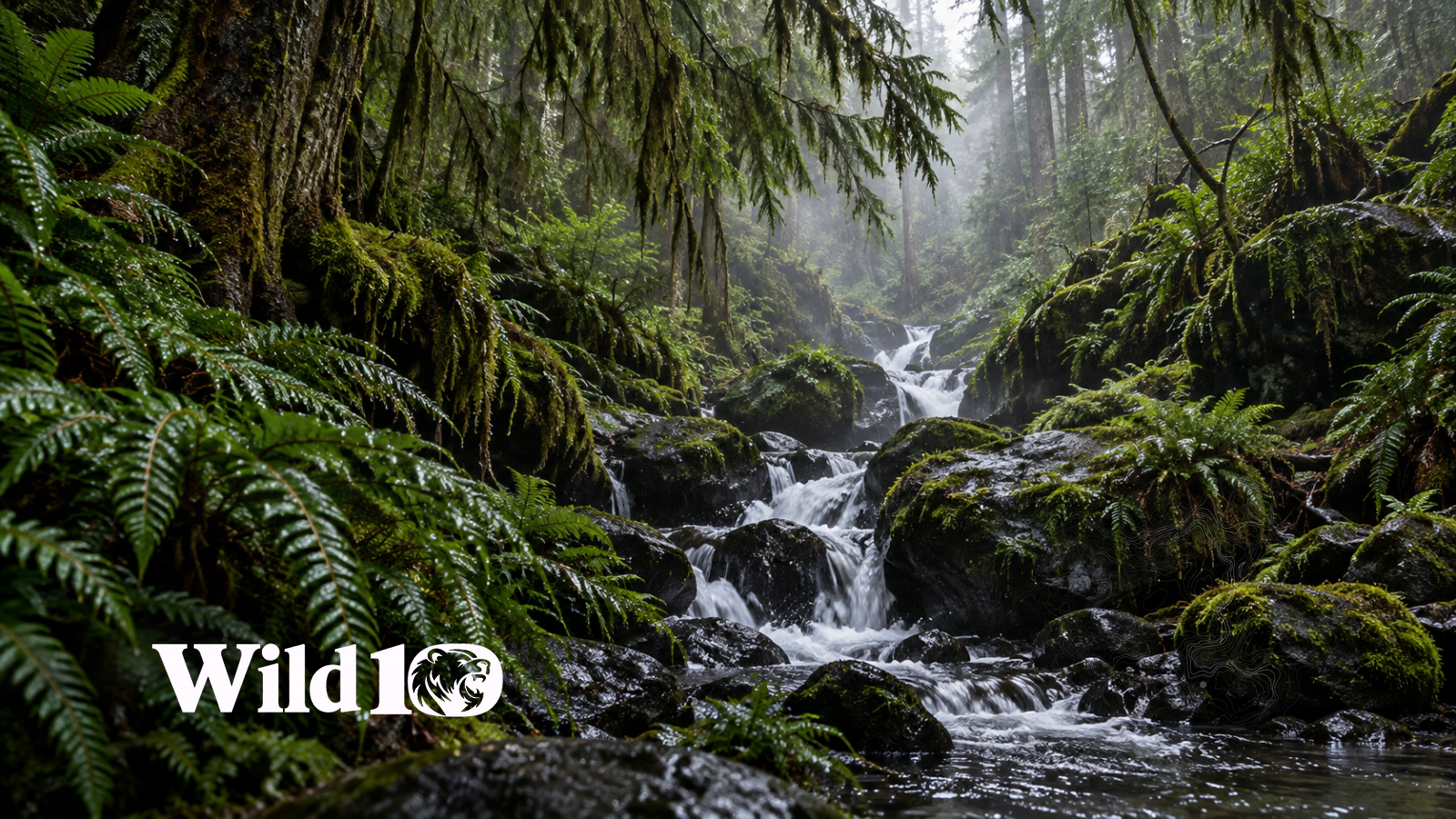
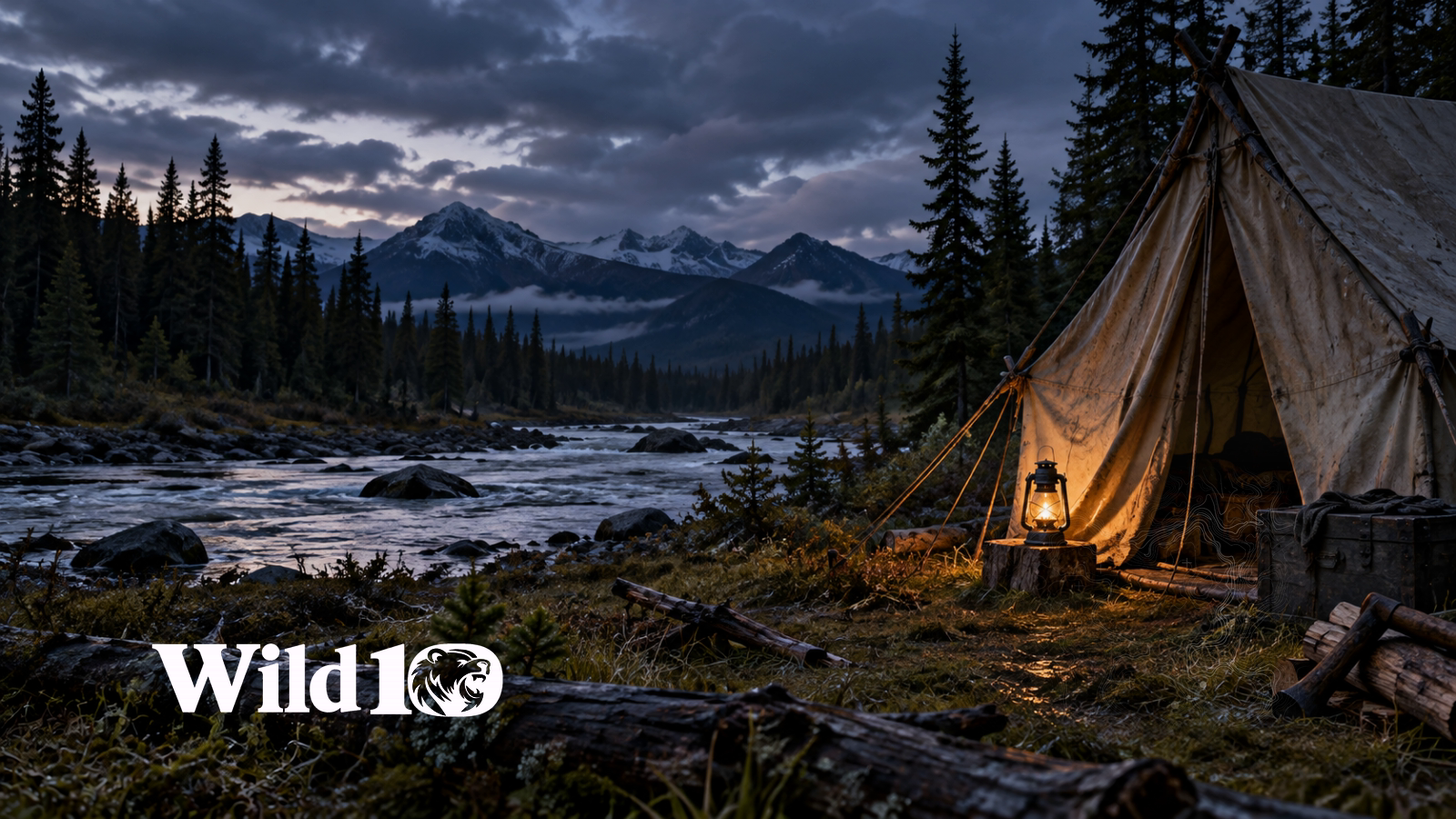
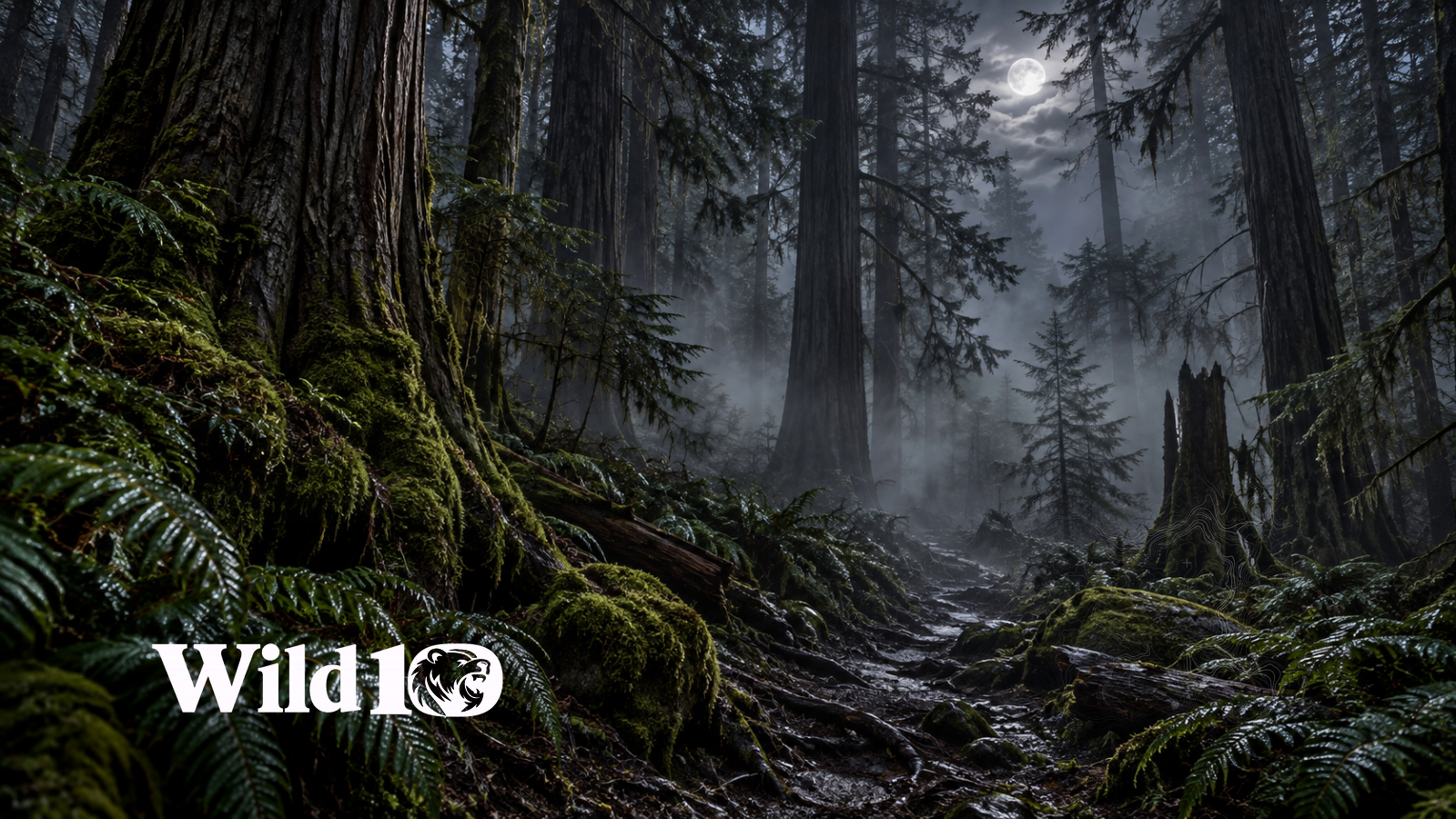
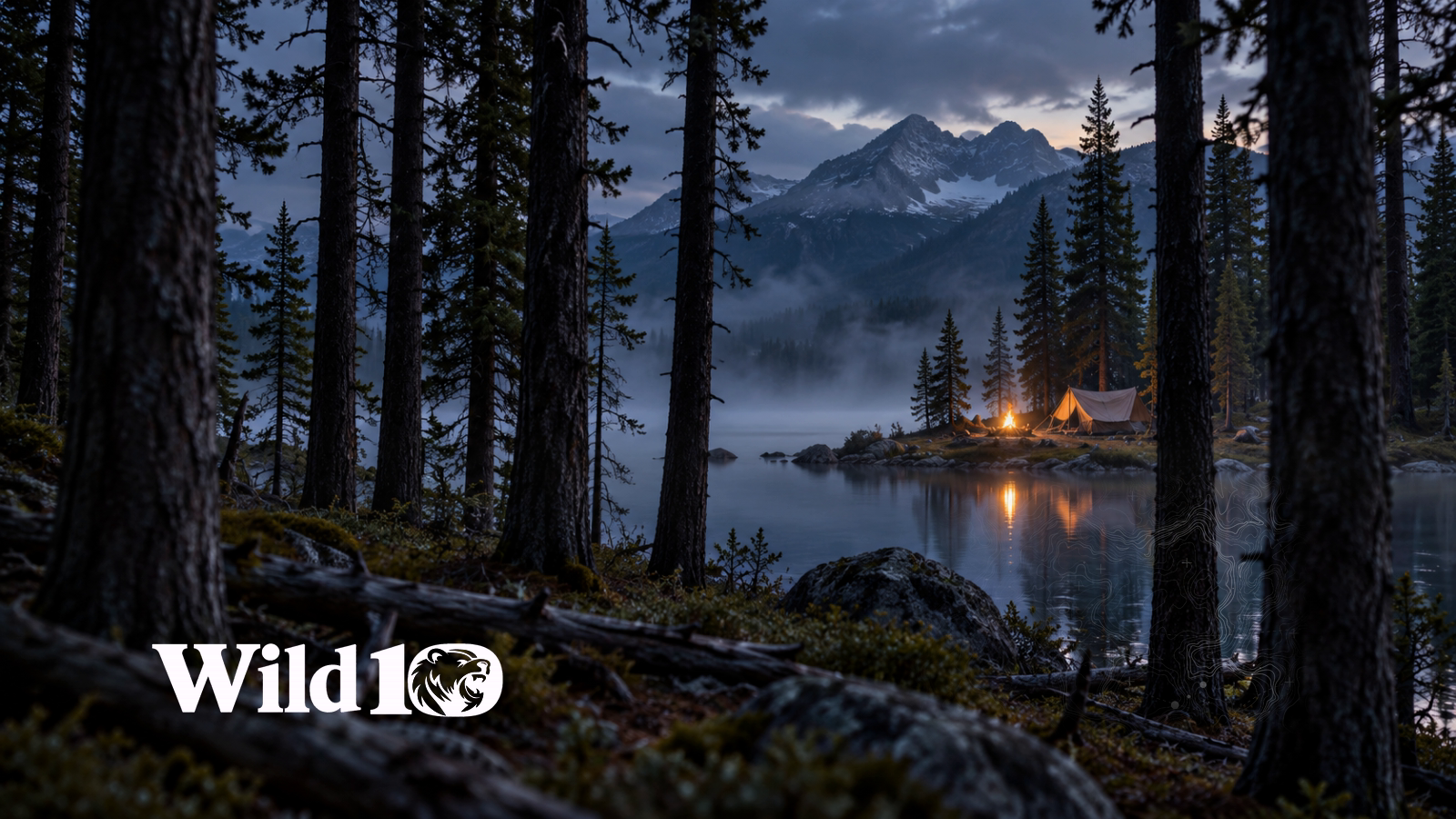
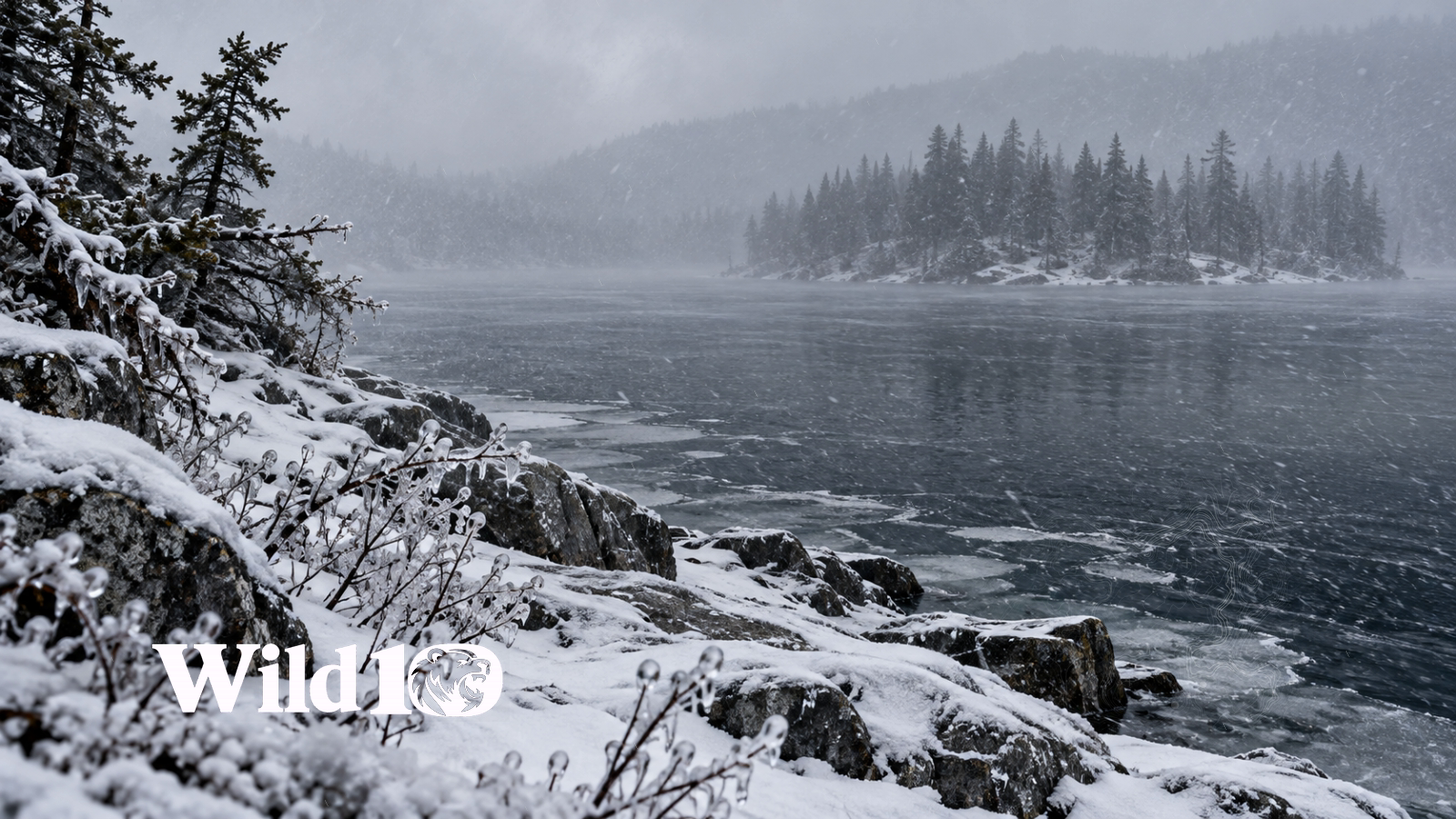
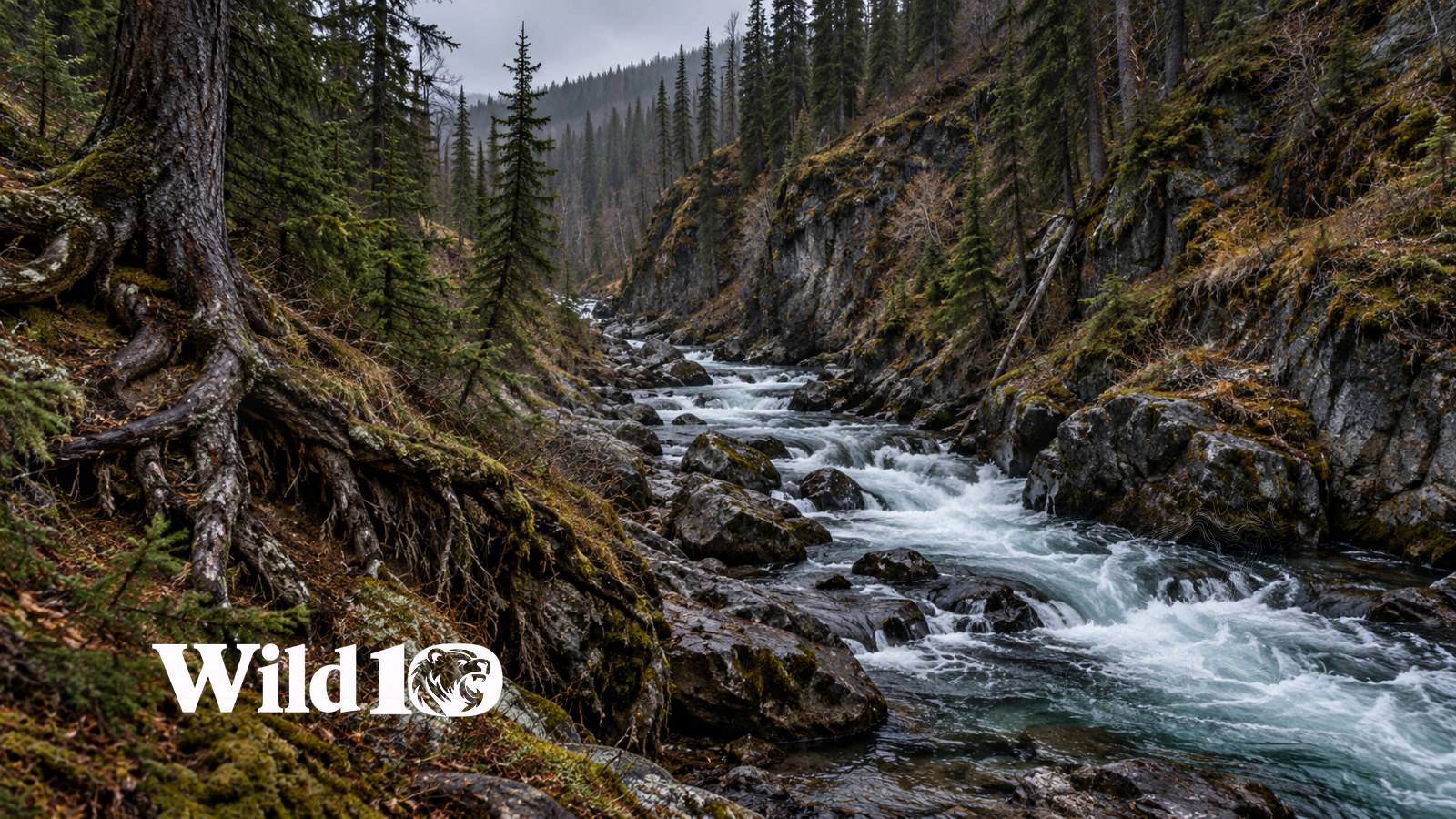
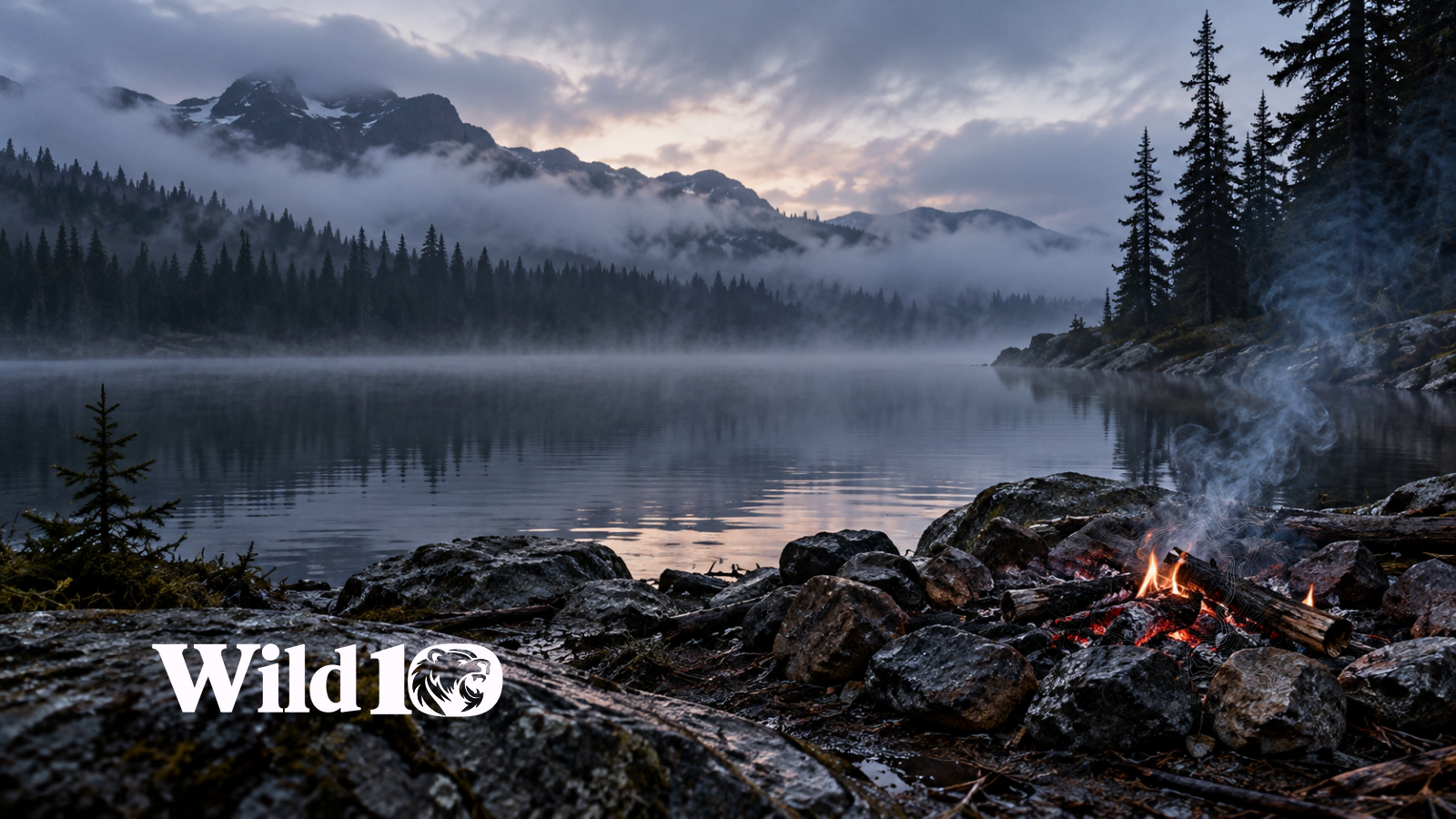
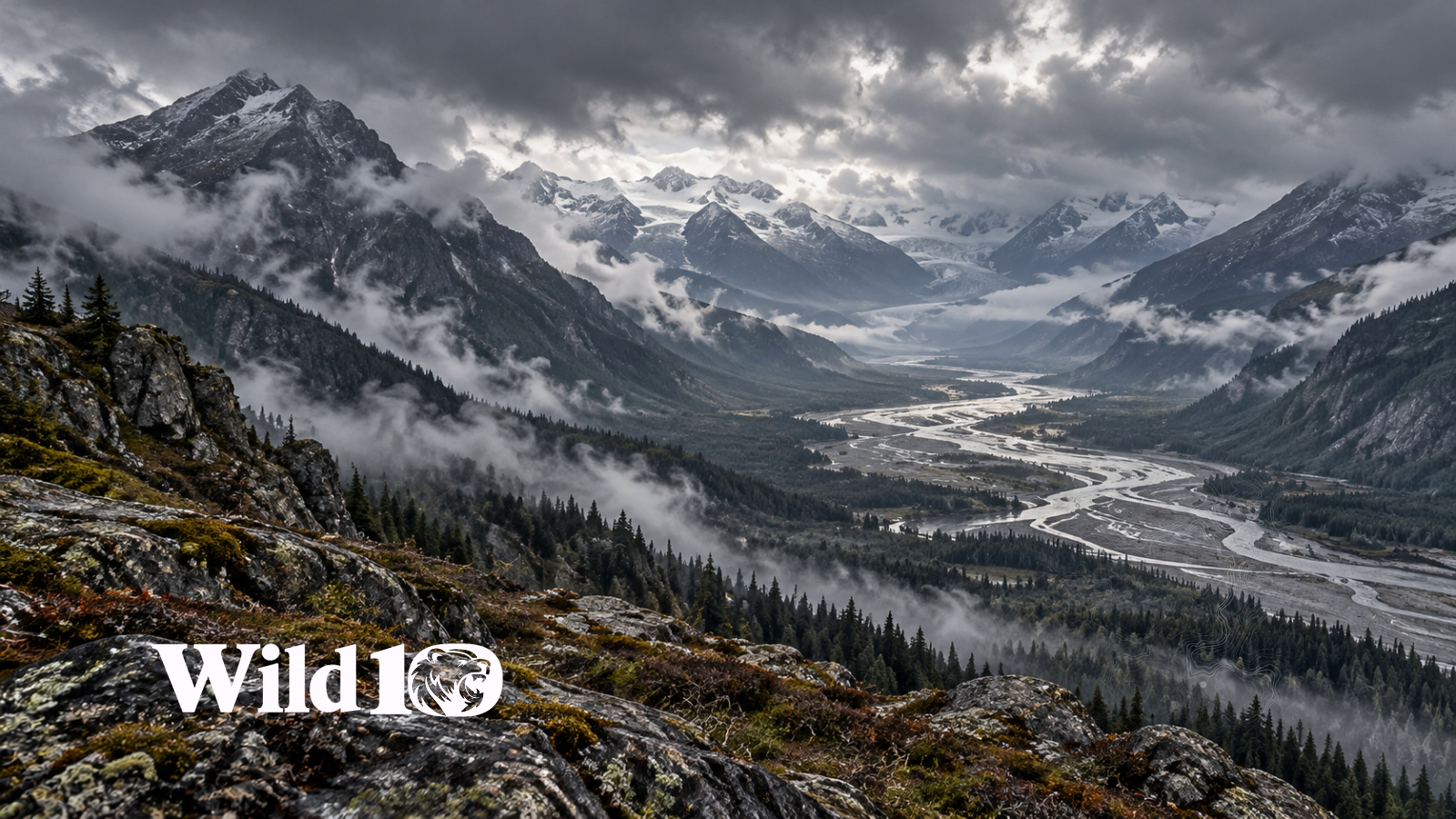
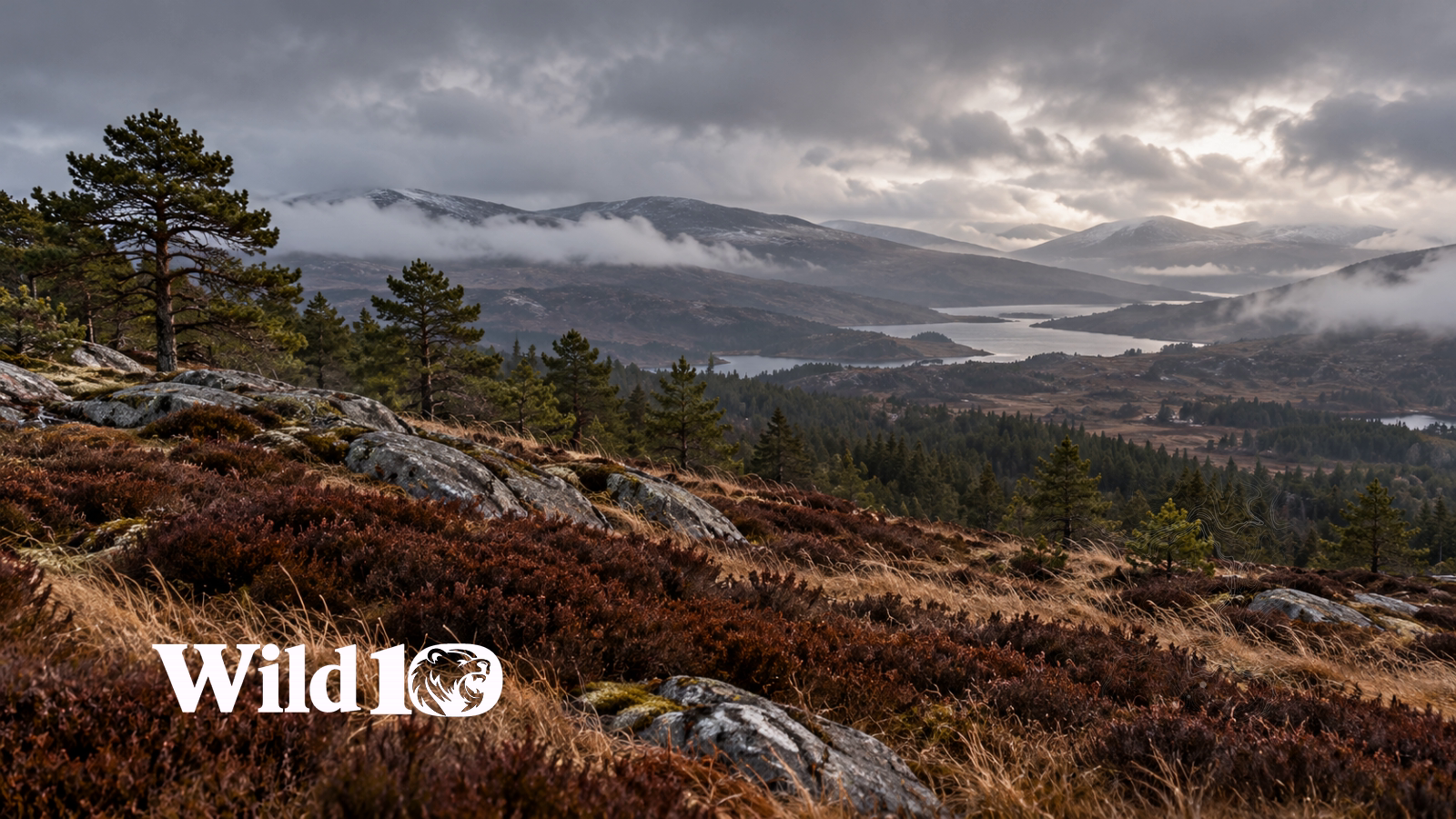
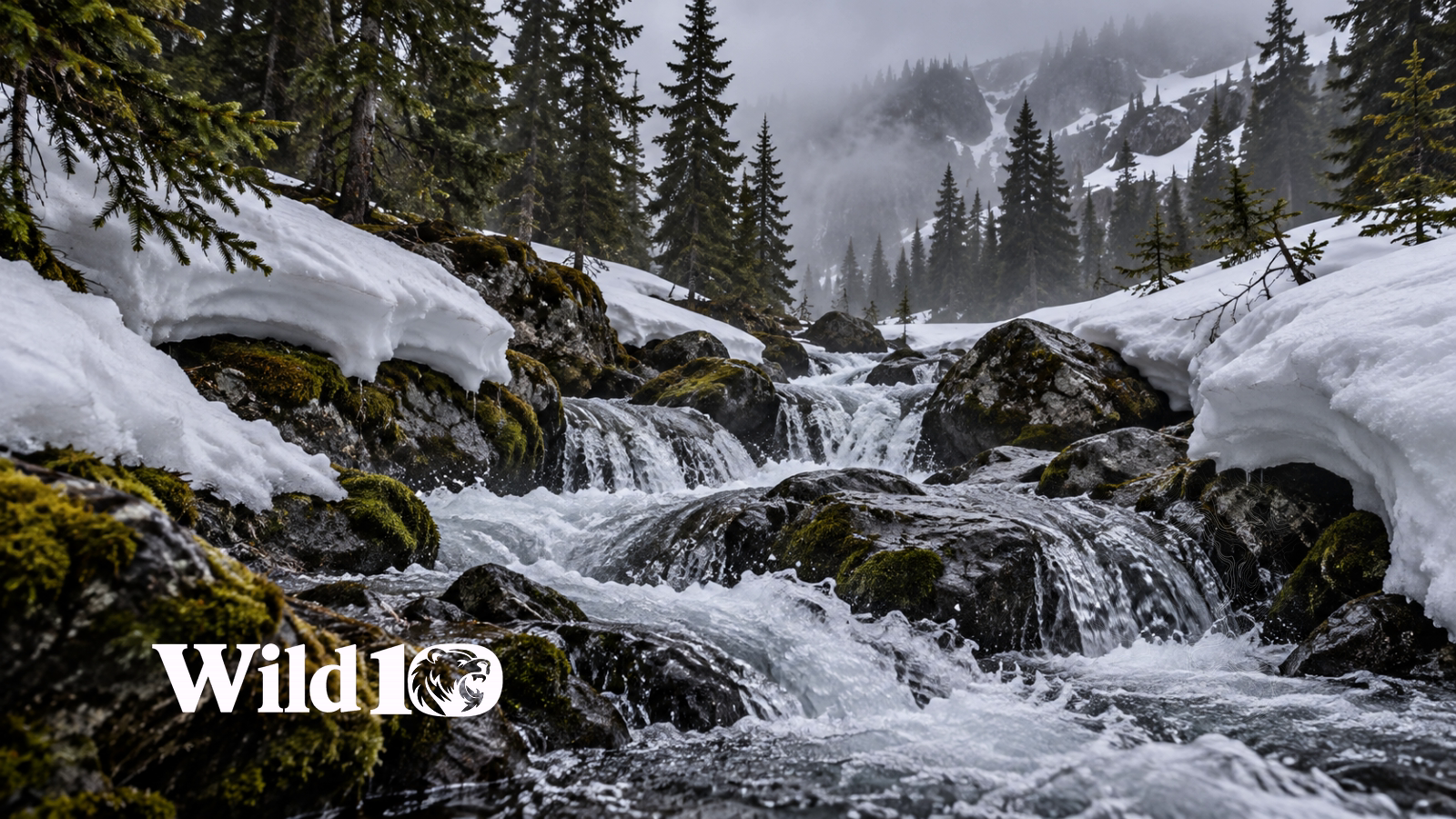
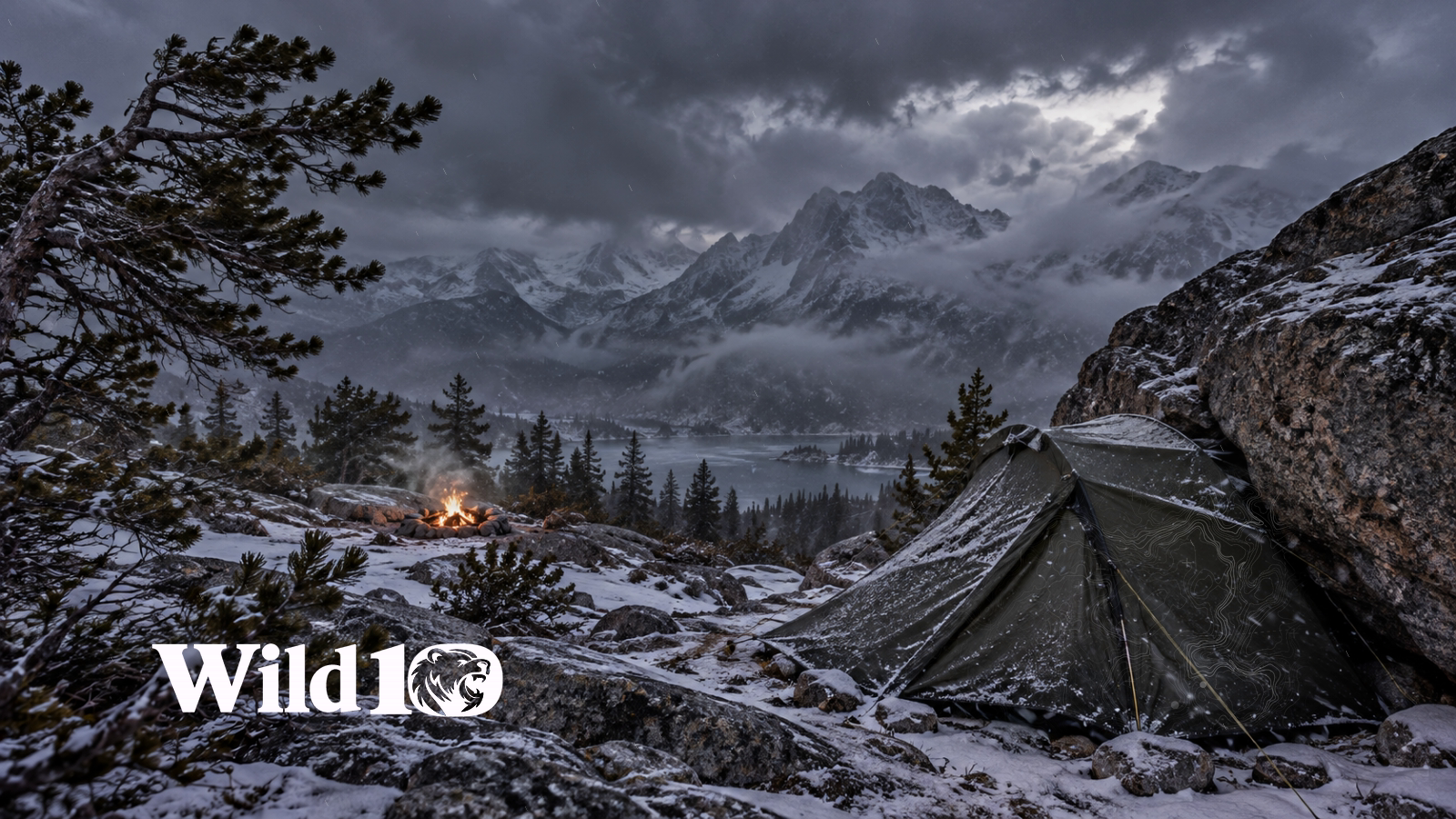
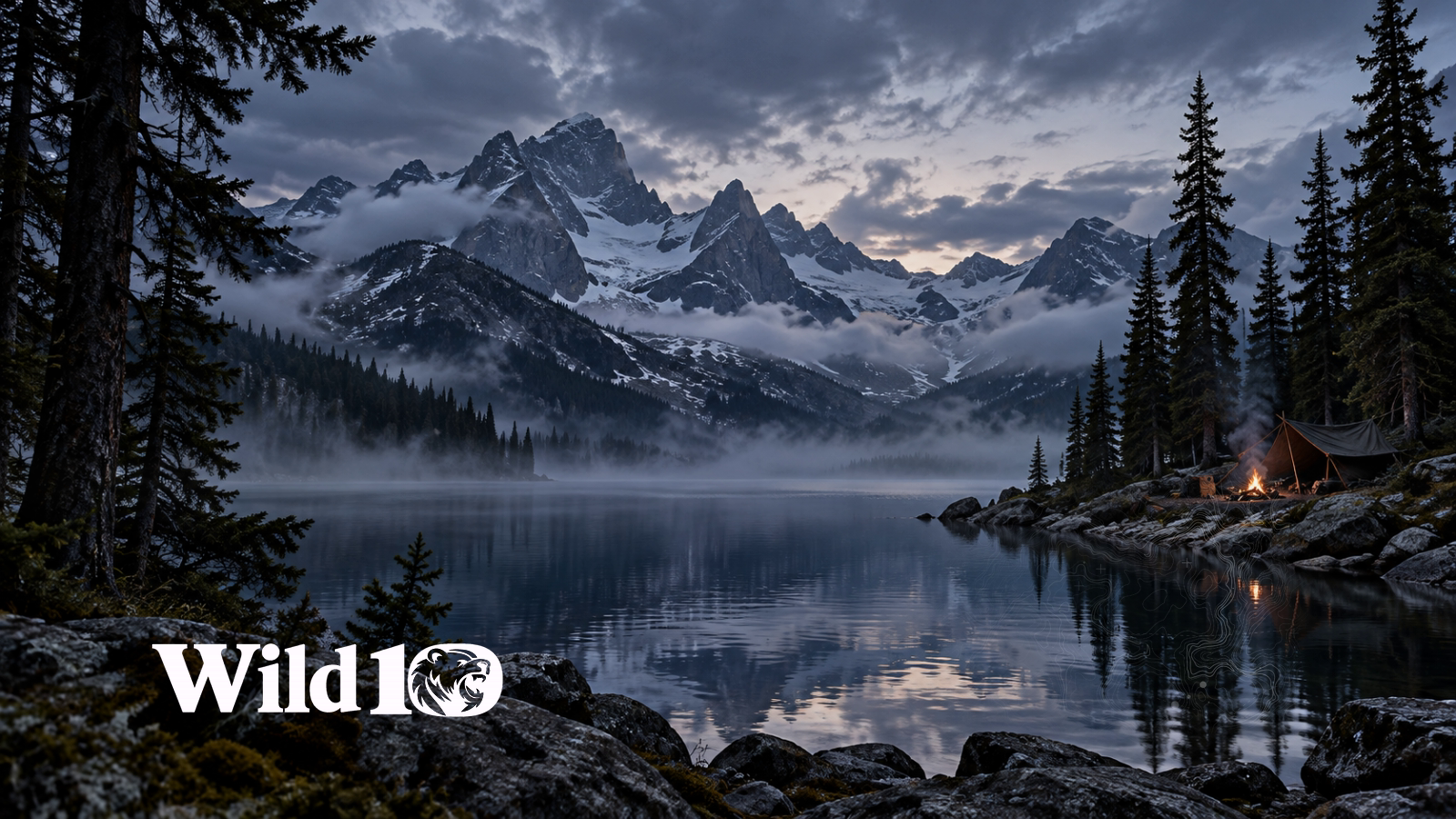
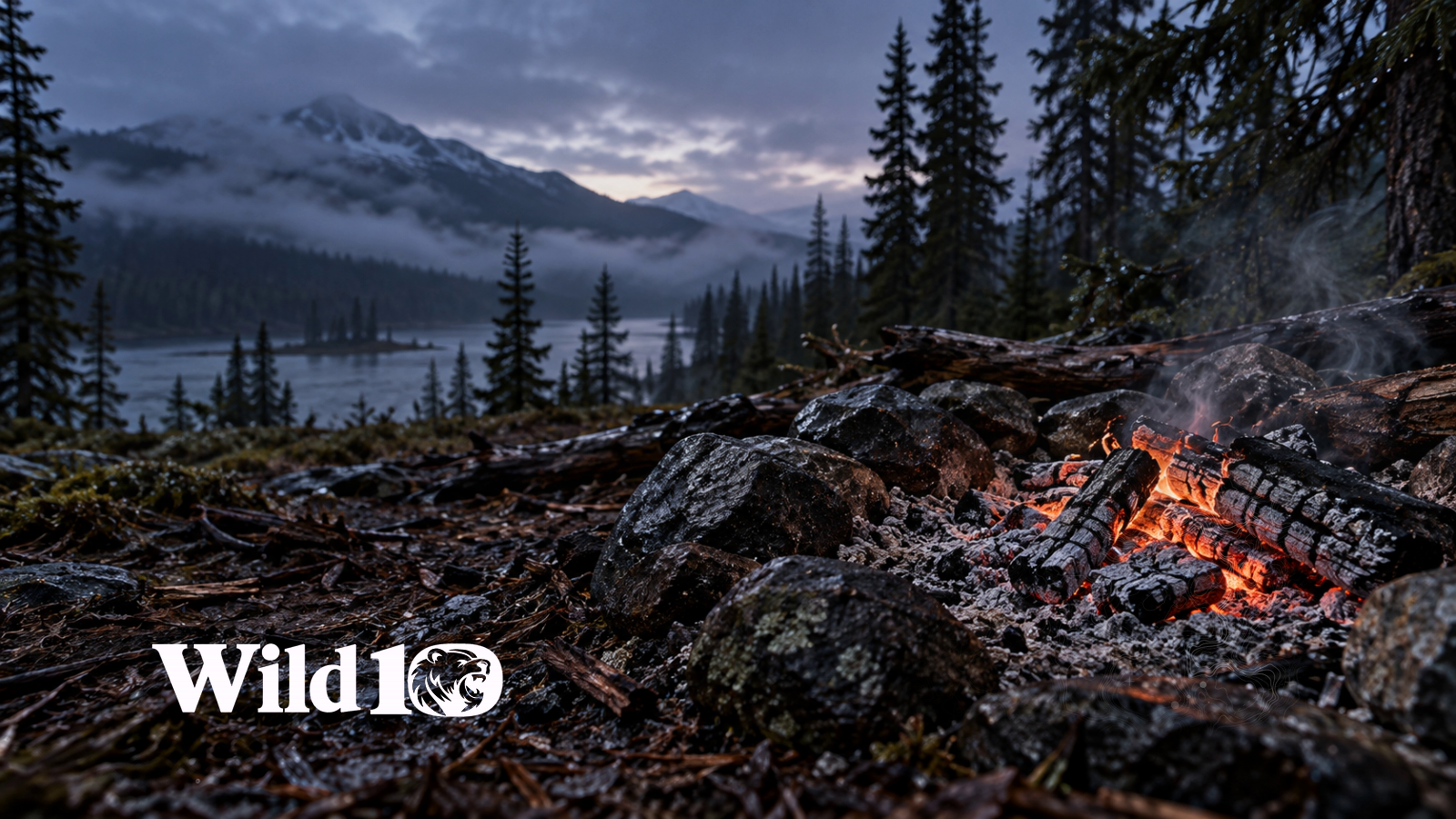
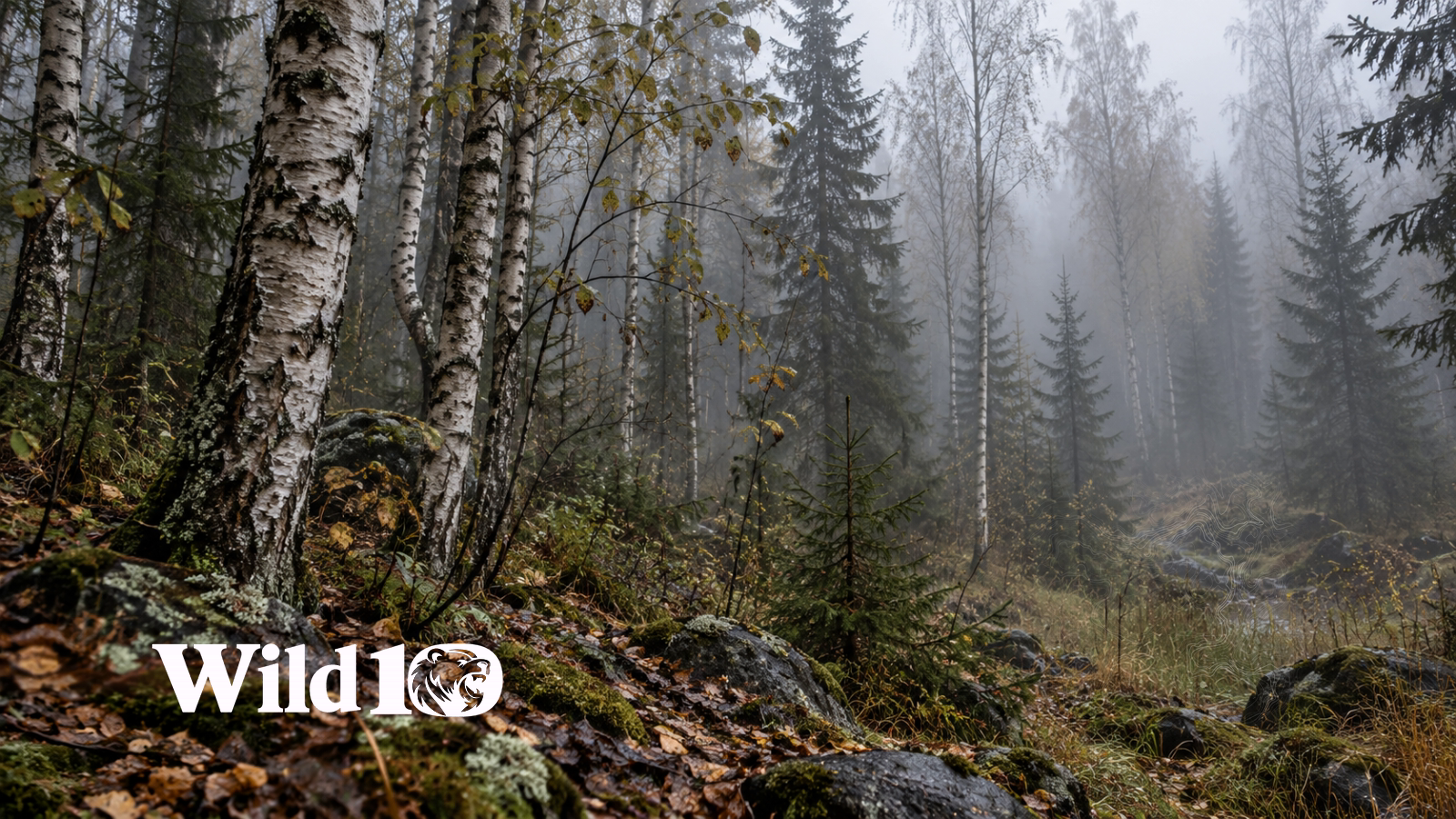
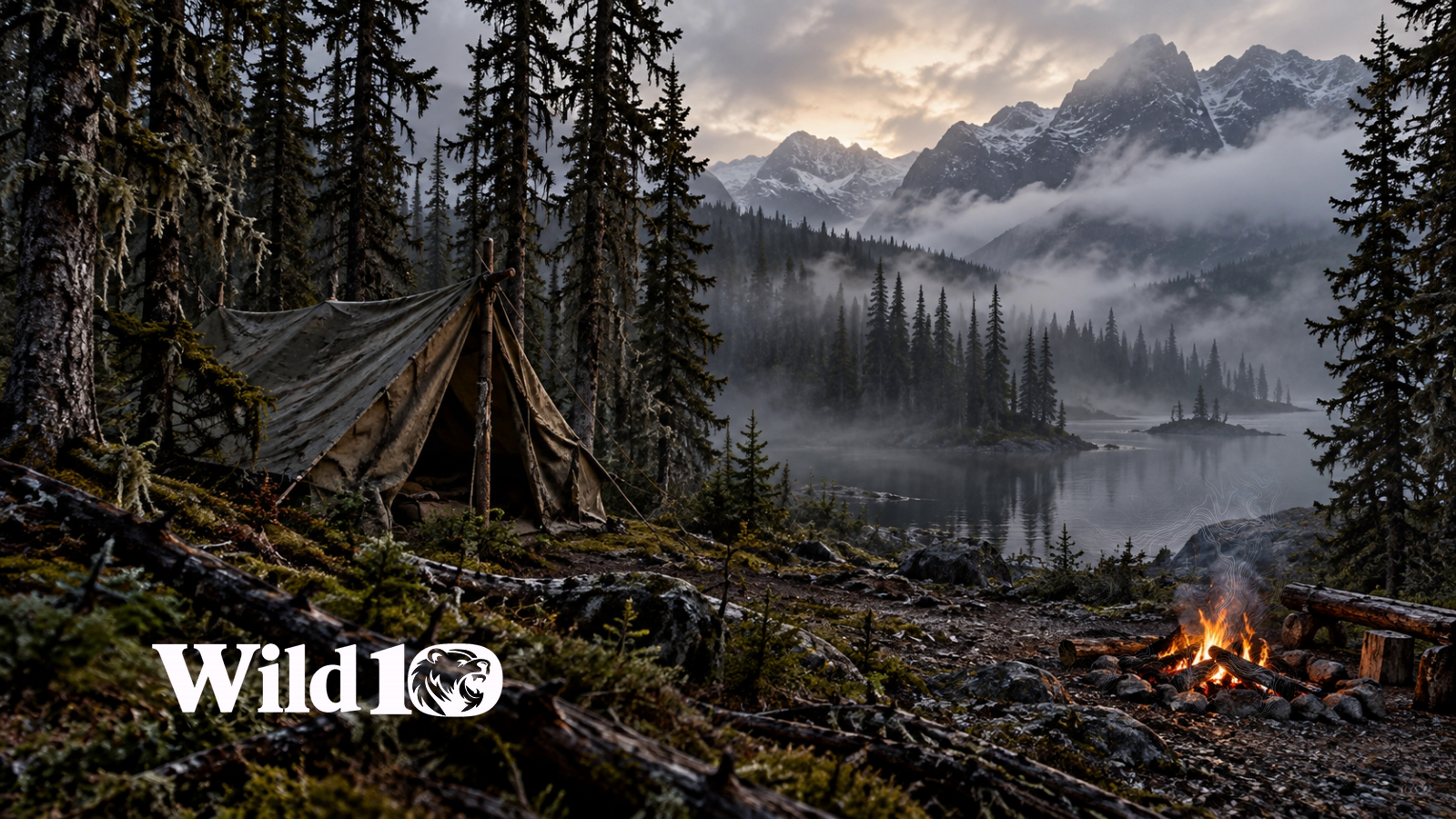
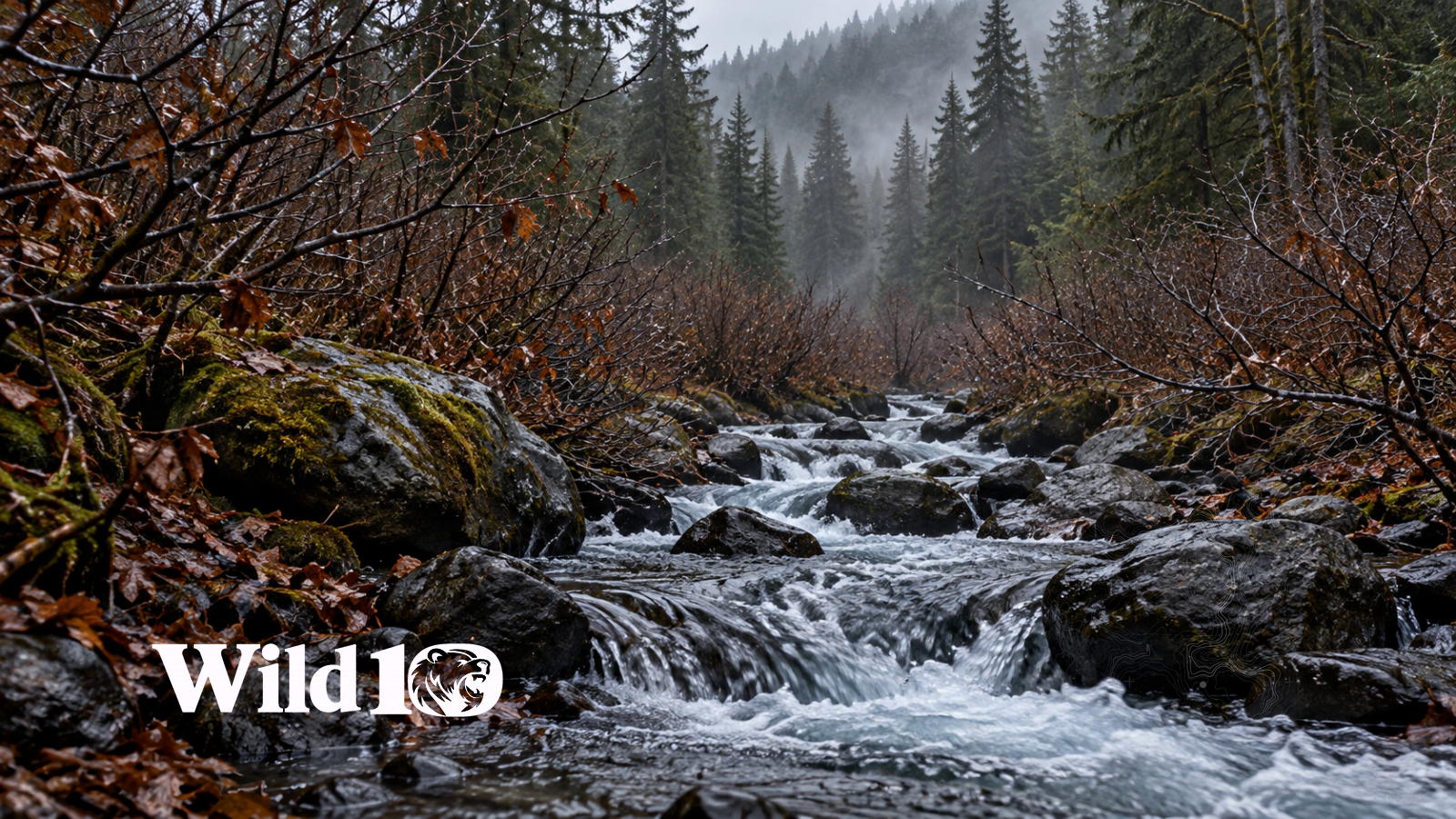
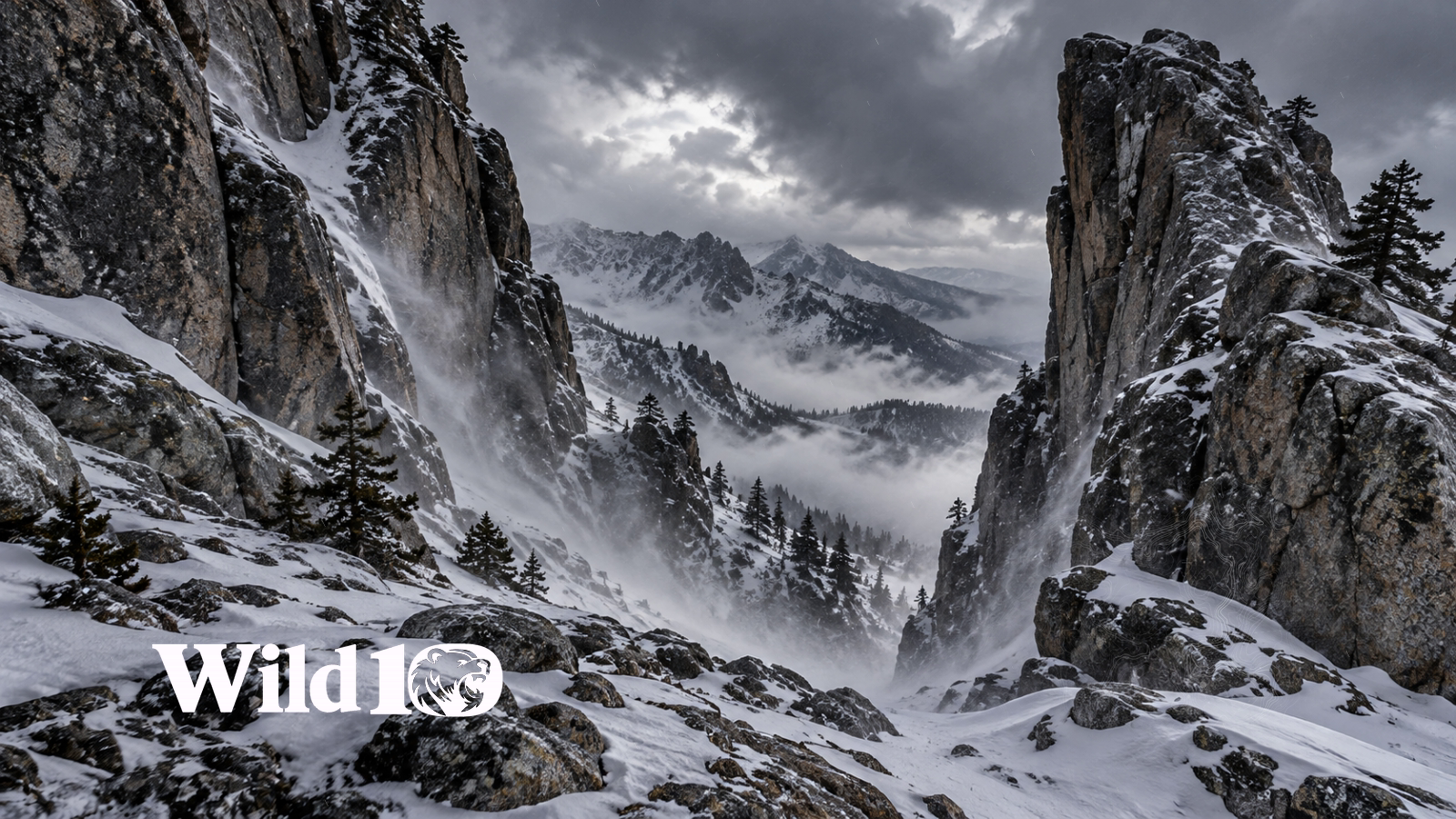
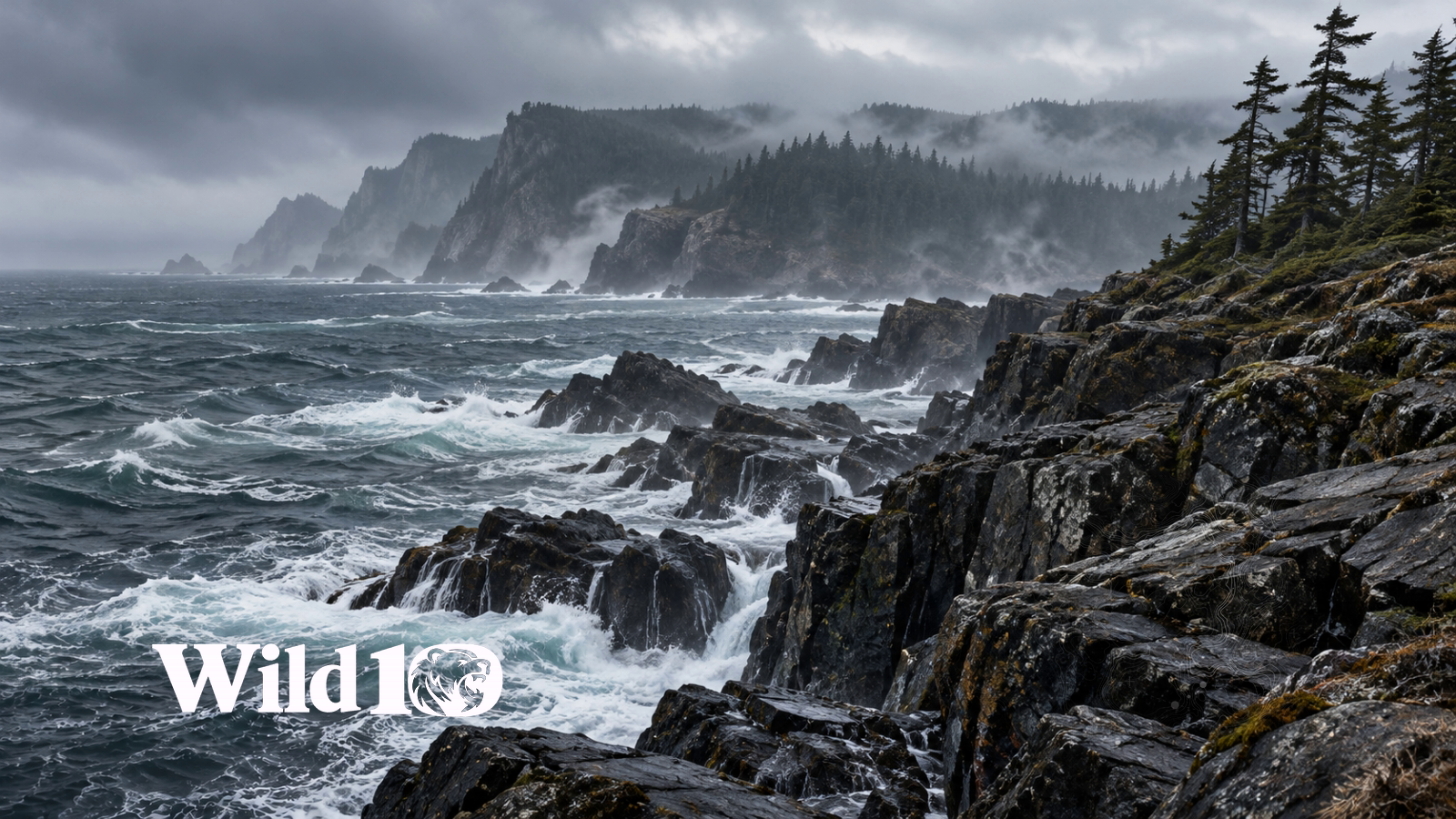
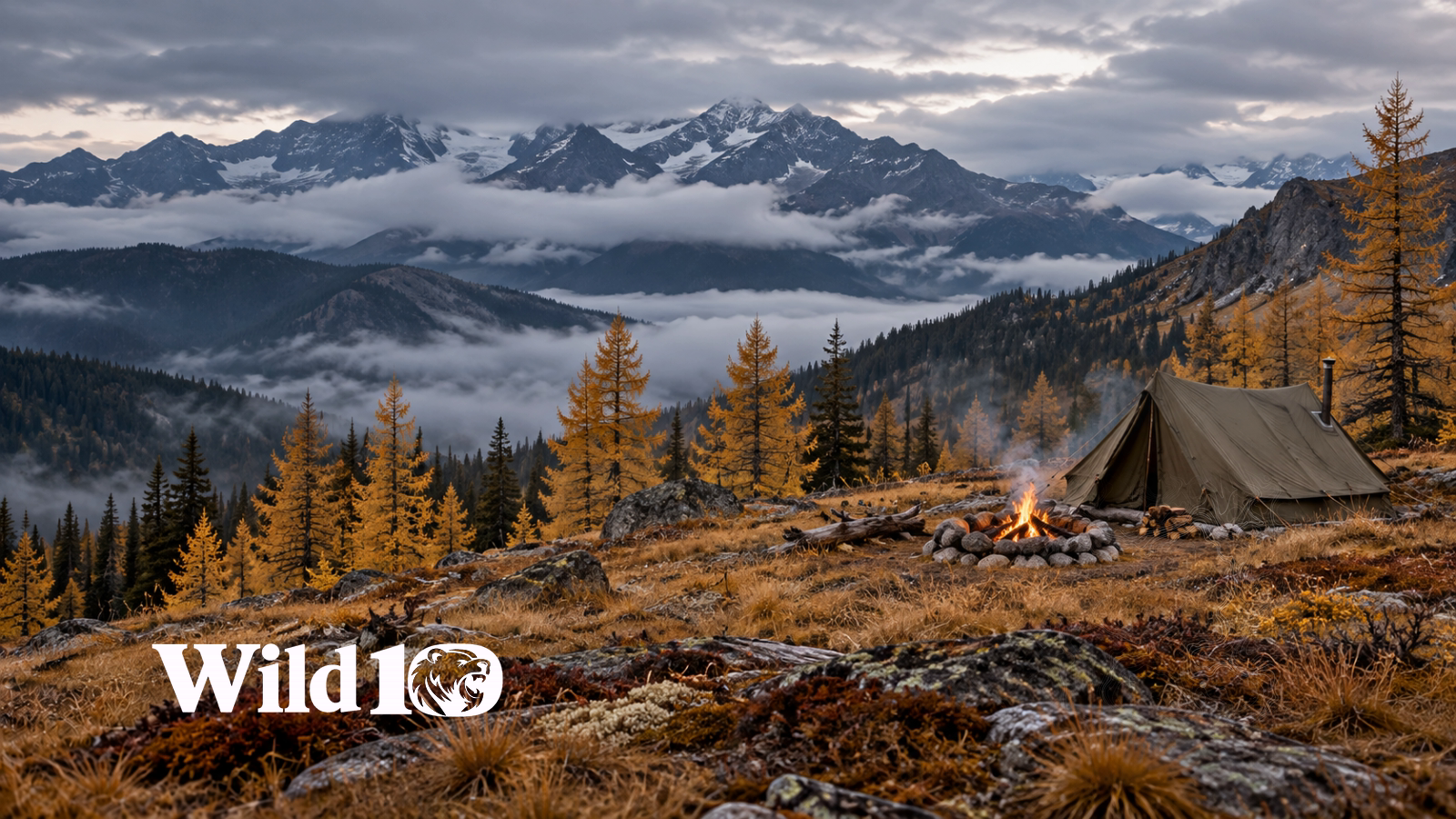
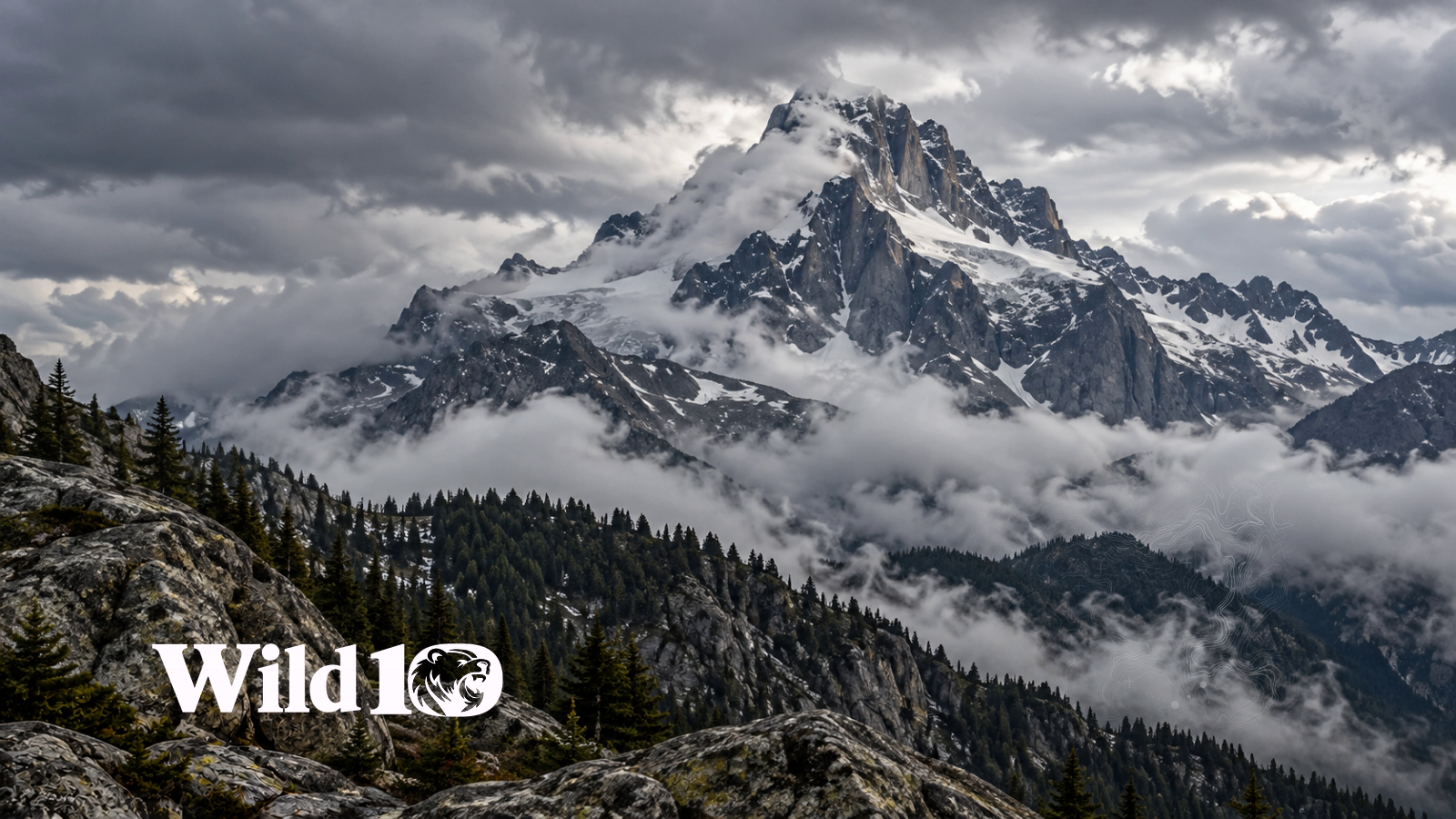
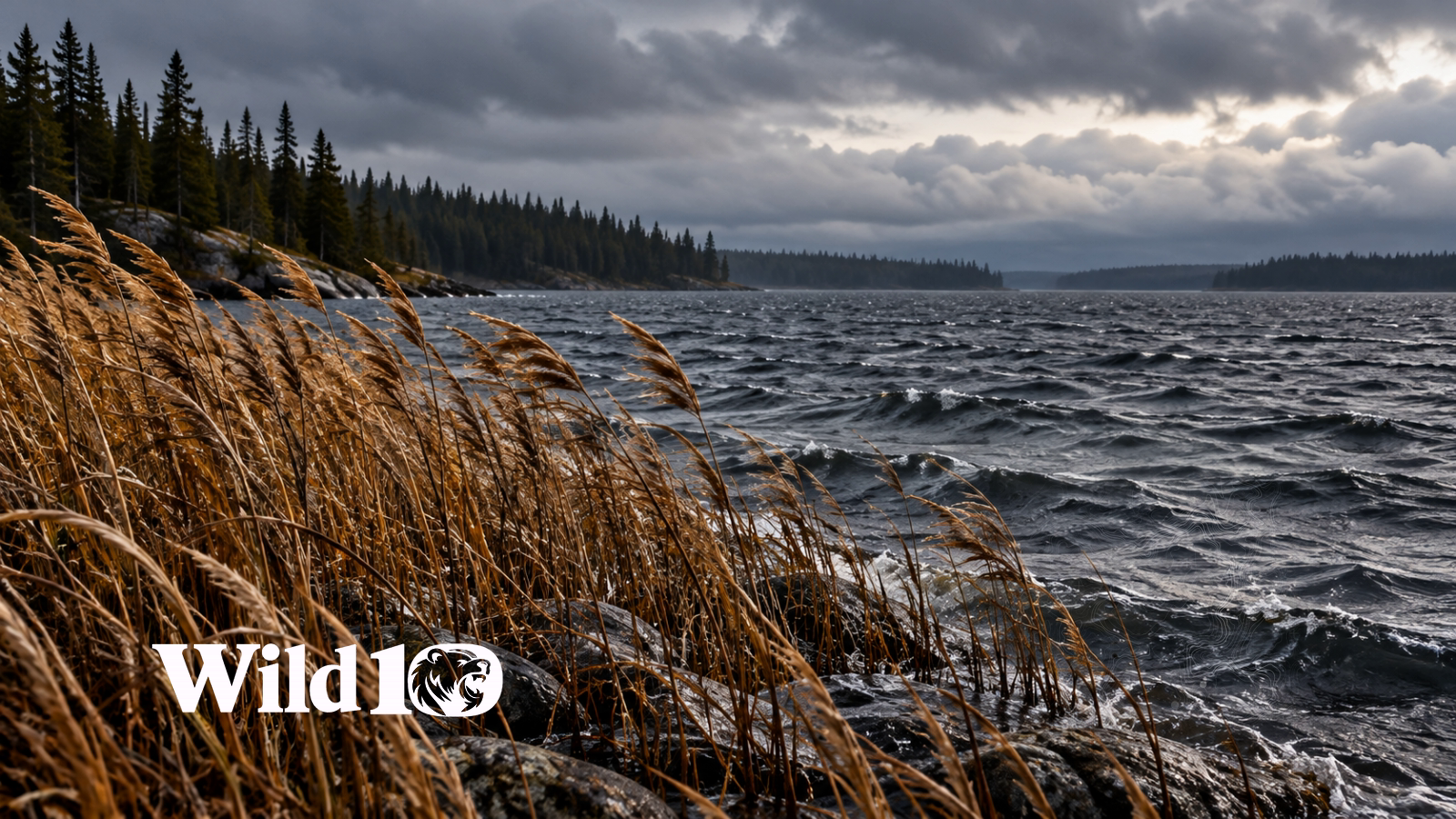
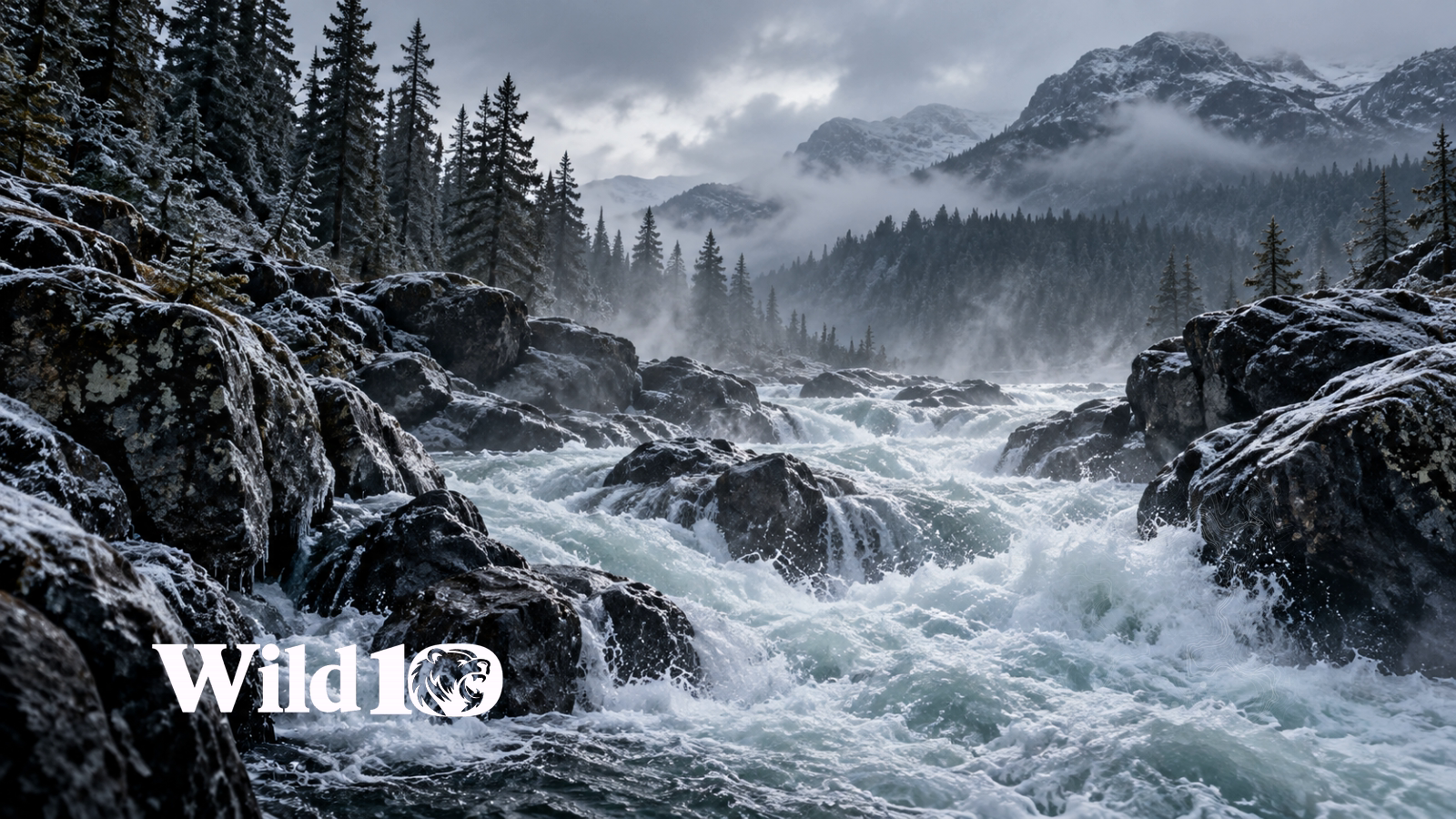
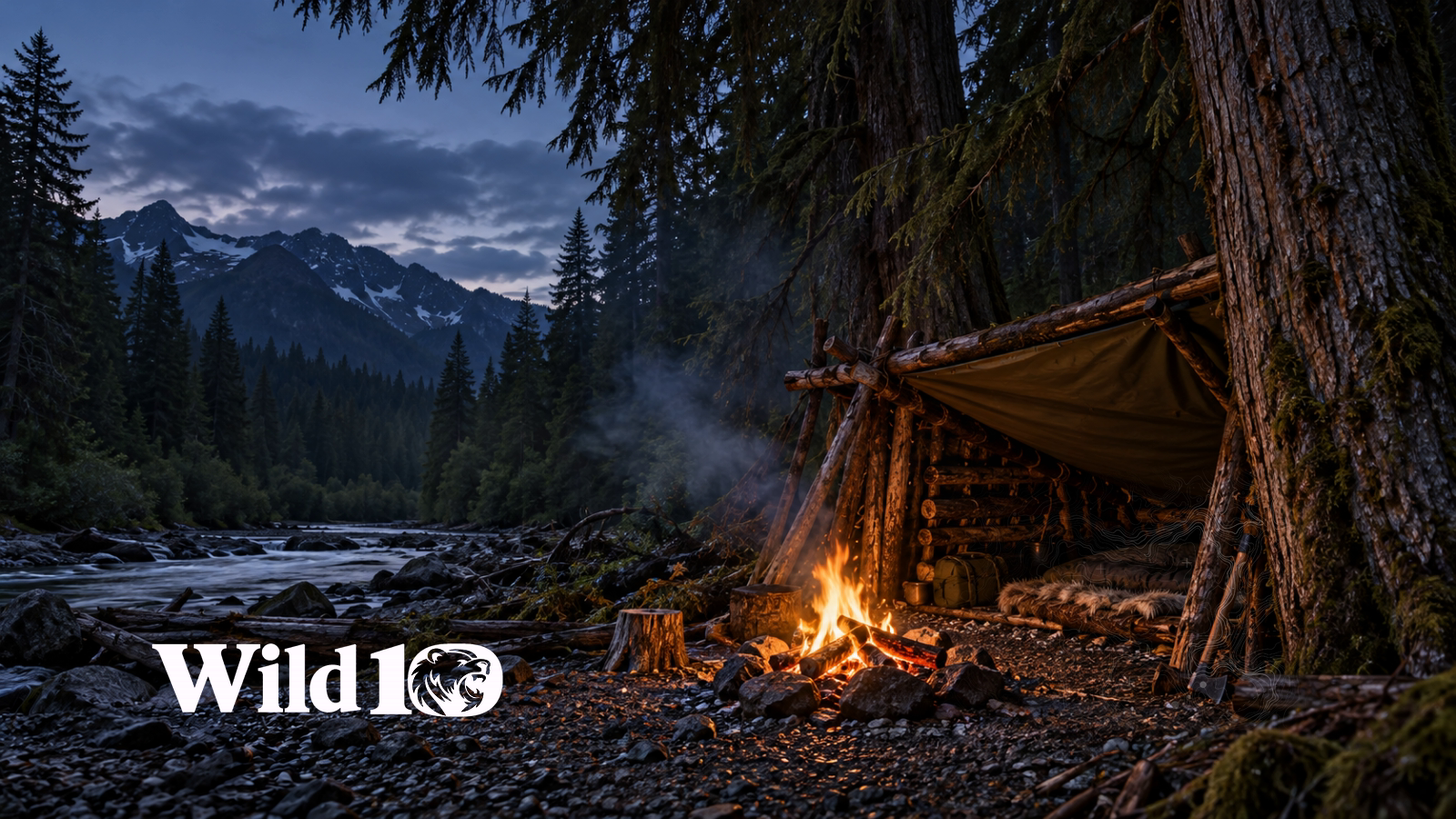
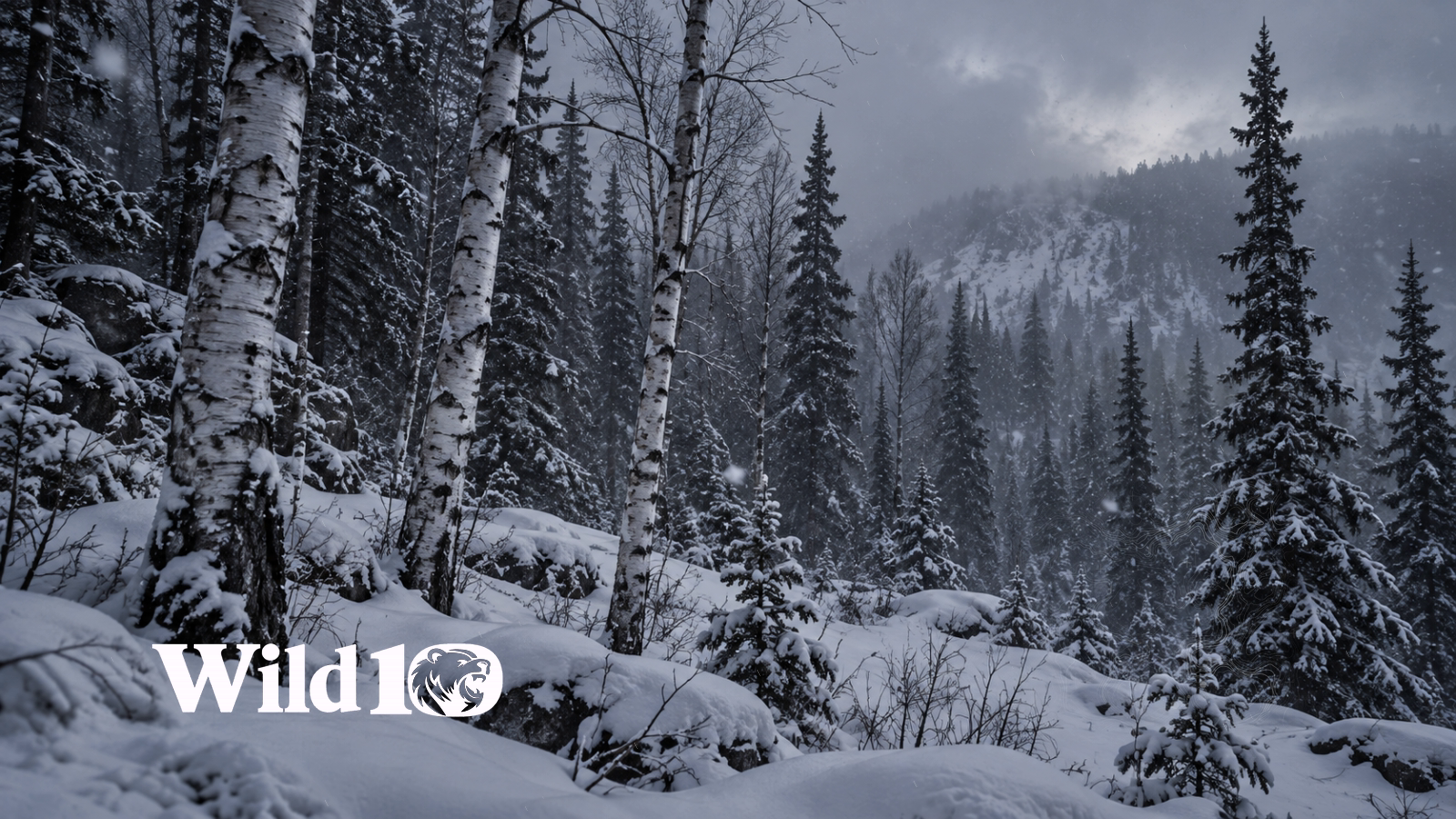
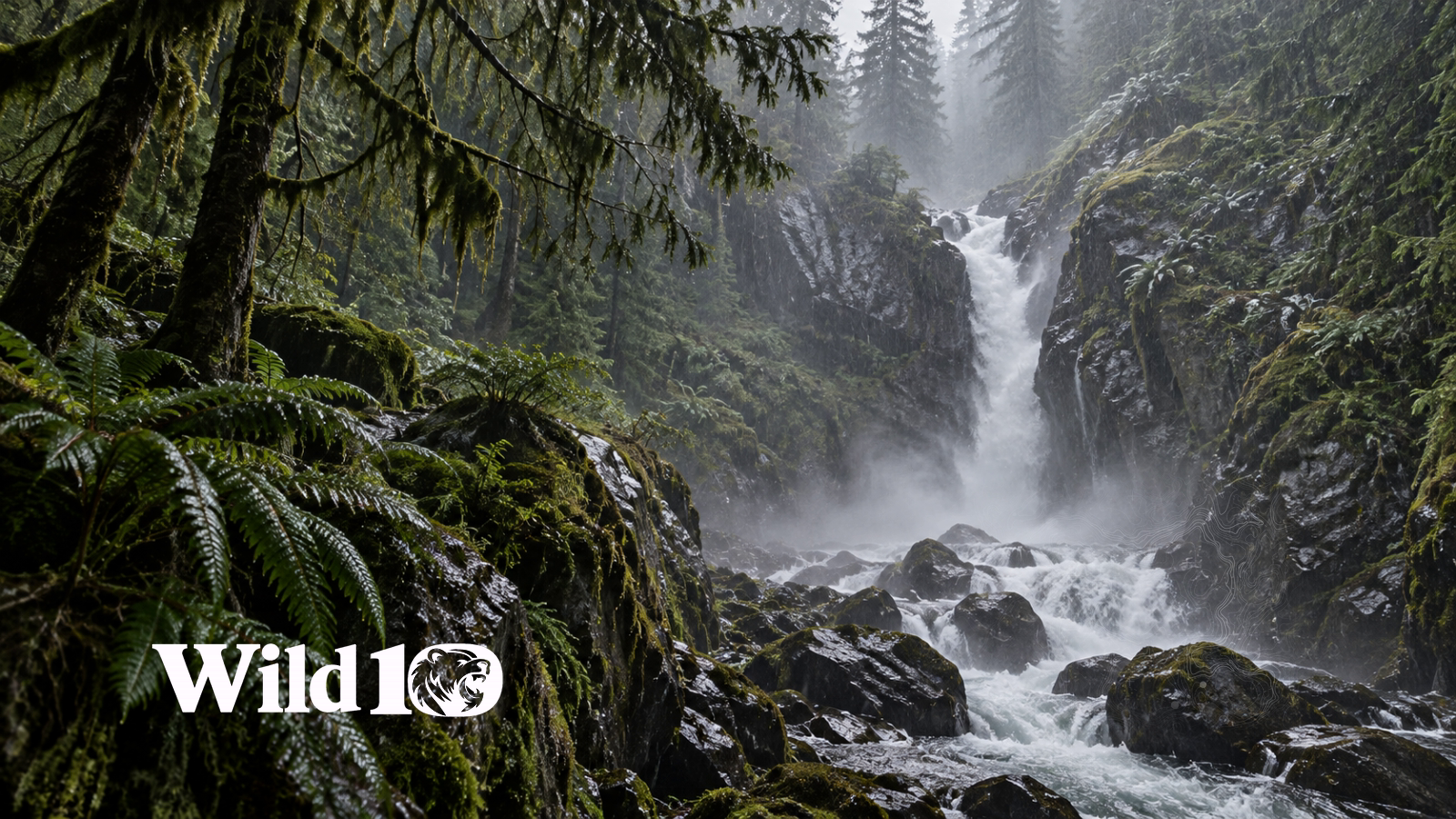
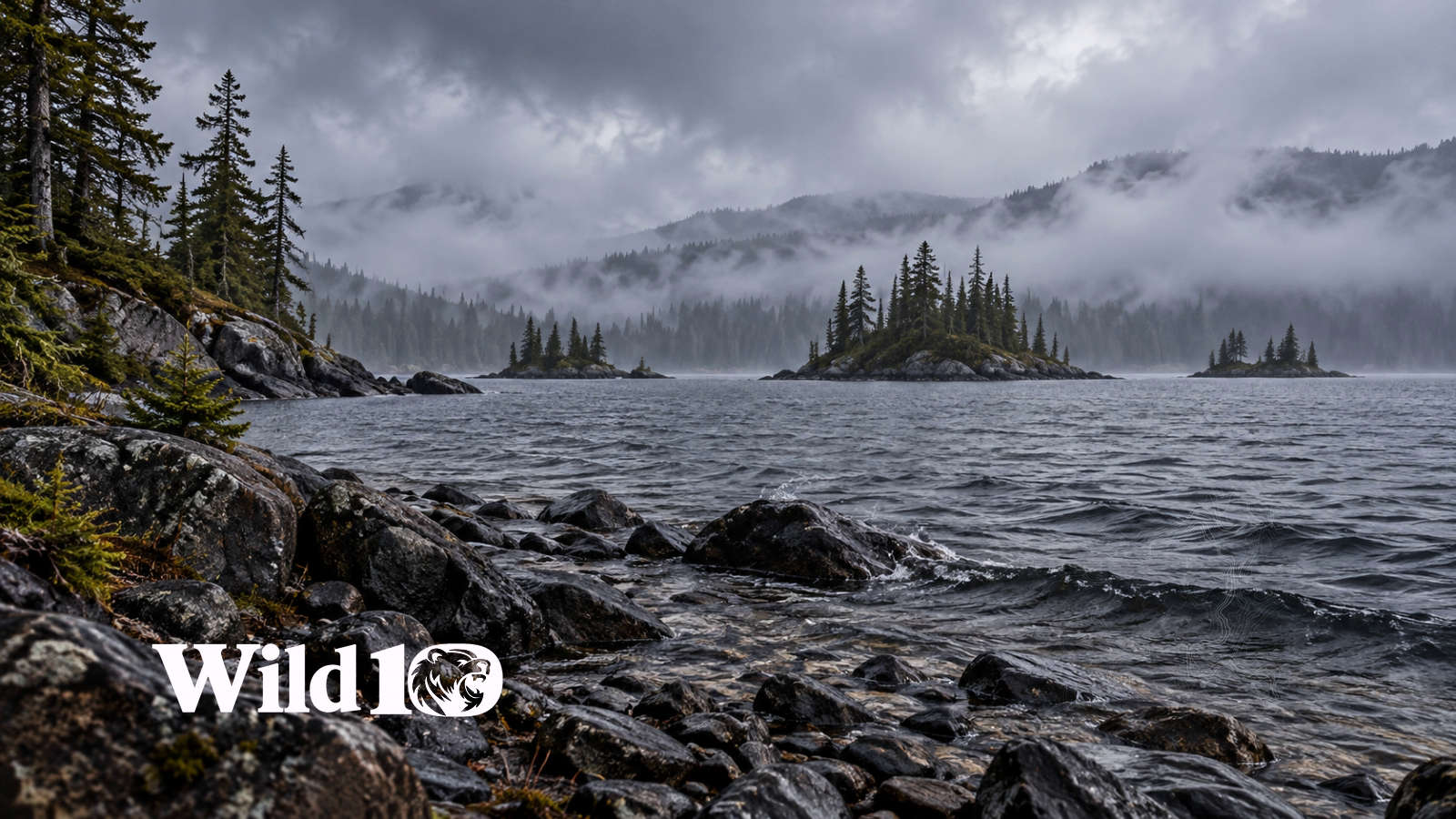
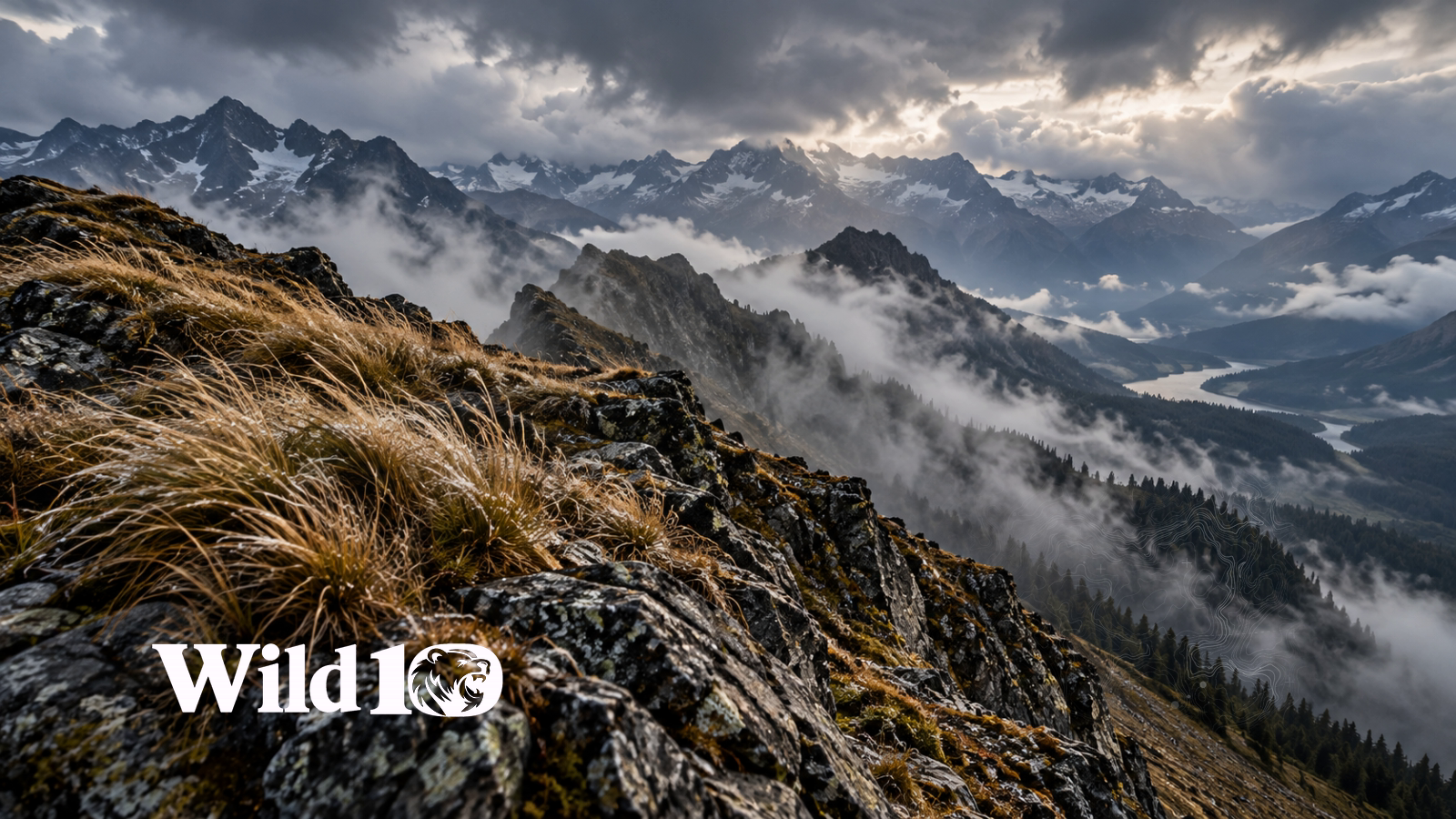
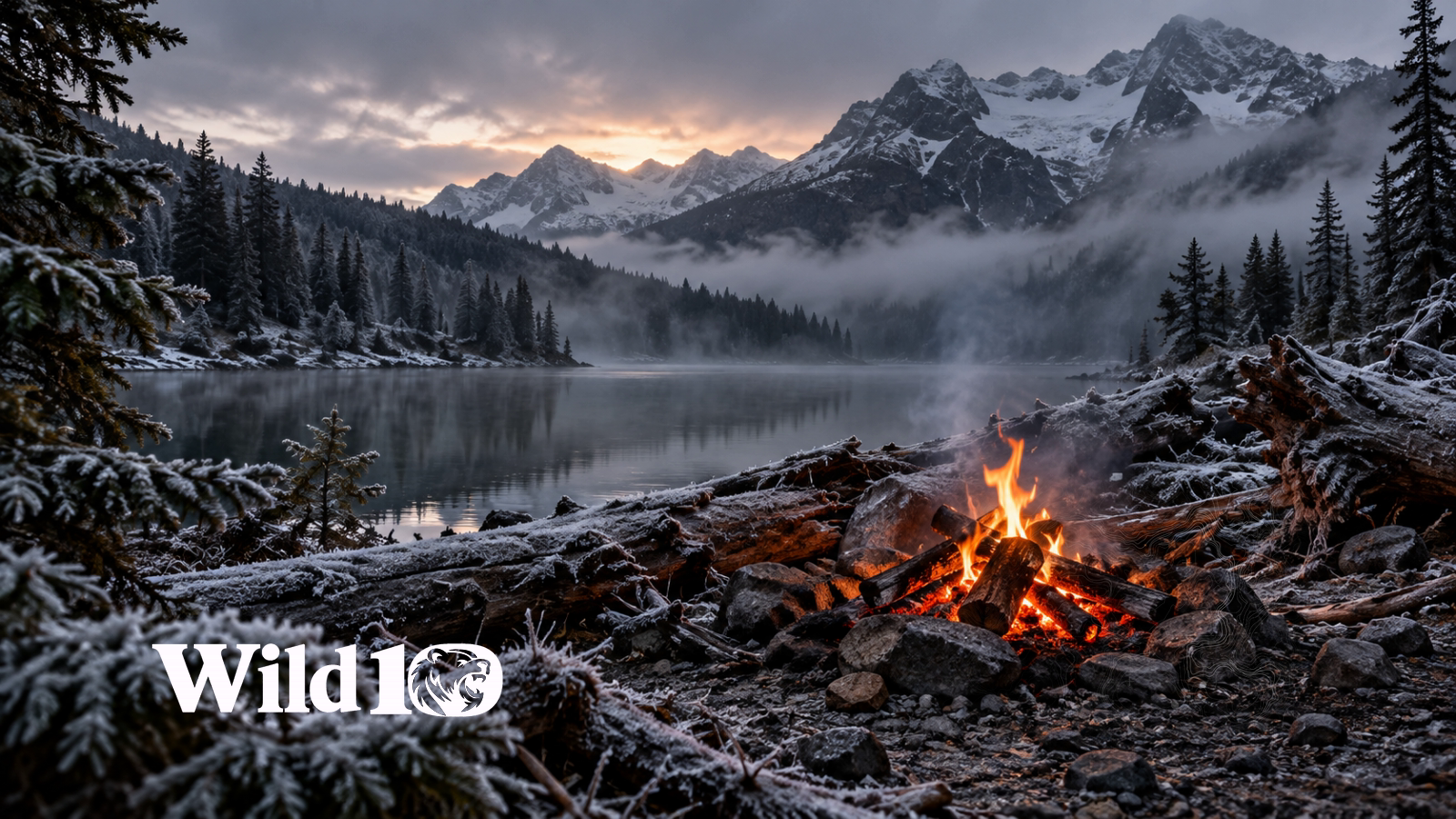
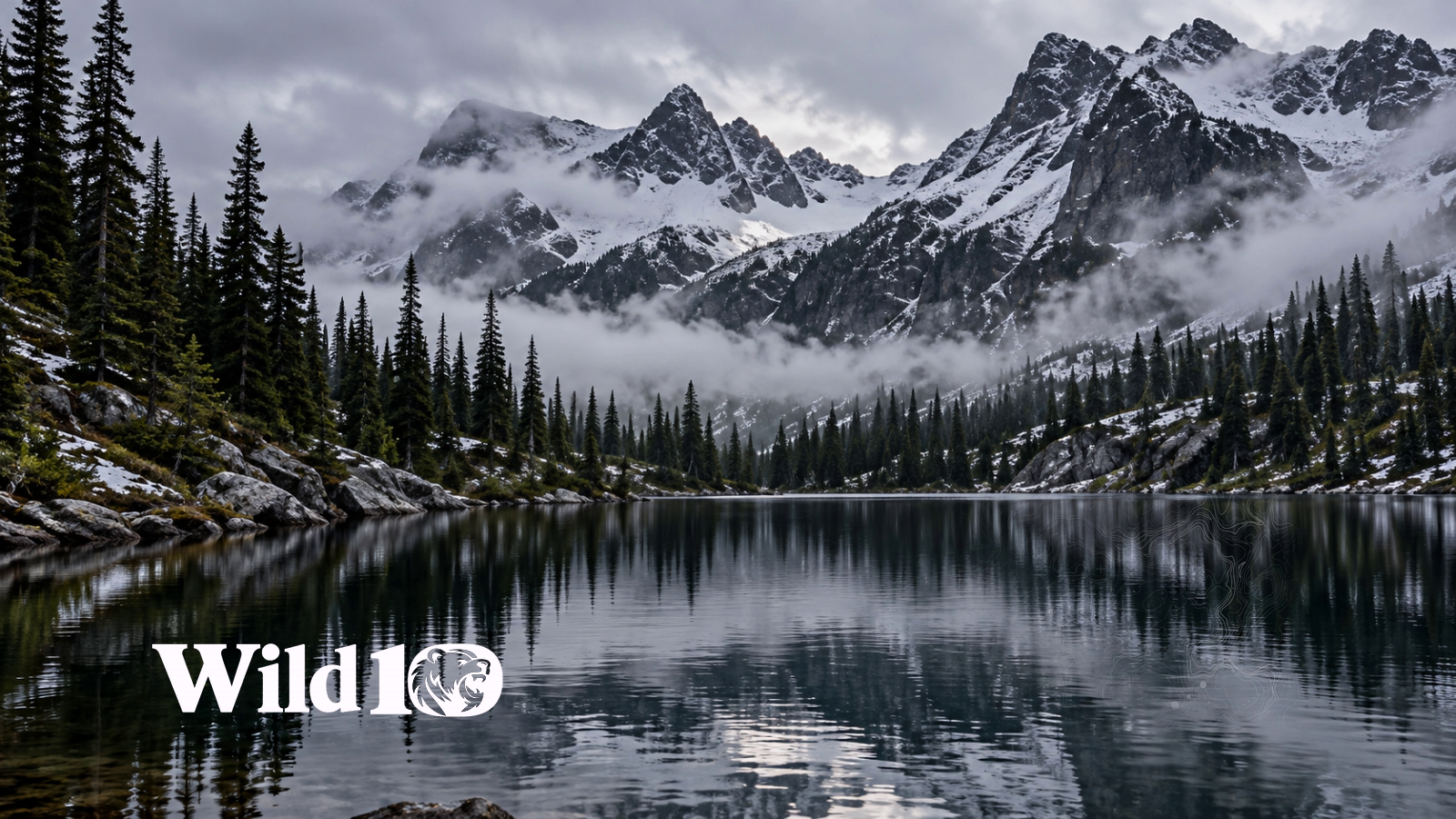
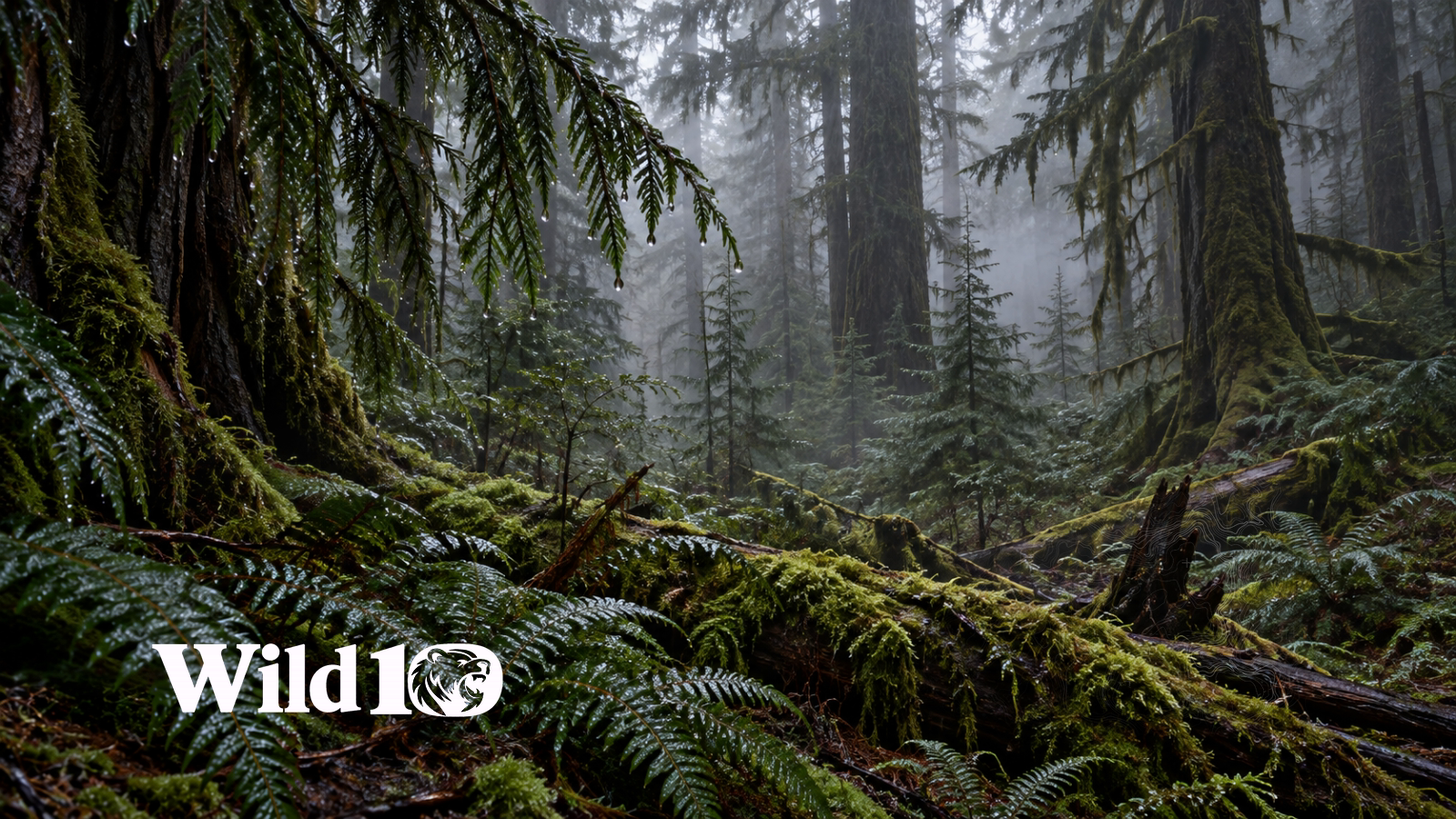
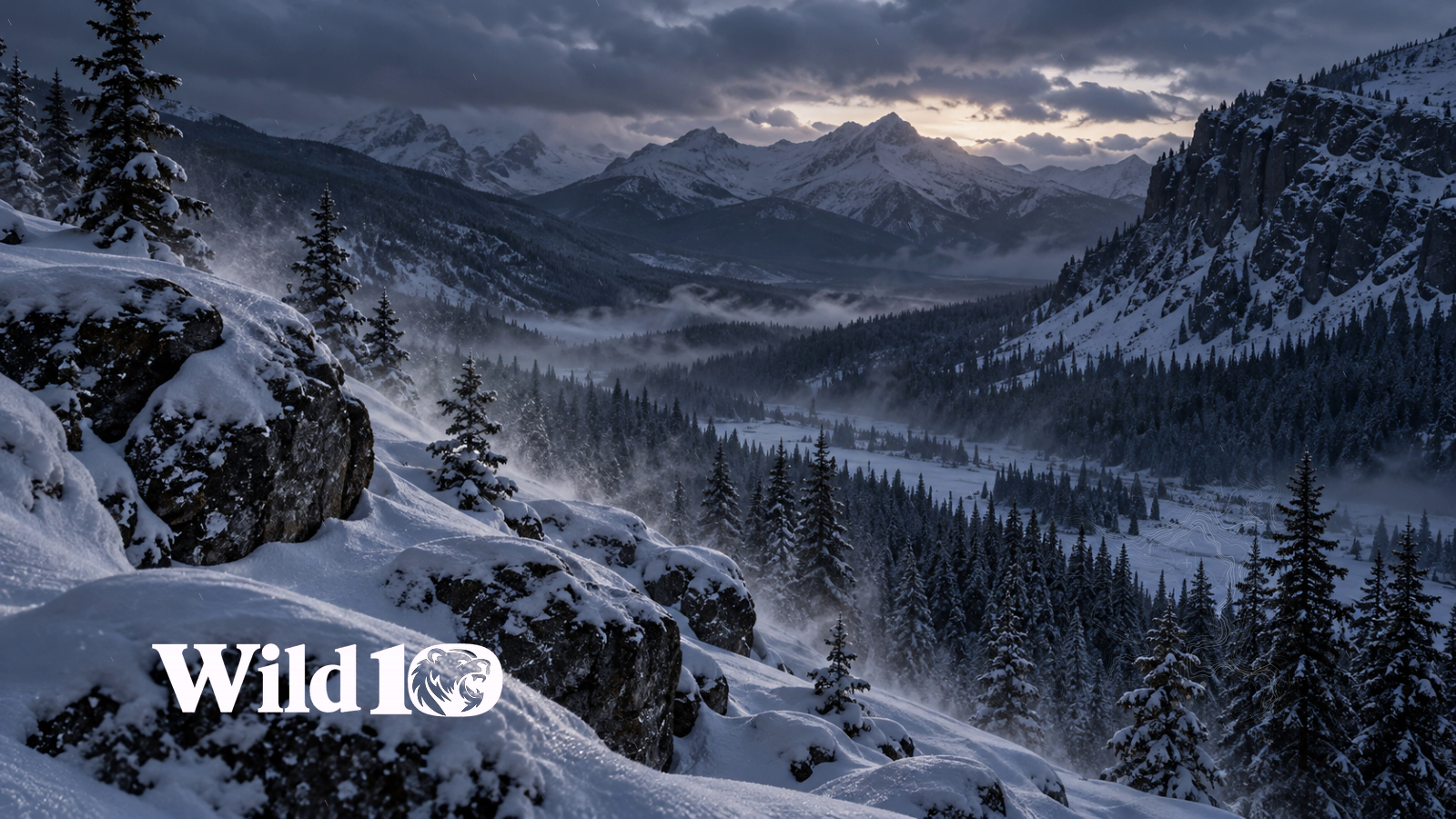
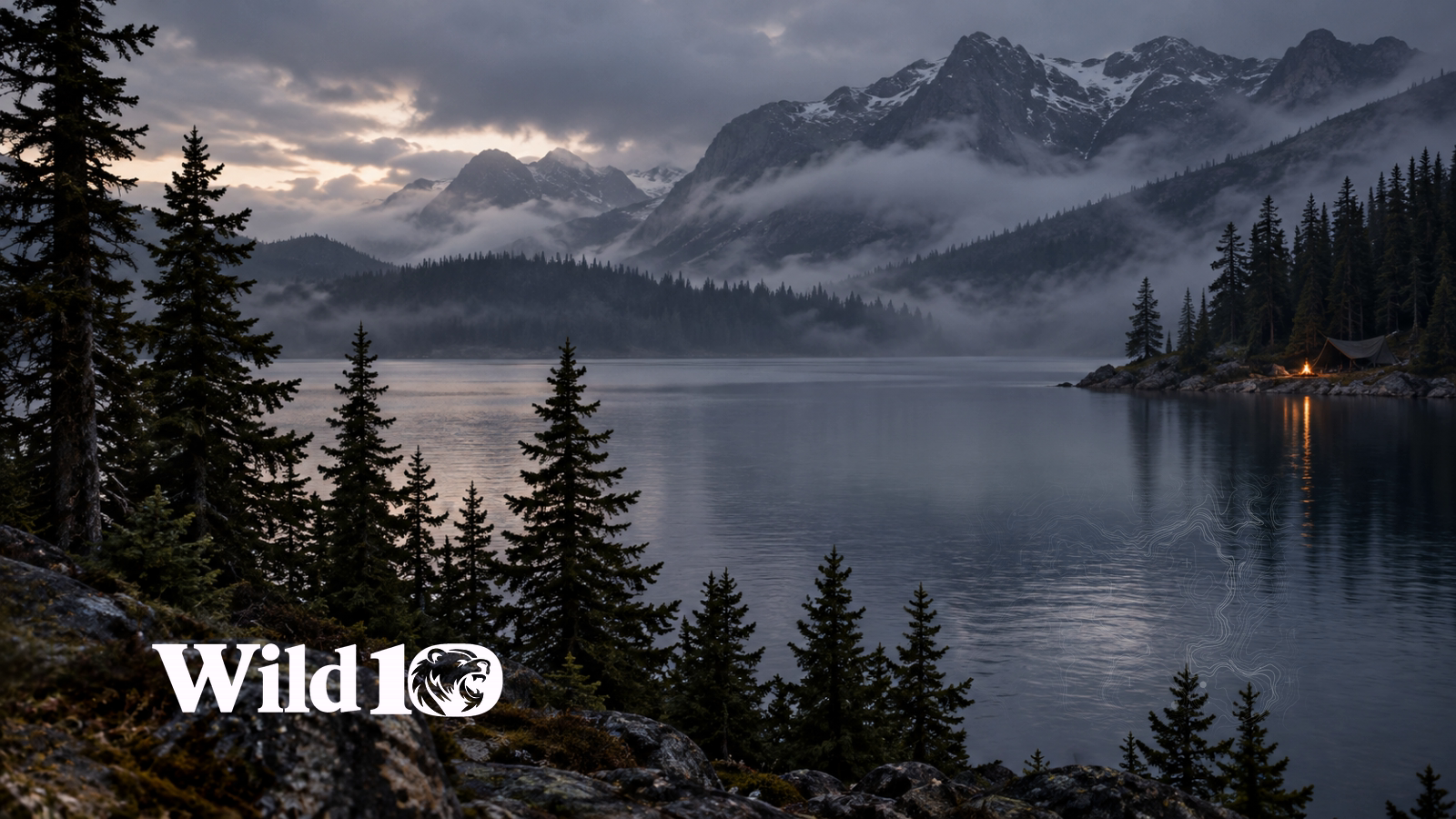
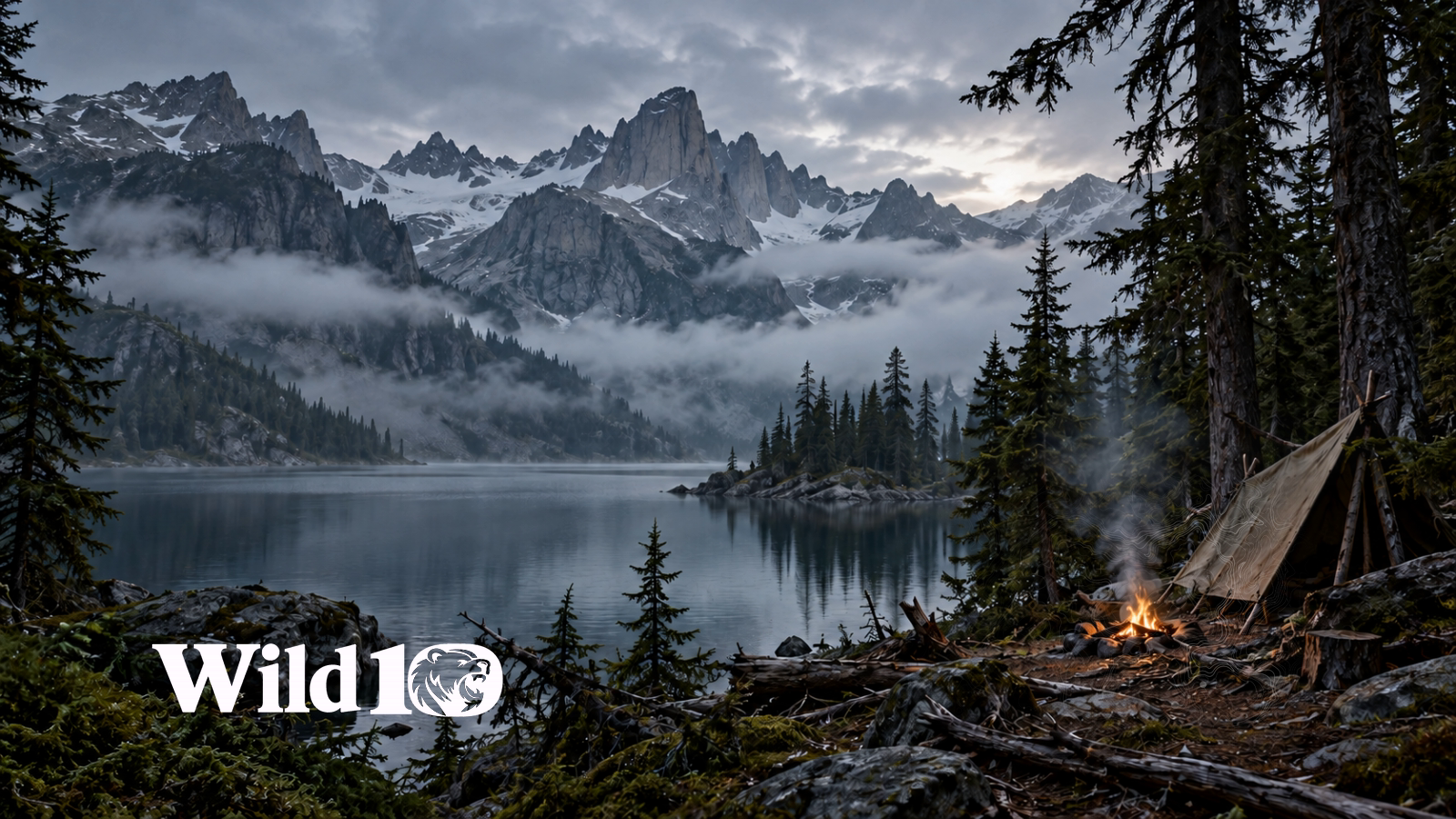
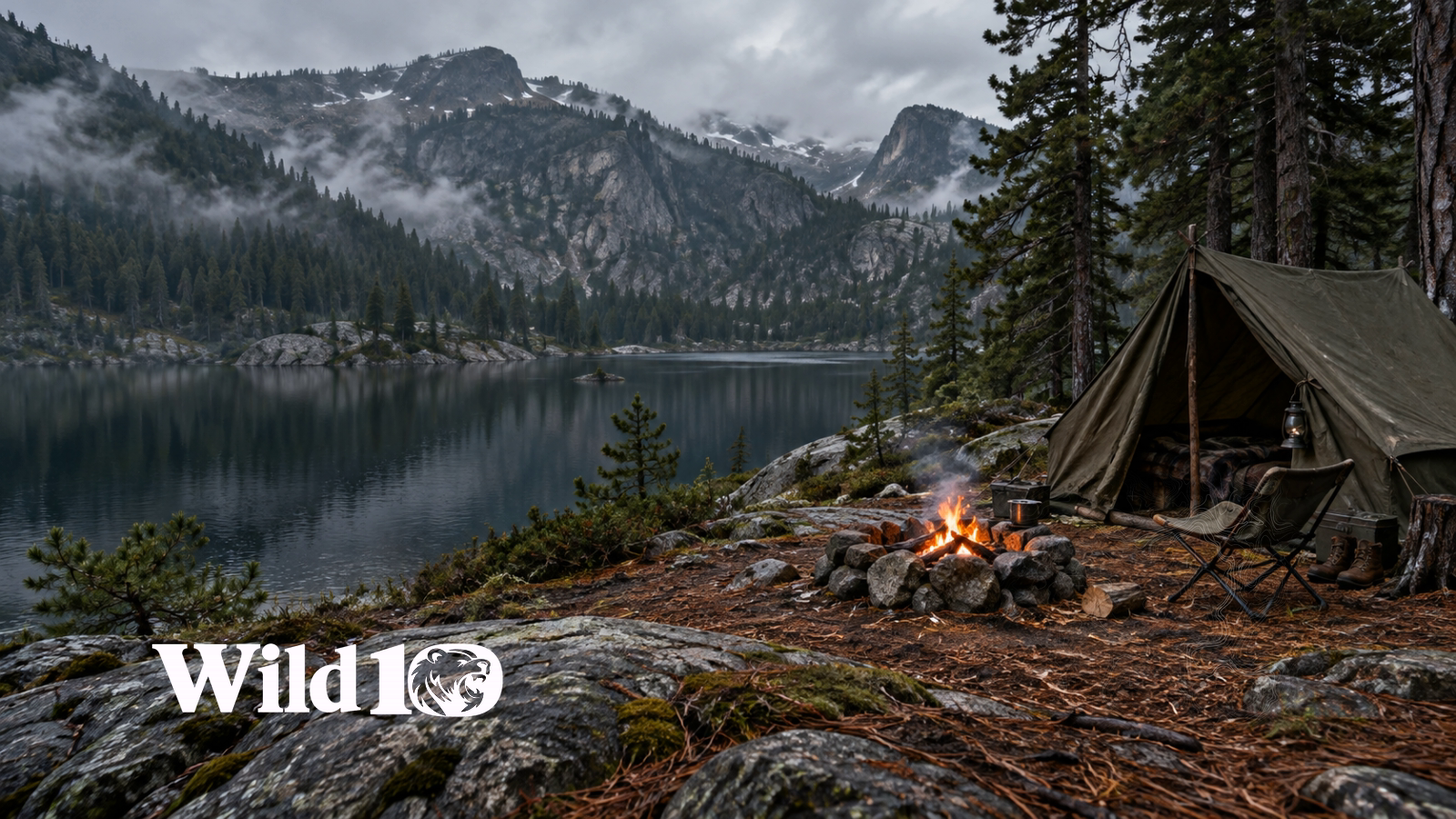
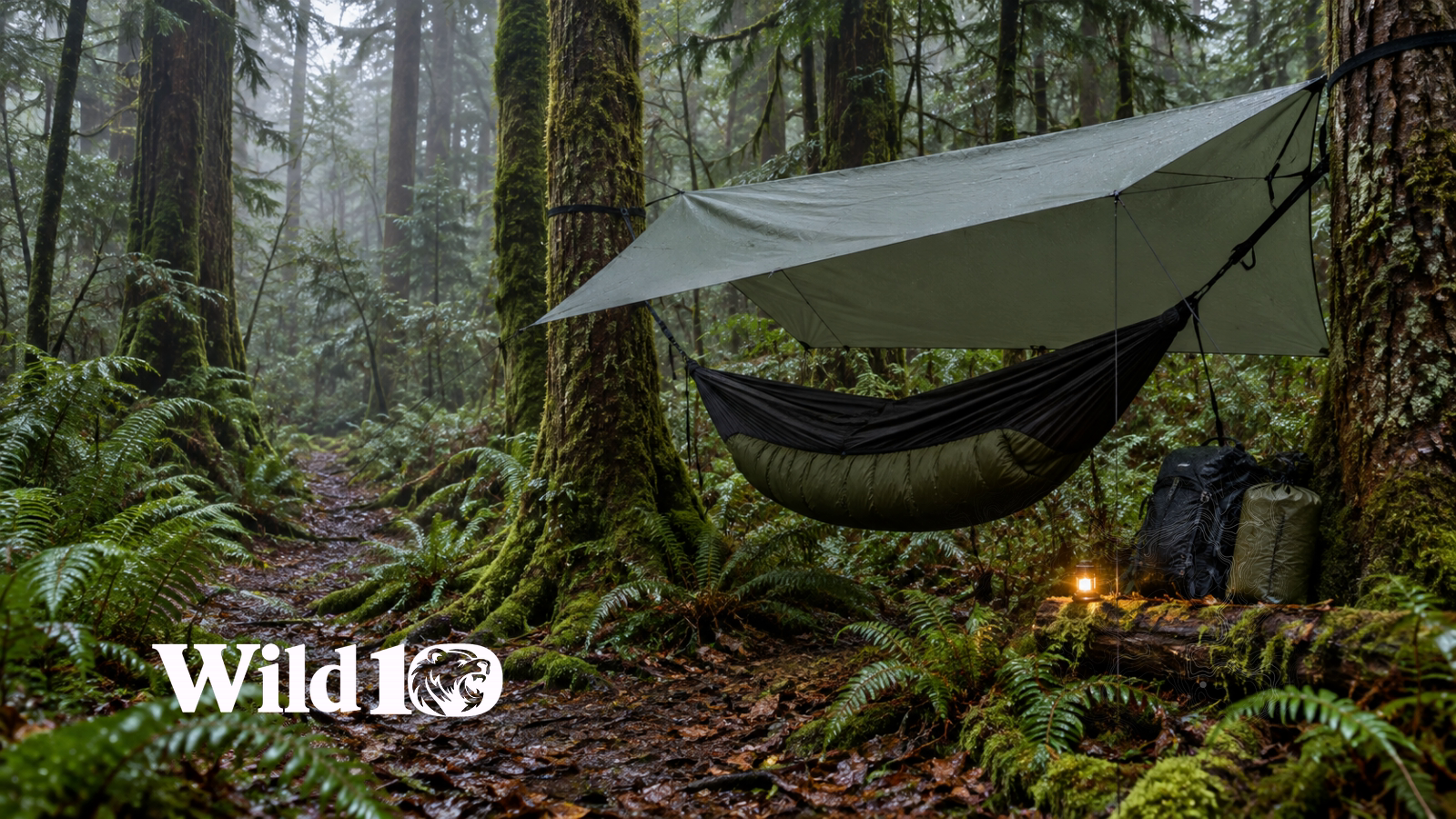
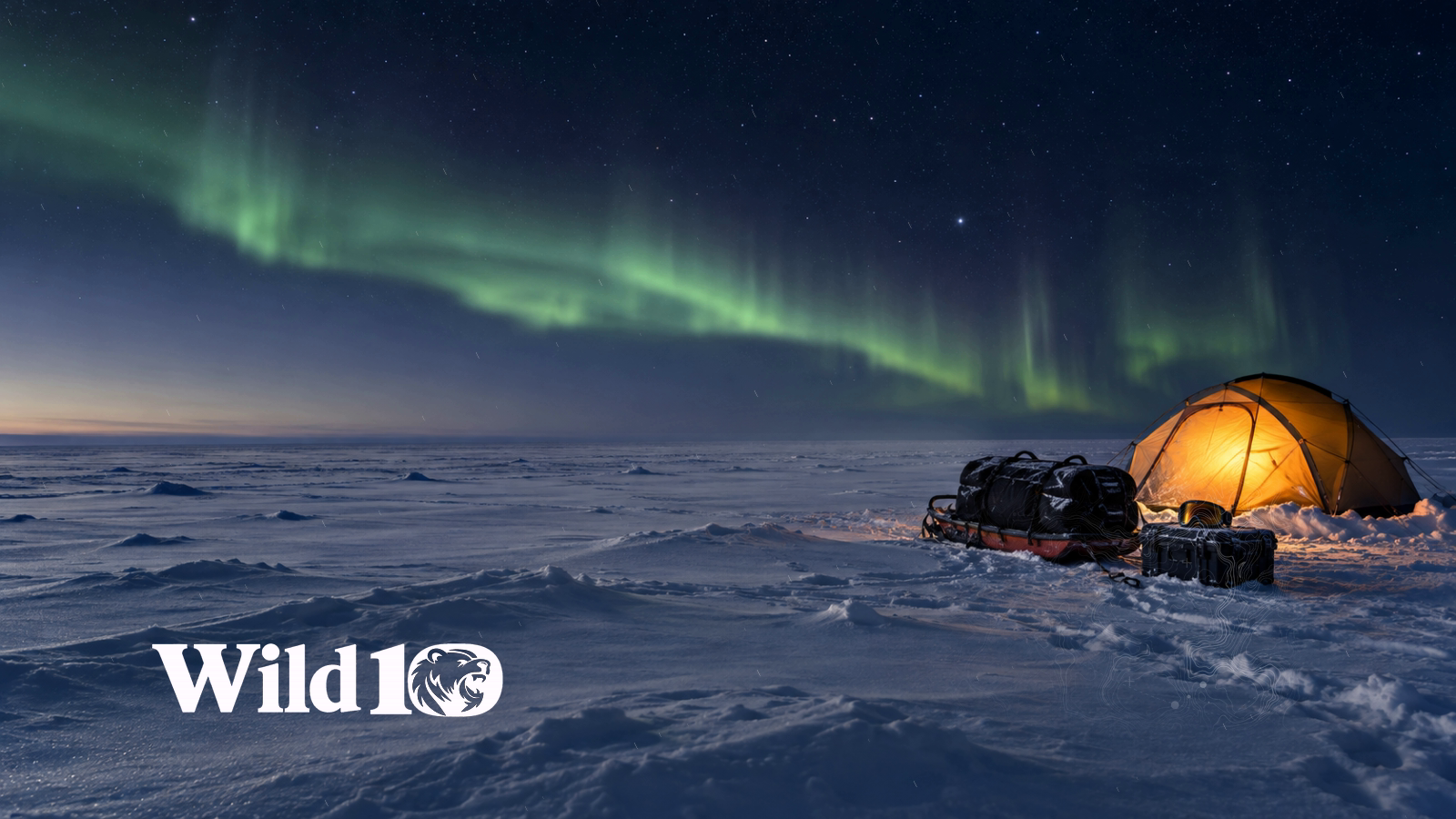
86 nature and camping scenes from Wild10: misty forests, mountain lakes, campfires and snow, with subtle looping motion. Free, no checkout and no sign-in. Each loop is a 1600×900, 24 fps, 12-second cinemagraph made from AI-generated artwork with local motion compositing, not filmed footage.
Standard: extract the outer ZIP, then import an individual package. Ultrawide: import the complete ZIP into Lively without extracting it.
Install Lively Wallpaper — official download86 scenes
No. 01 · Fire & camp
Ember Shore
No. 02 · Water
Blackwater Dawn
No. 04 · Wind
Last Light Ridge
No. 05 · Fire & camp
The Firekeeper
No. 09 · Fire & camp
Canvas and Coals
No. 11 · Water
Tamarack Evening
No. 13 · Fire & camp
Blue Hour Bivouac
No. 17 · Fire & camp
Midnight Embers
No. 19 · Wind
Northern Crosswind
No. 21 · Fire & camp
Shelter from the Storm
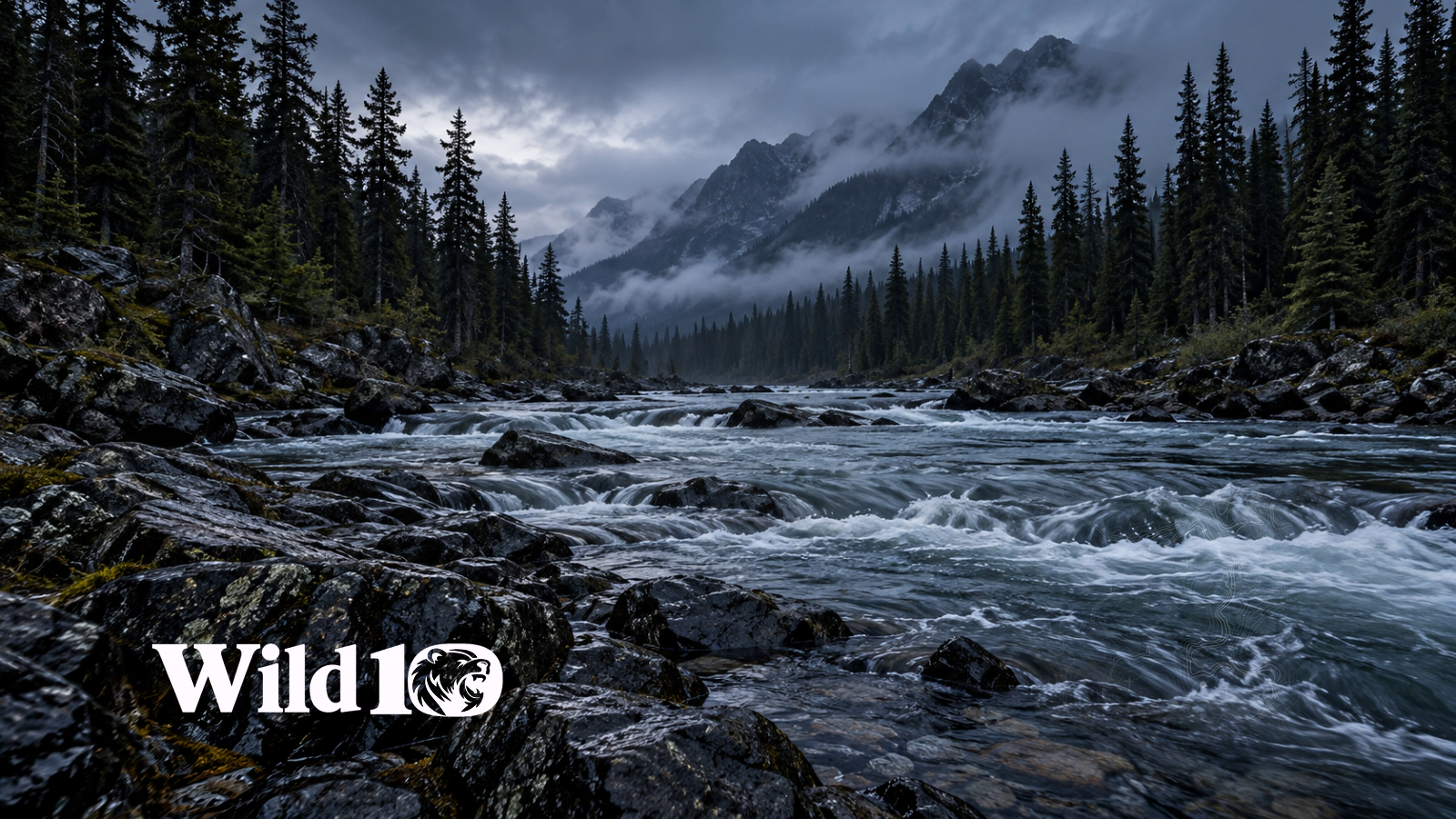
No. 22 · Water
River Through the Dark
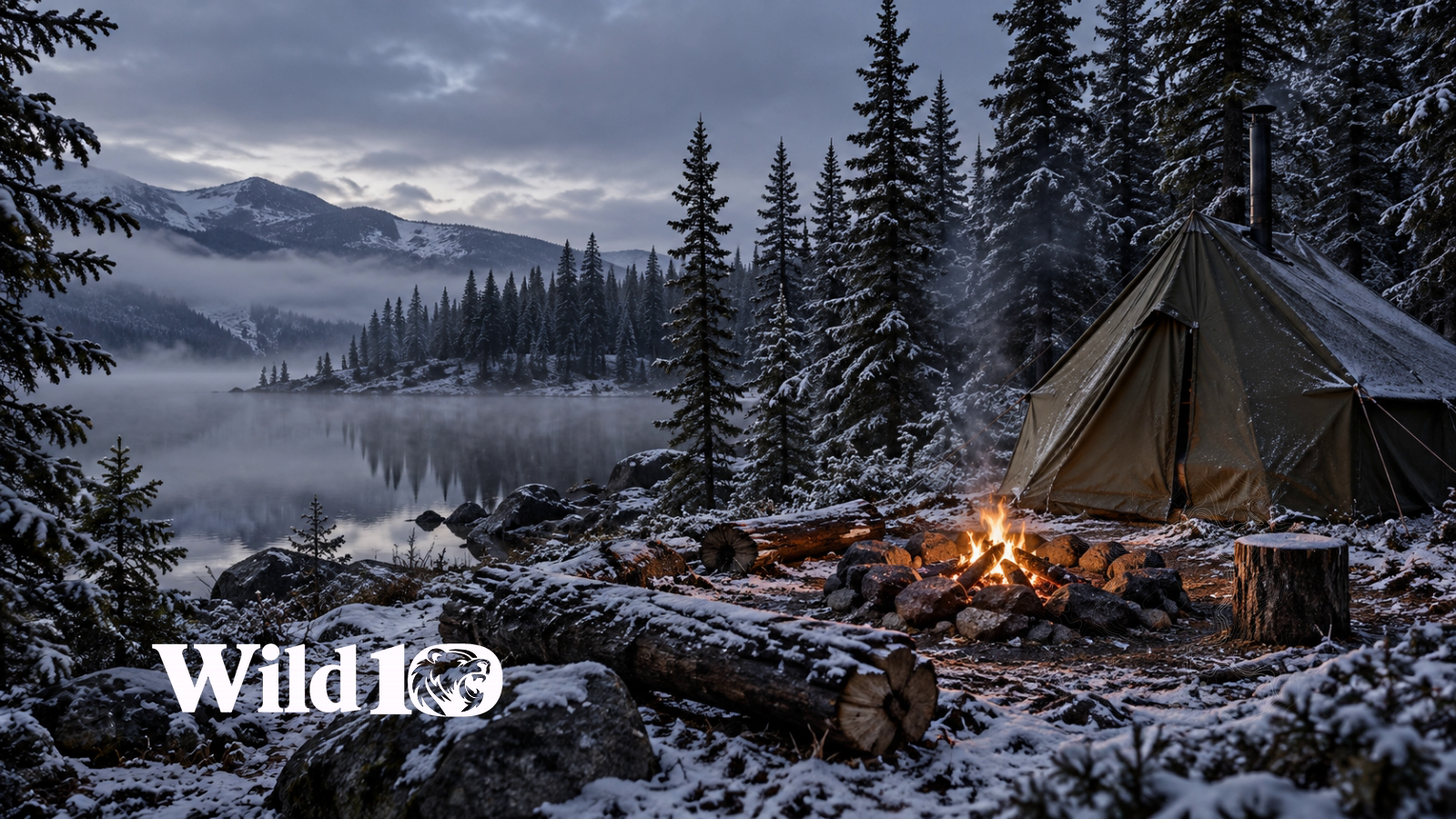
No. 23 · Fire & camp
First Snow Camp
No. 25 · Fire & camp
Return to the Wild
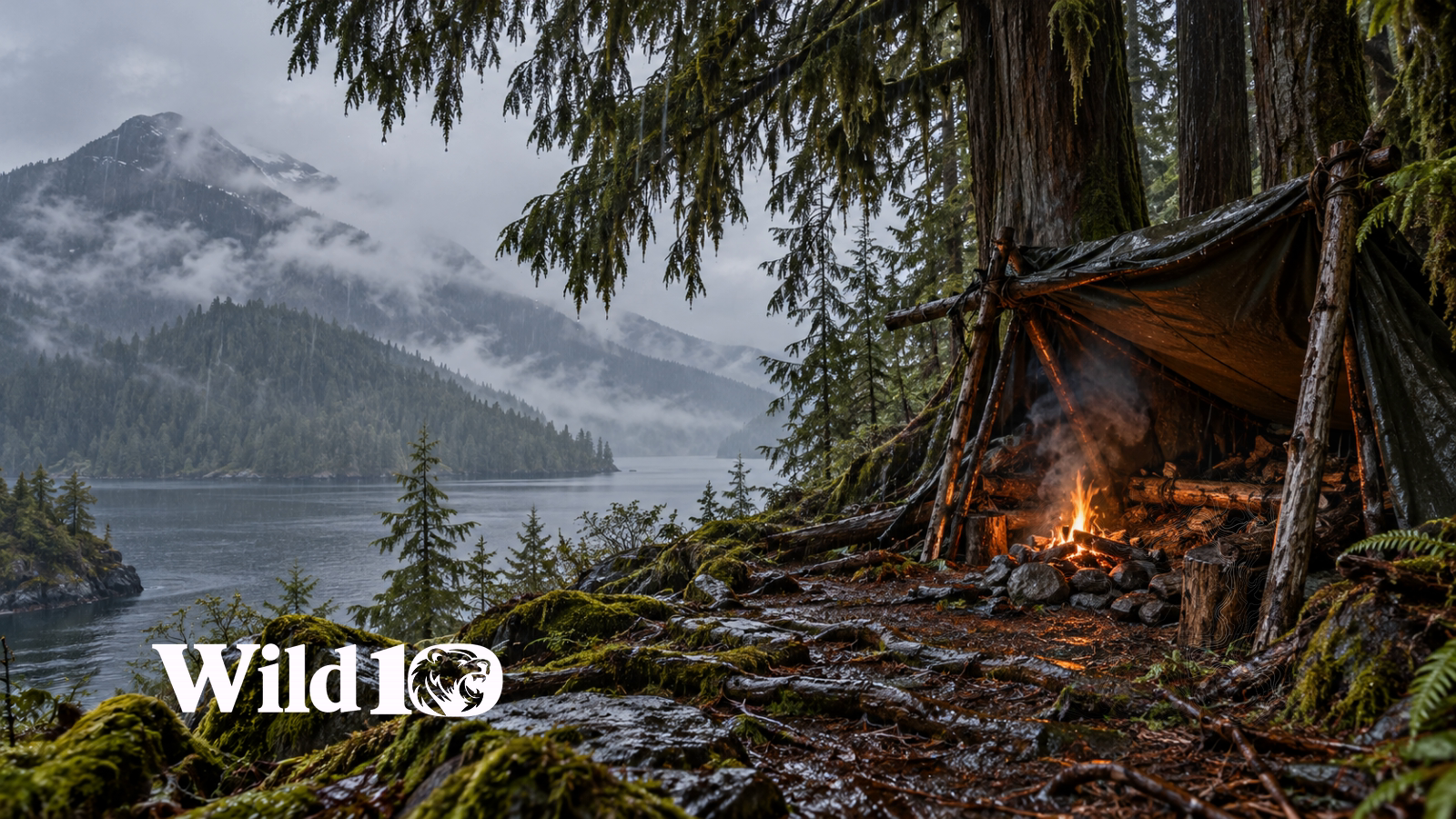
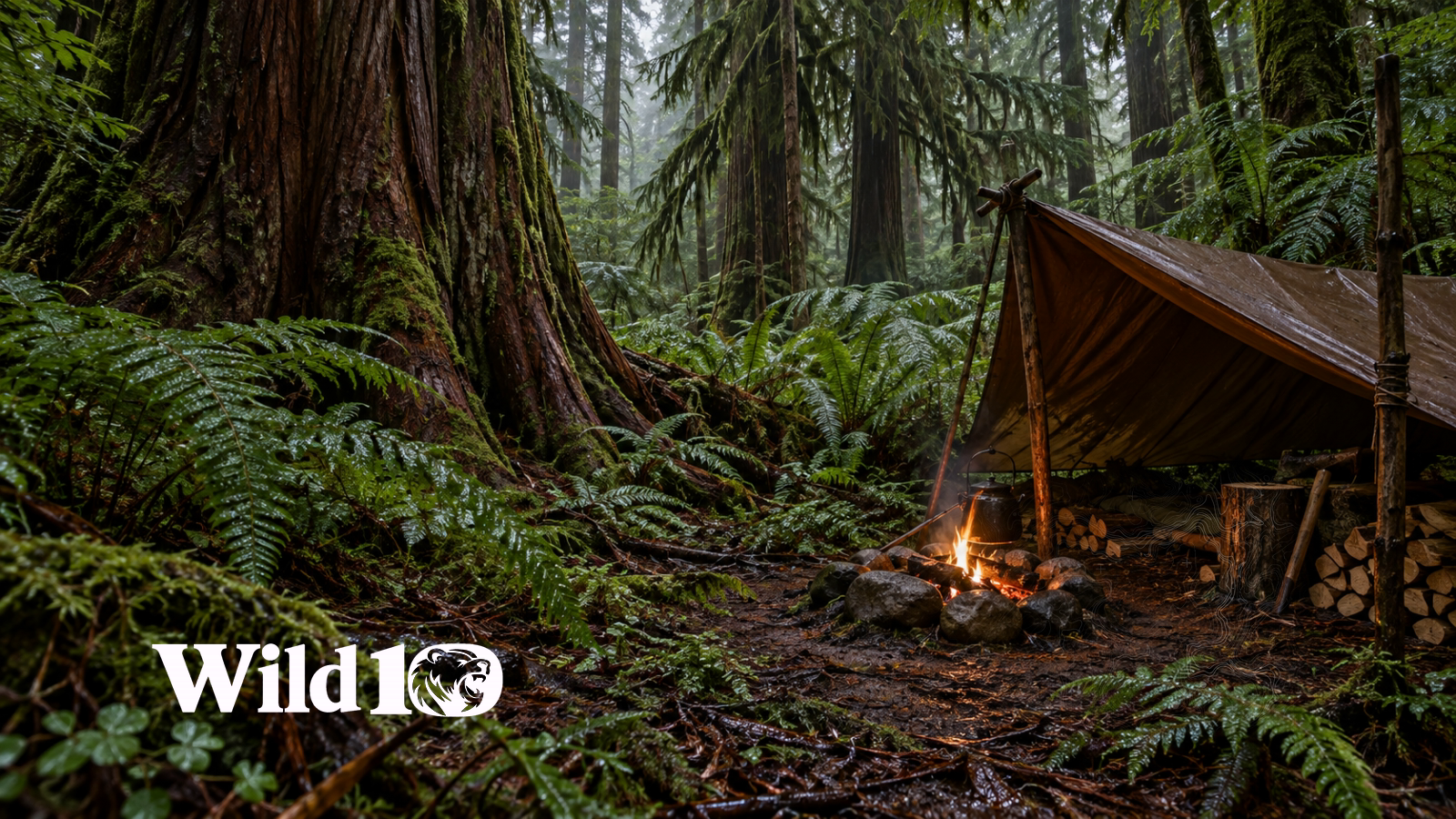
No. 28 · Fire & camp
Fire in the Rain
No. 32 · Forest
Lantern at Dusk
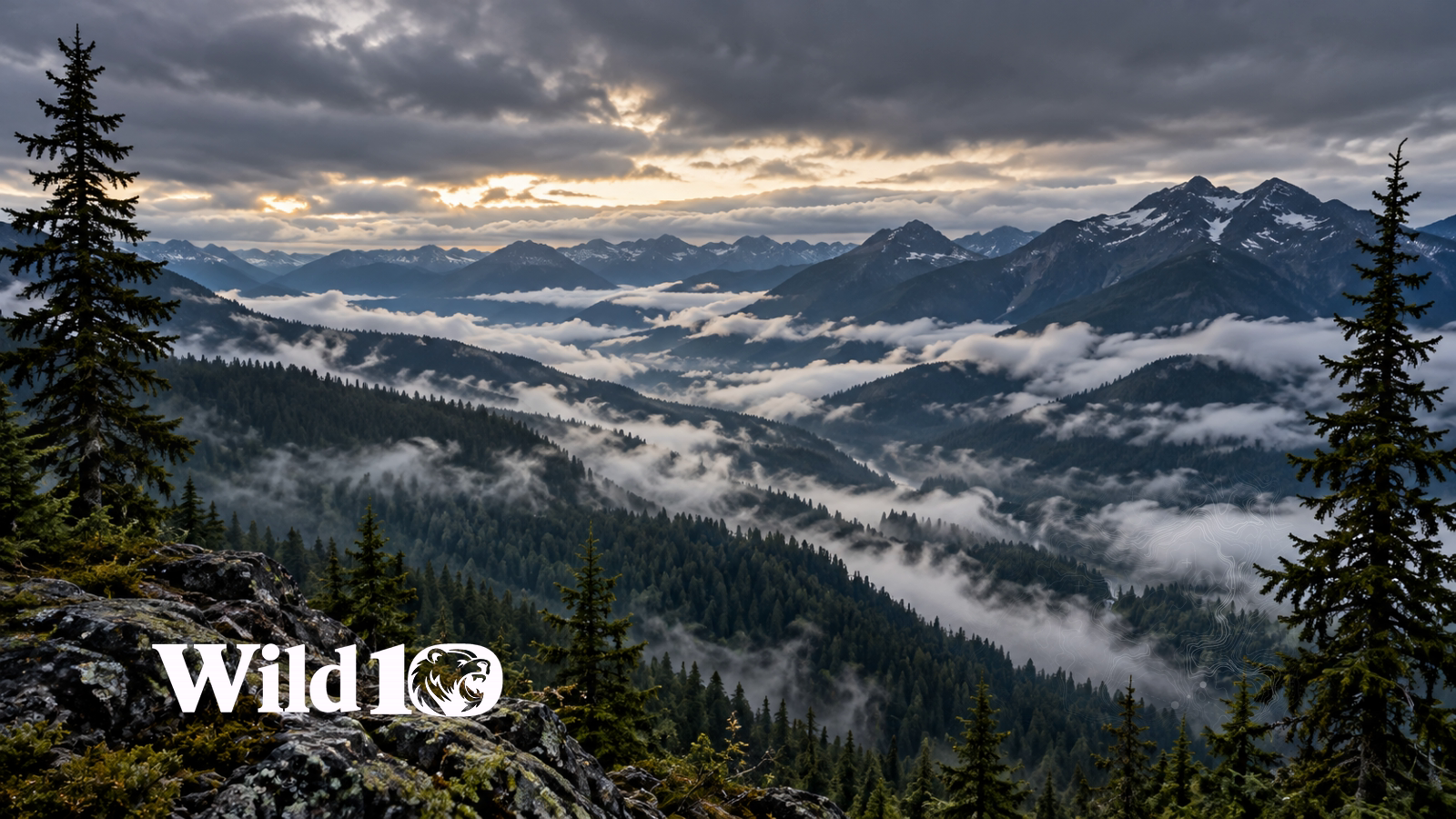
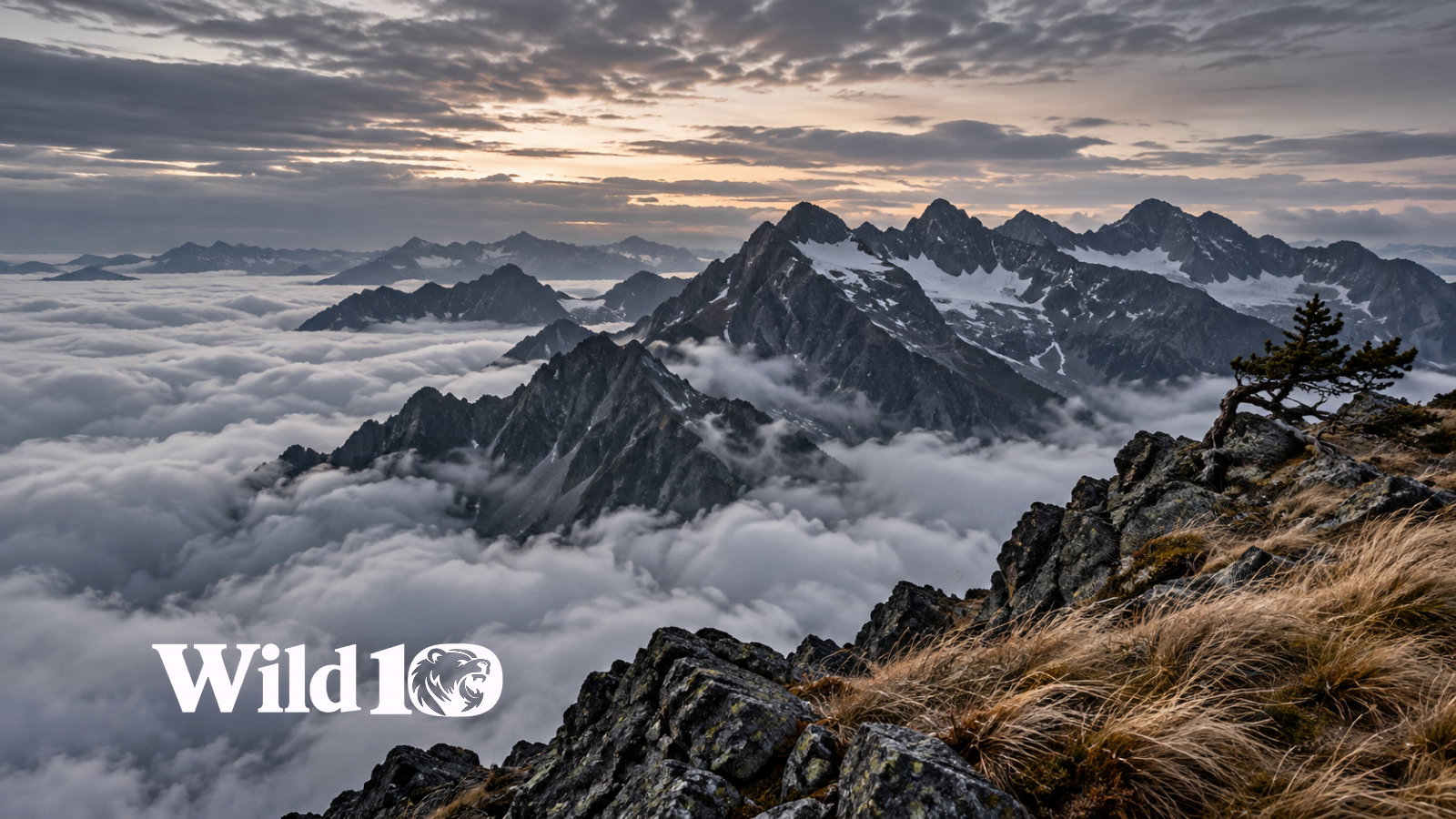
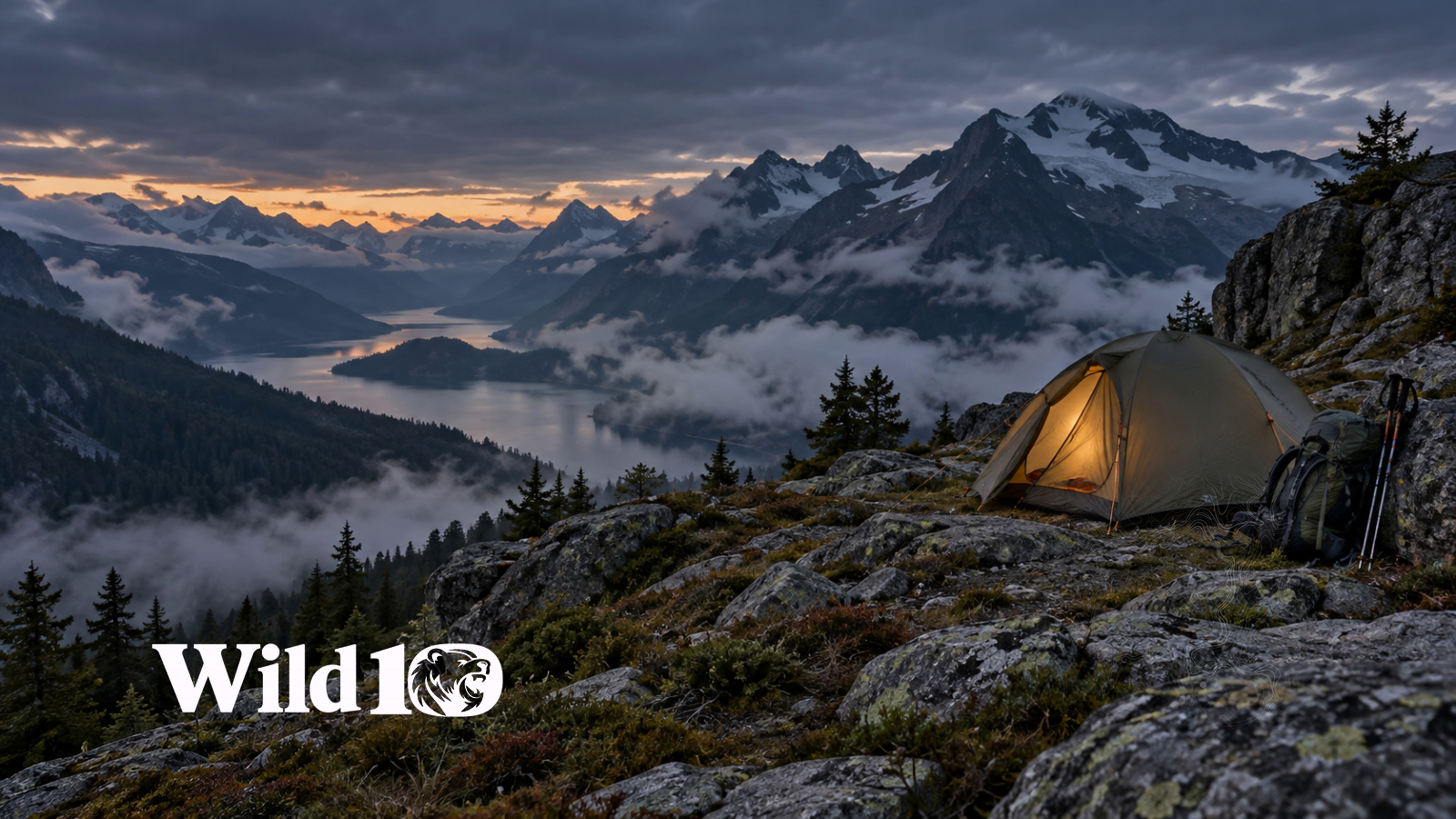
No. 33 · Fog
Above the Cloudline
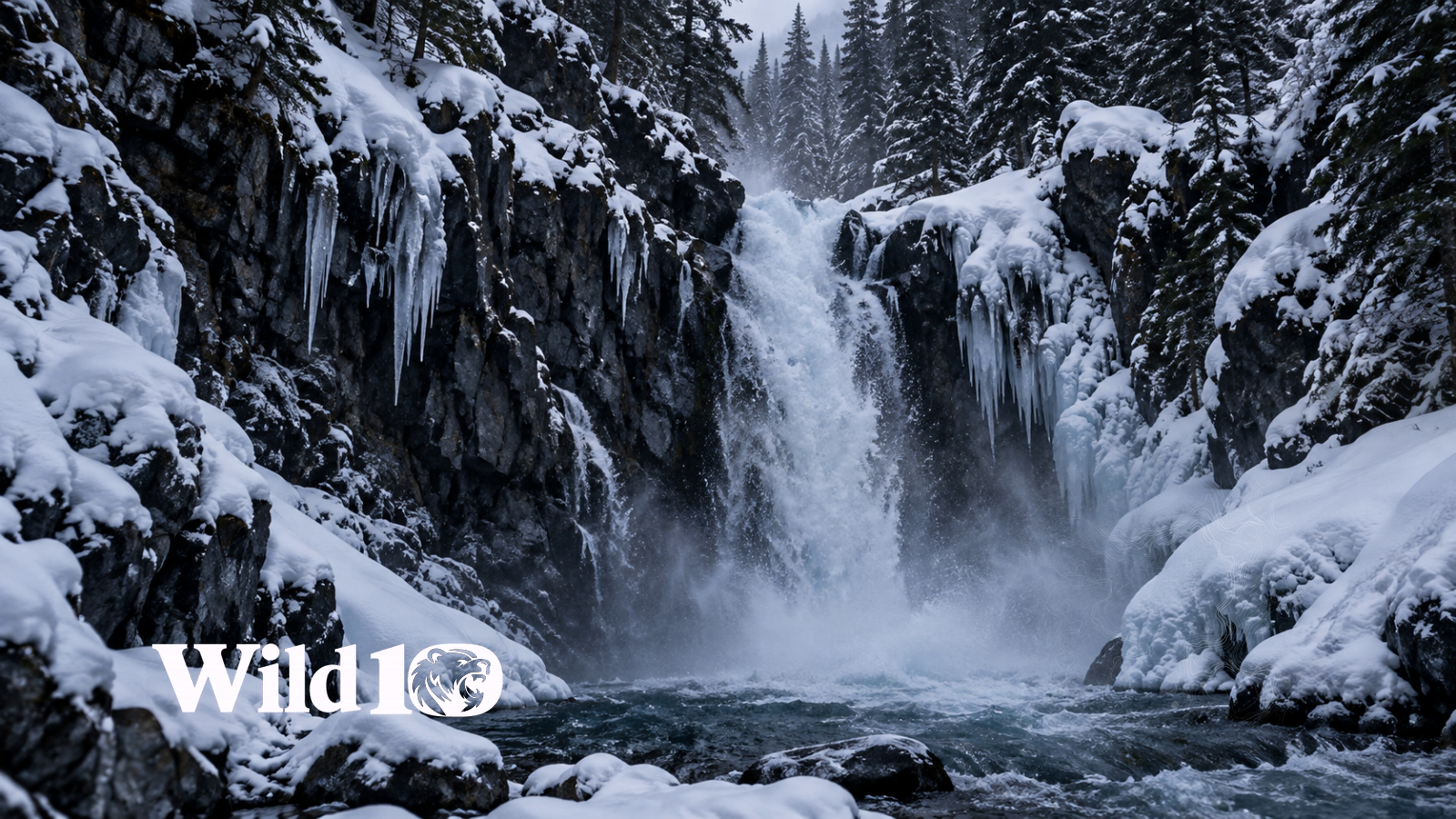
No. 34 · Water
Winter Waterfall
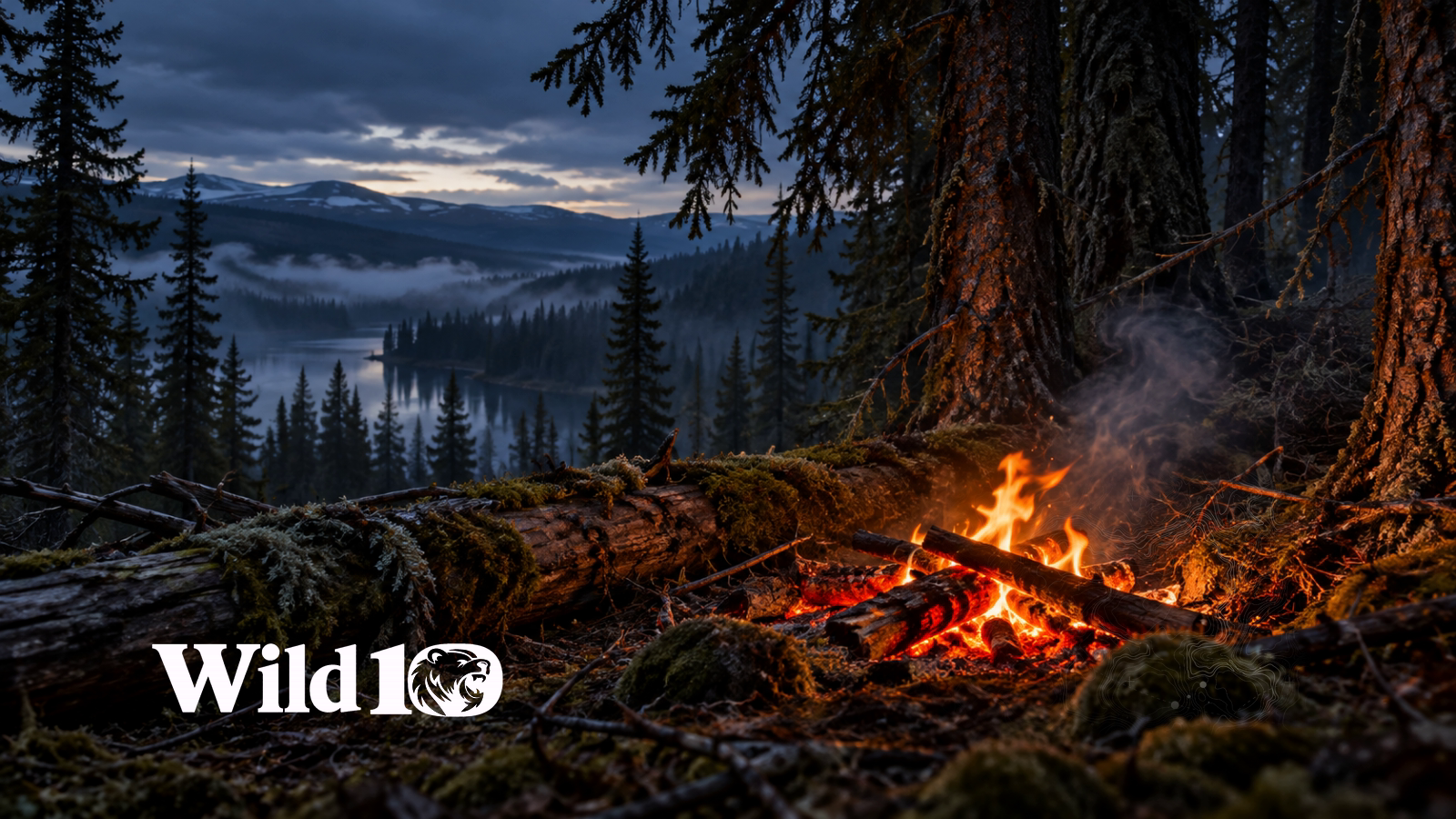
No. 35 · Fire & camp
Embers Under Spruce
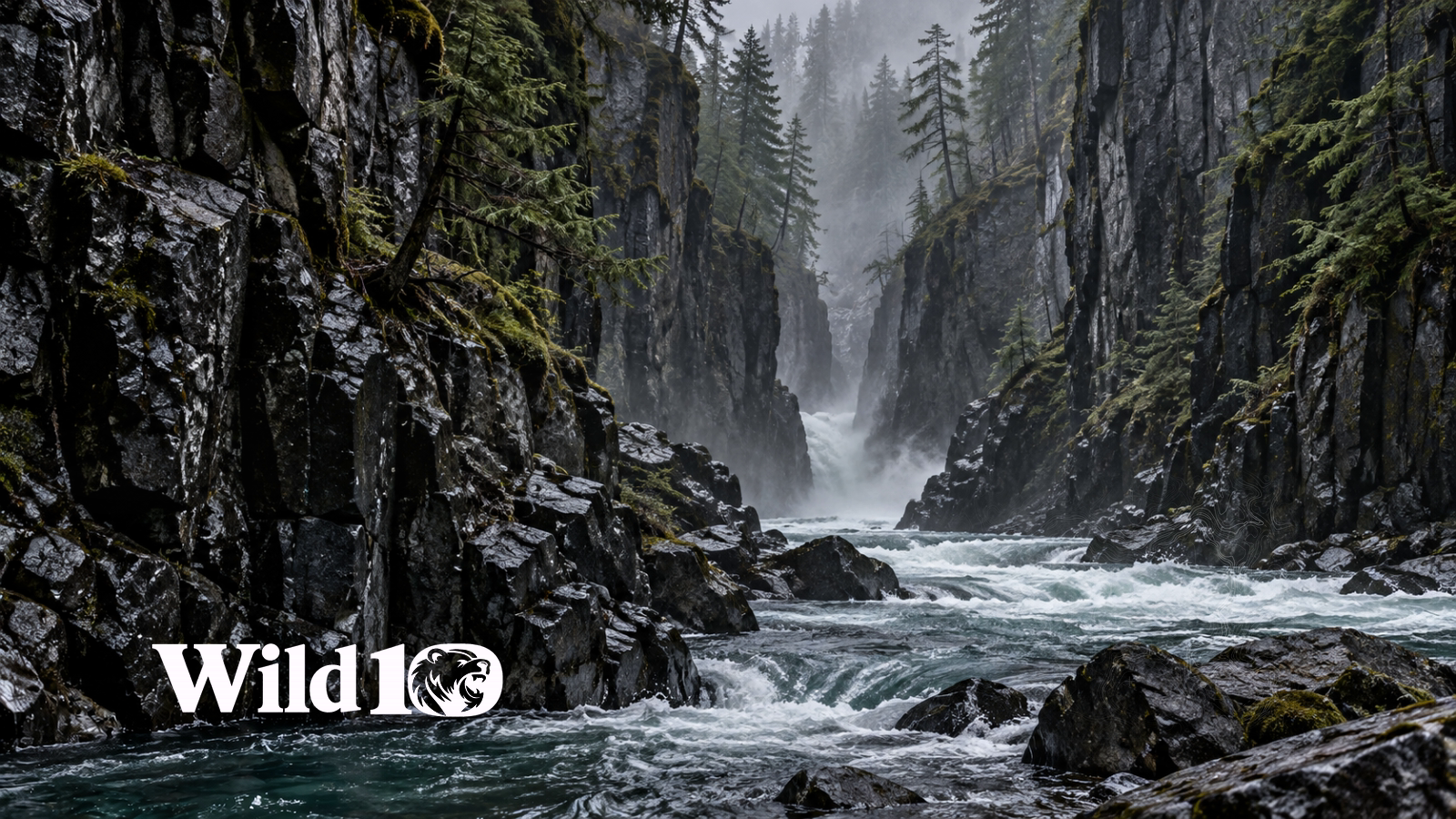
No. 38 · Water
Rain Black River
No. 39 · Fire & camp
Snowbound Shelter
No. 41 · Forest
Cedar After Dark
No. 42 · Fire & camp
Camp Beyond the Pines
No. 45 · Fire & camp
Blue Smoke
No. 50 · Fire & camp
Still Wild
No. 51 · Fire & camp
Ash and Amber
No. 52 · Forest
Birch in the Mist
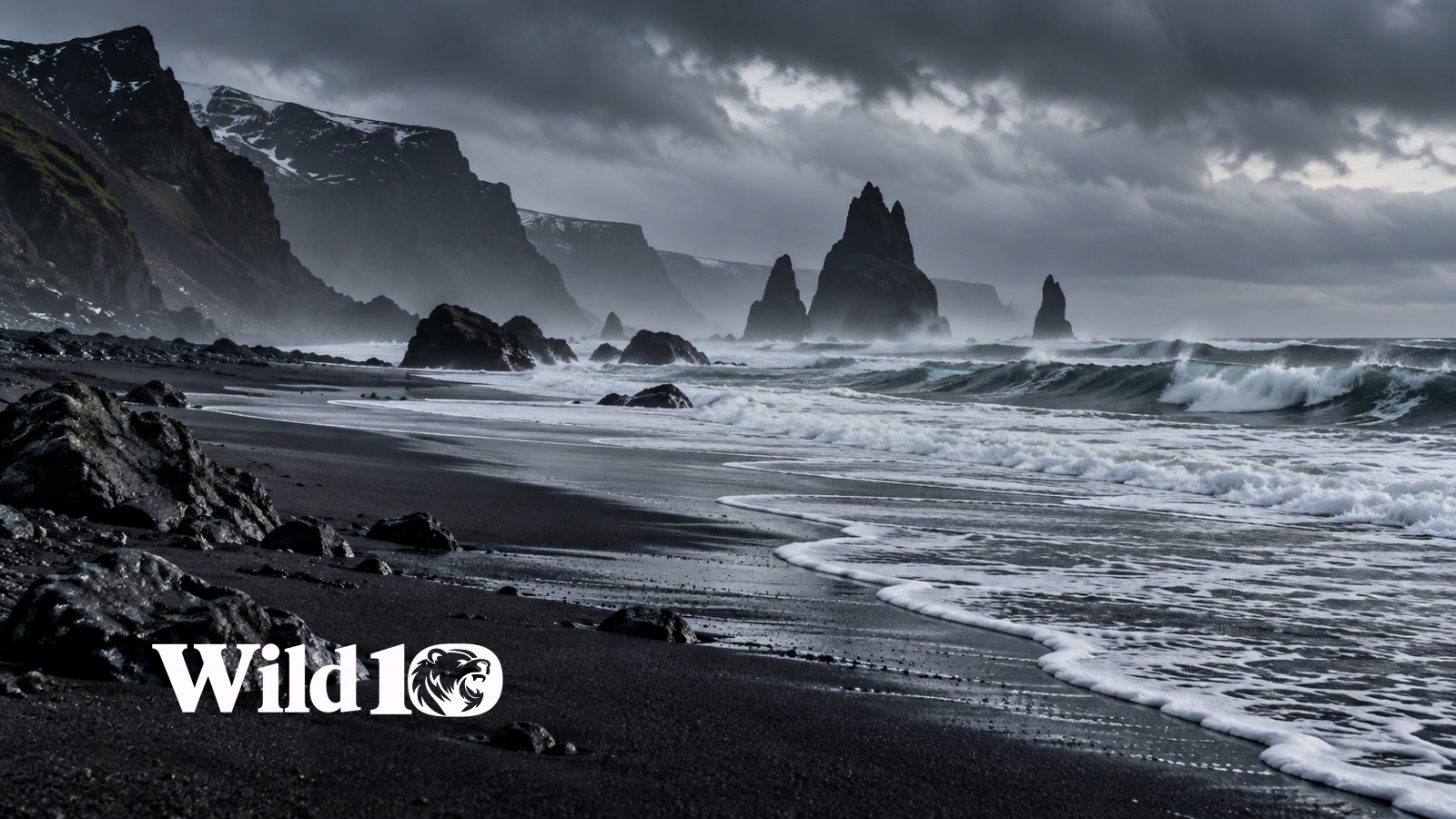
No. 53 · Water
Black Sand Tide
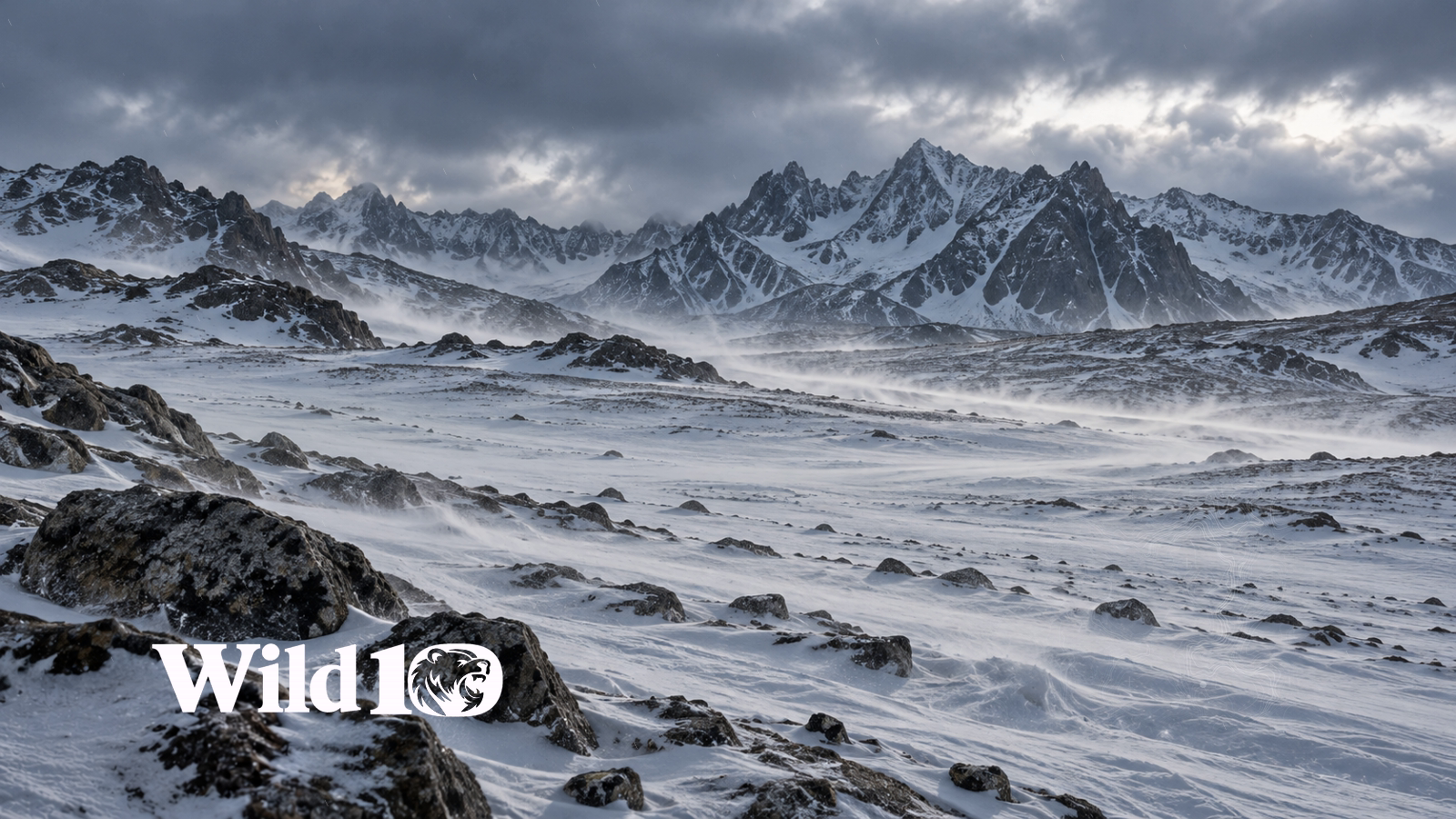
No. 54 · Snow
High Country Flurry
No. 57 · Fire & camp
Canvas in the Spruce
No. 59 · Snow
Snow Through the Gap
No. 61 · Fire & camp
Larch Camp
No. 65 · Fire & camp
Nightfall Lean-to
No. 66 · Snow
Silver Birch Snow
No. 70 · Fire & camp
Ember and Frost
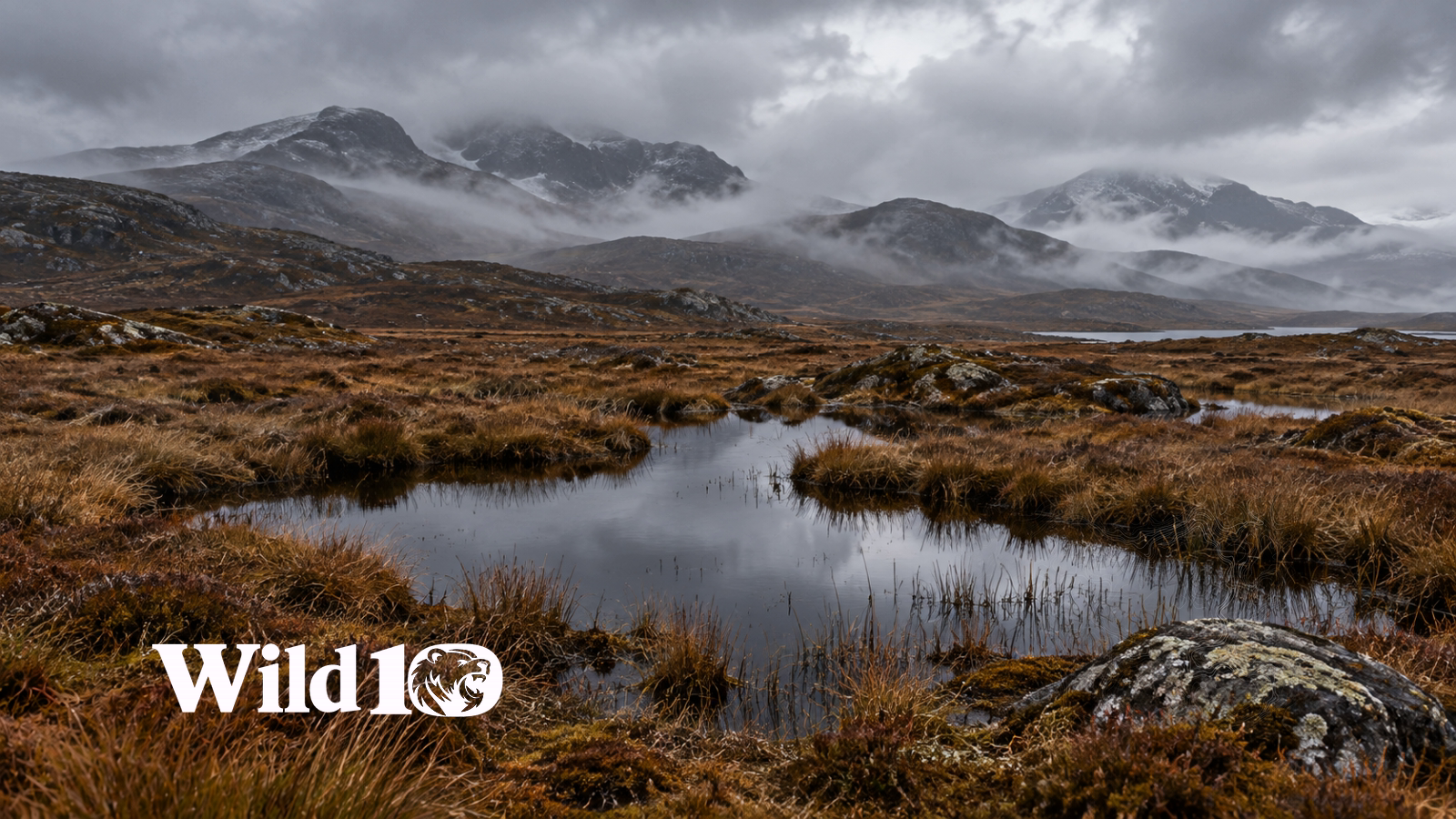
No. 71 · Water
Snowline Reflection
No. 72 · Forest
Dripping Hemlock
No. 74 · Fire & camp
Distant Fire
No. 75 · Fire & camp
Beyond the Last Trail
No. 76 · Fire & camp
Rainline Camp
No. 77 ·
High Country Bivouac
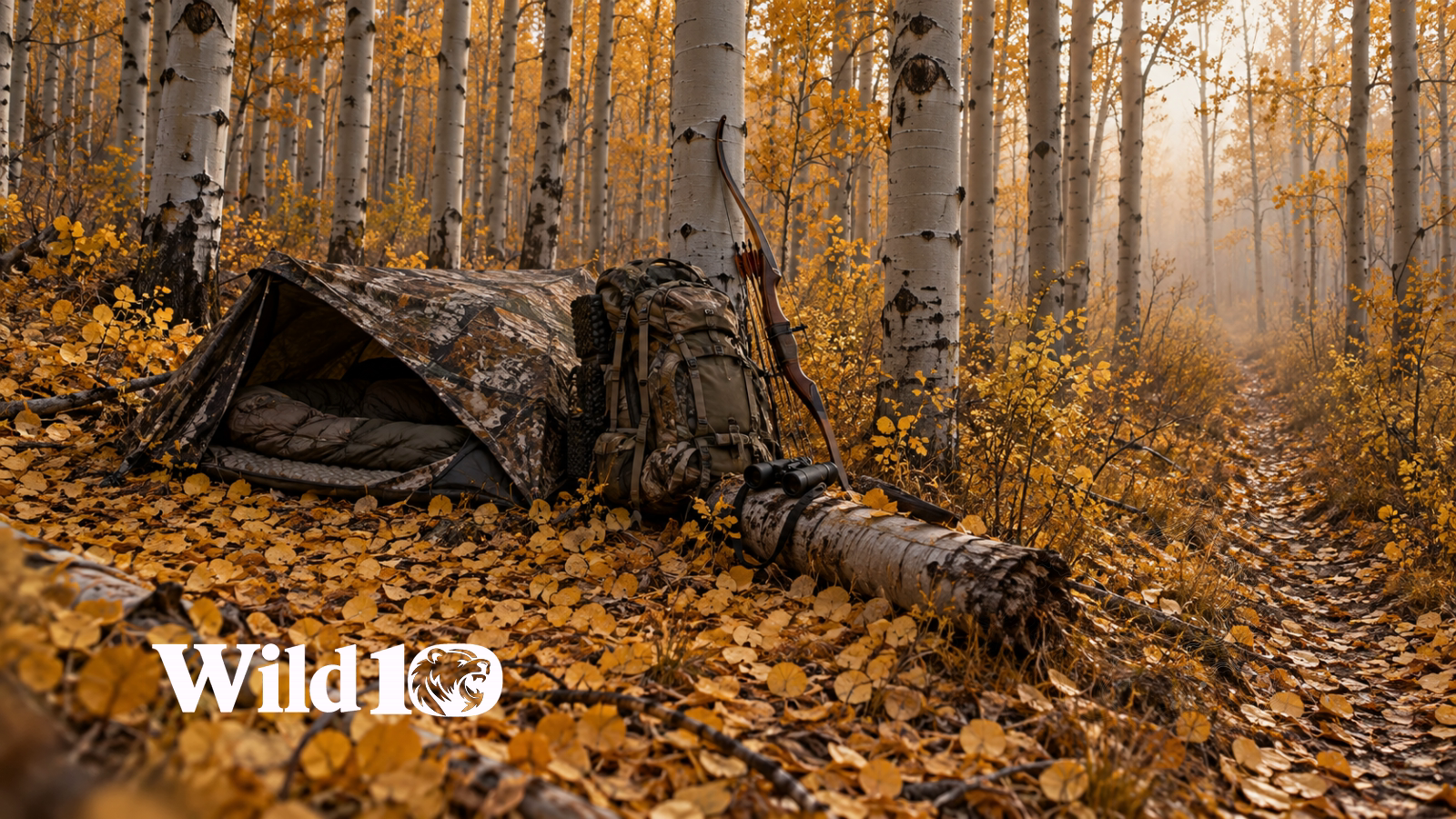
No. 78 · Forest
Aspen Hunting Camp
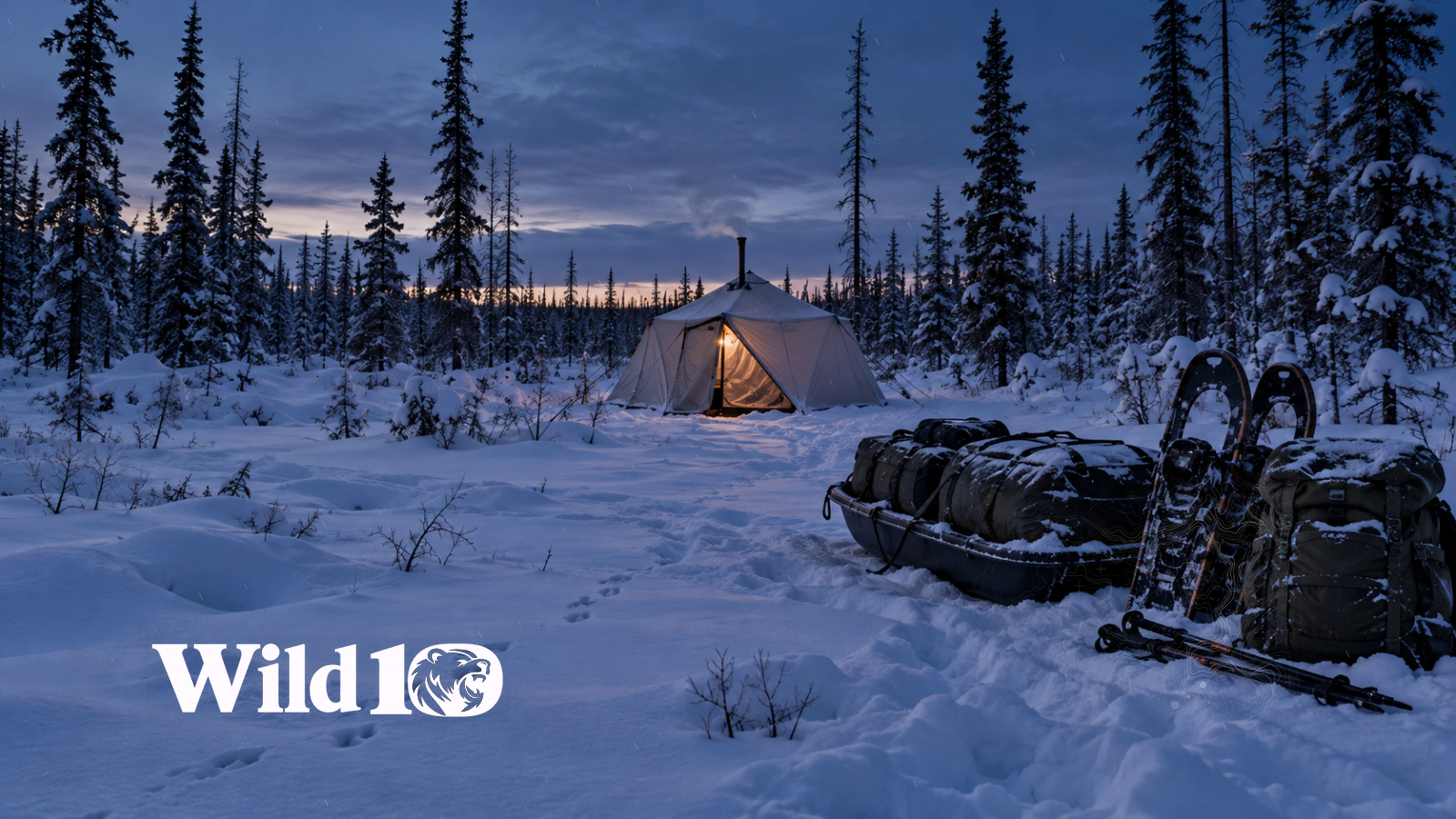
No. 79 · Snow
Snowline Tracking Camp
No. 80 · Fire & camp
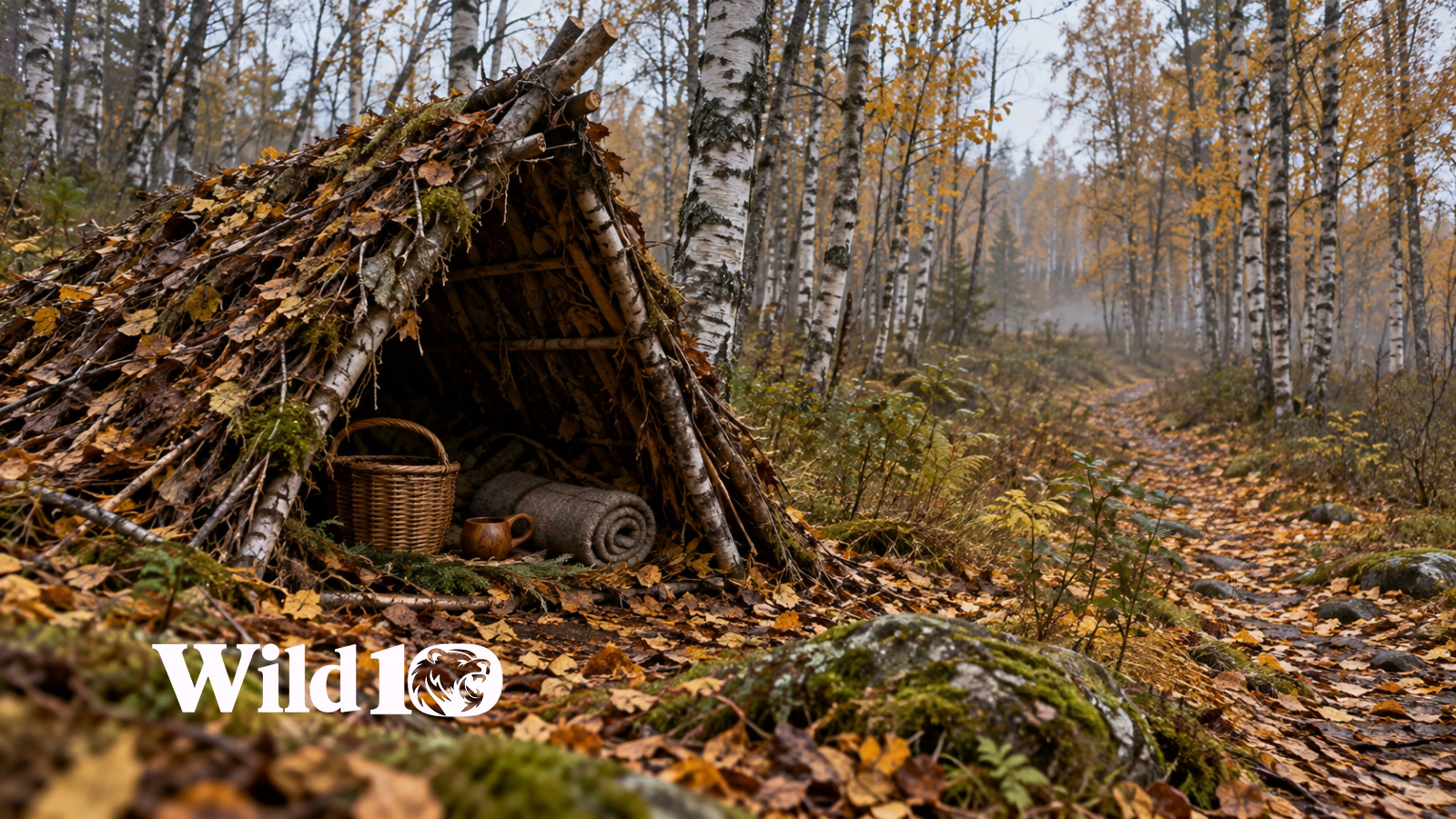
Cedar Bushcraft
No. 81 · Forest
Birch Woods Bushcraft
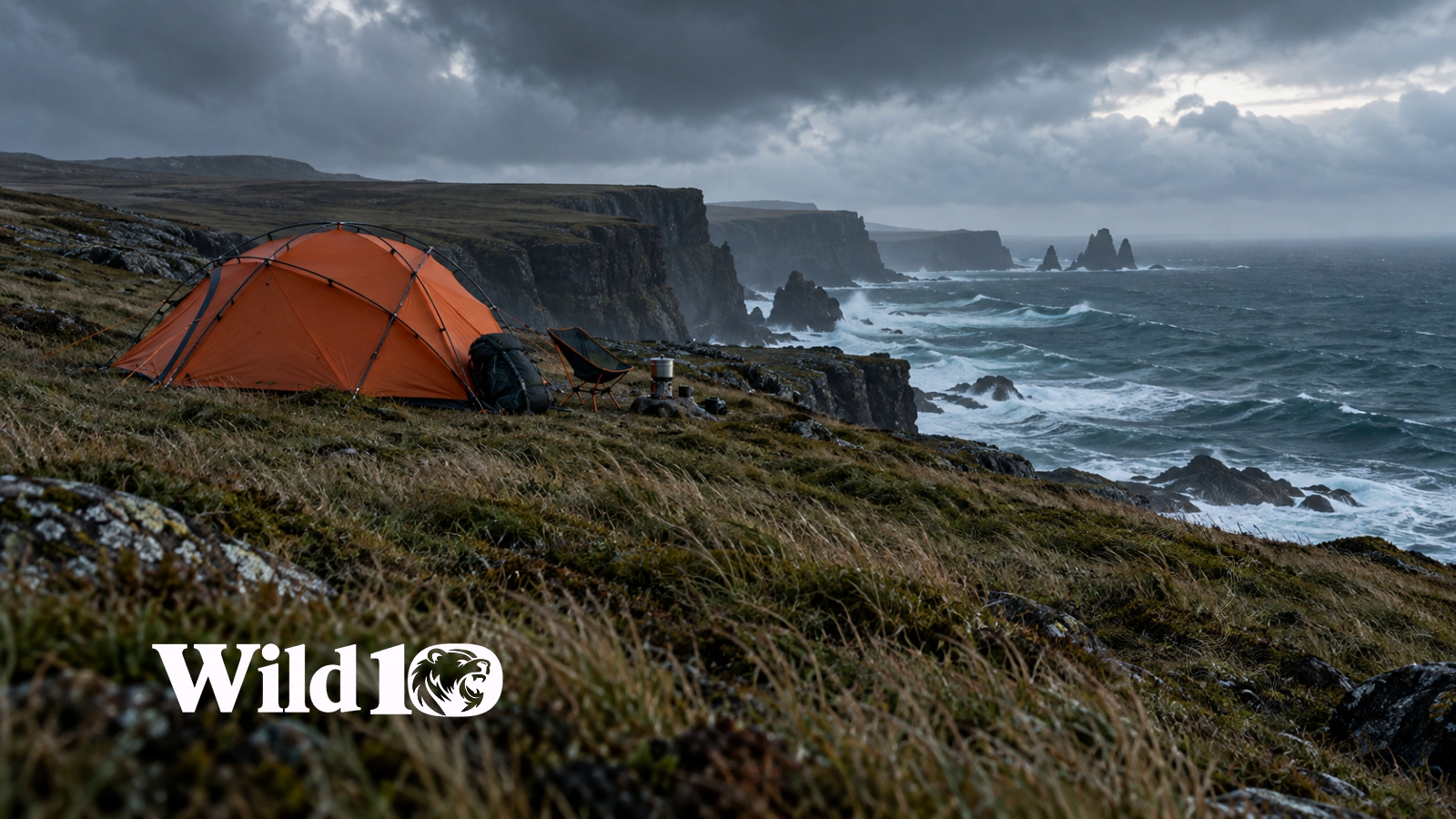
No. 82 · Water
Coastal Modern Camp
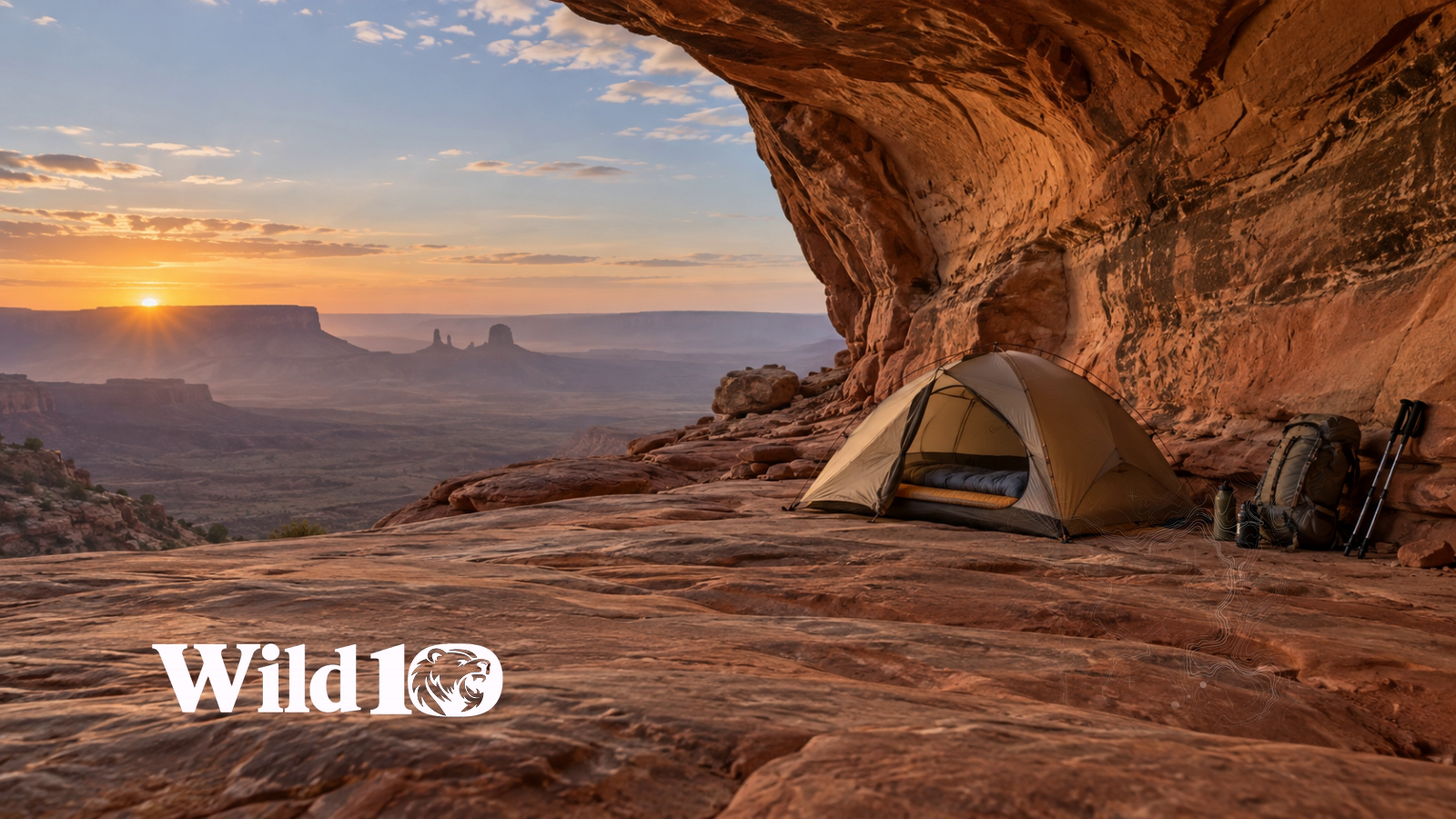
No. 83 ·
Desert Modern Basecamp
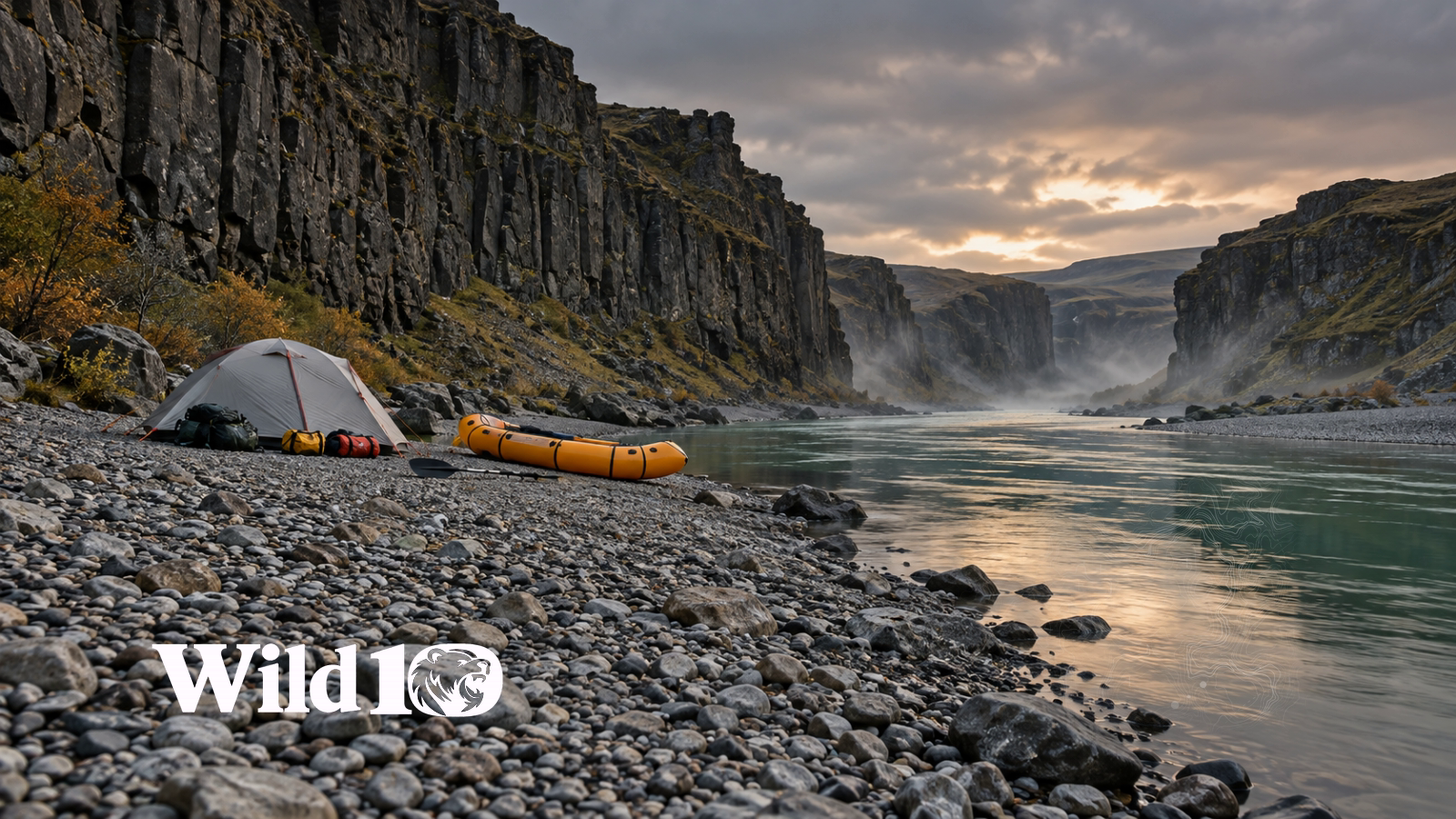
No. 84 · Water
Riverbend Packraft Camp
No. 85 · Forest
Rainforest Hammock Camp
No. 86 · Snow
Aurora Tundra Camp
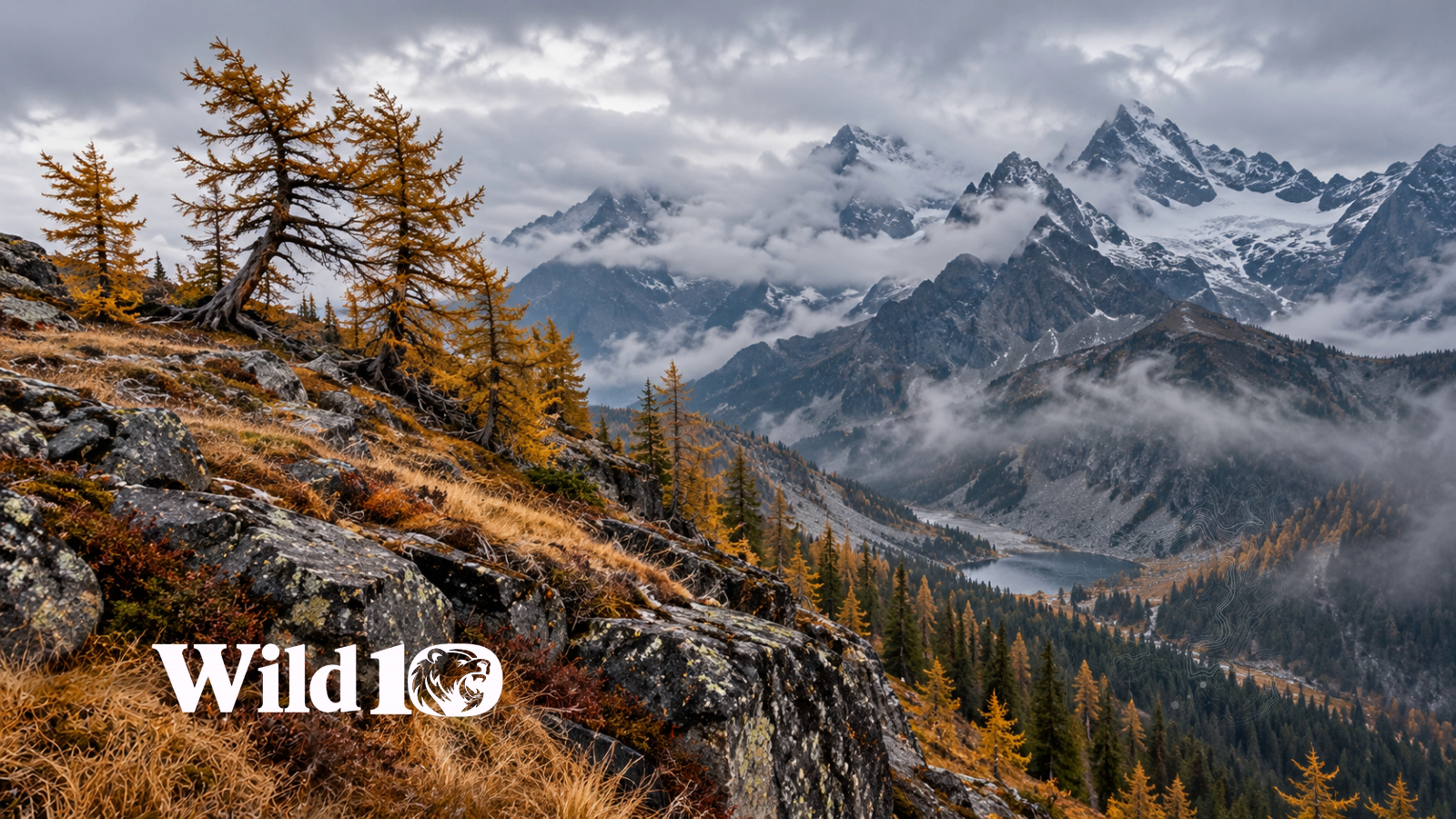
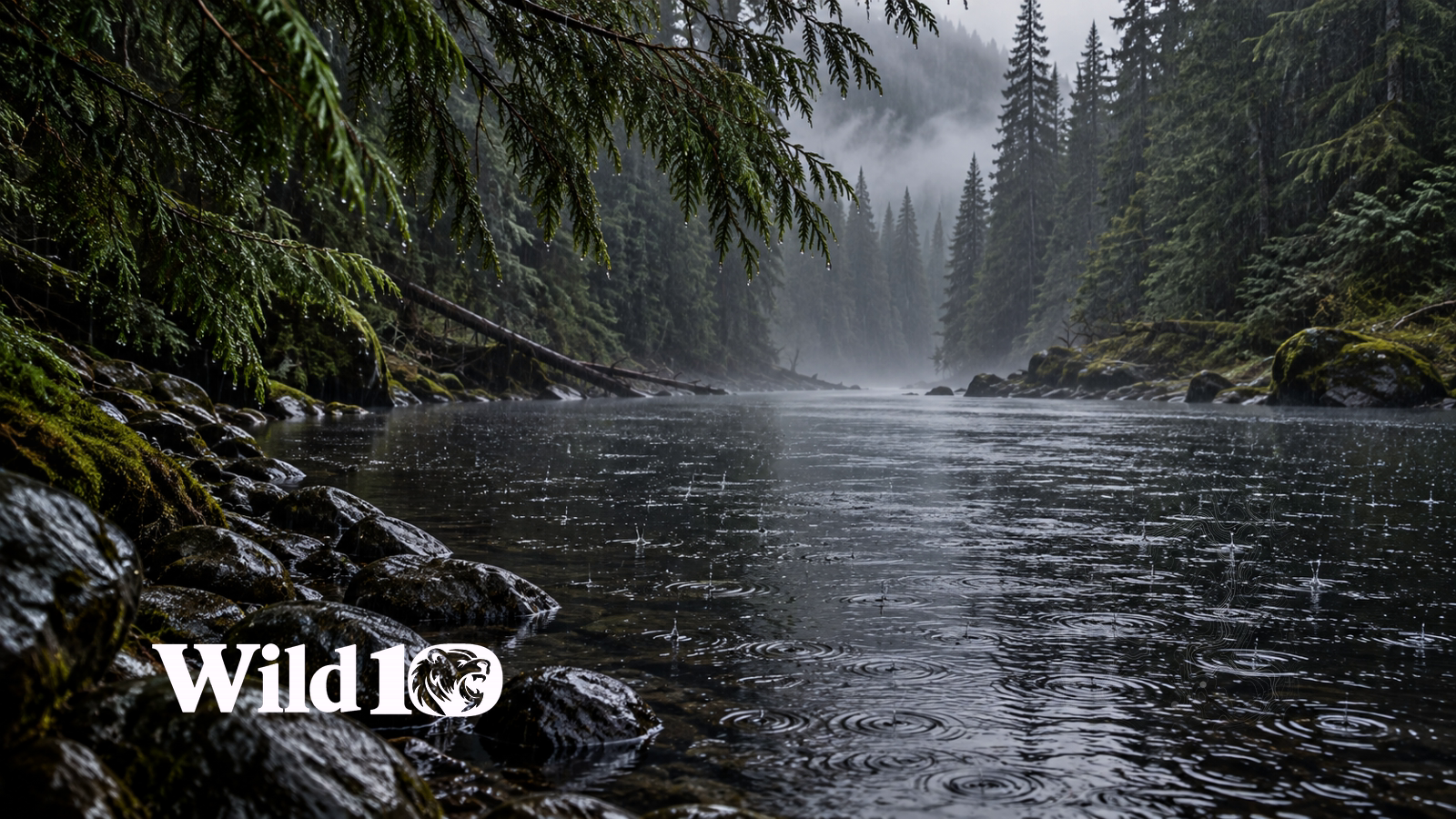
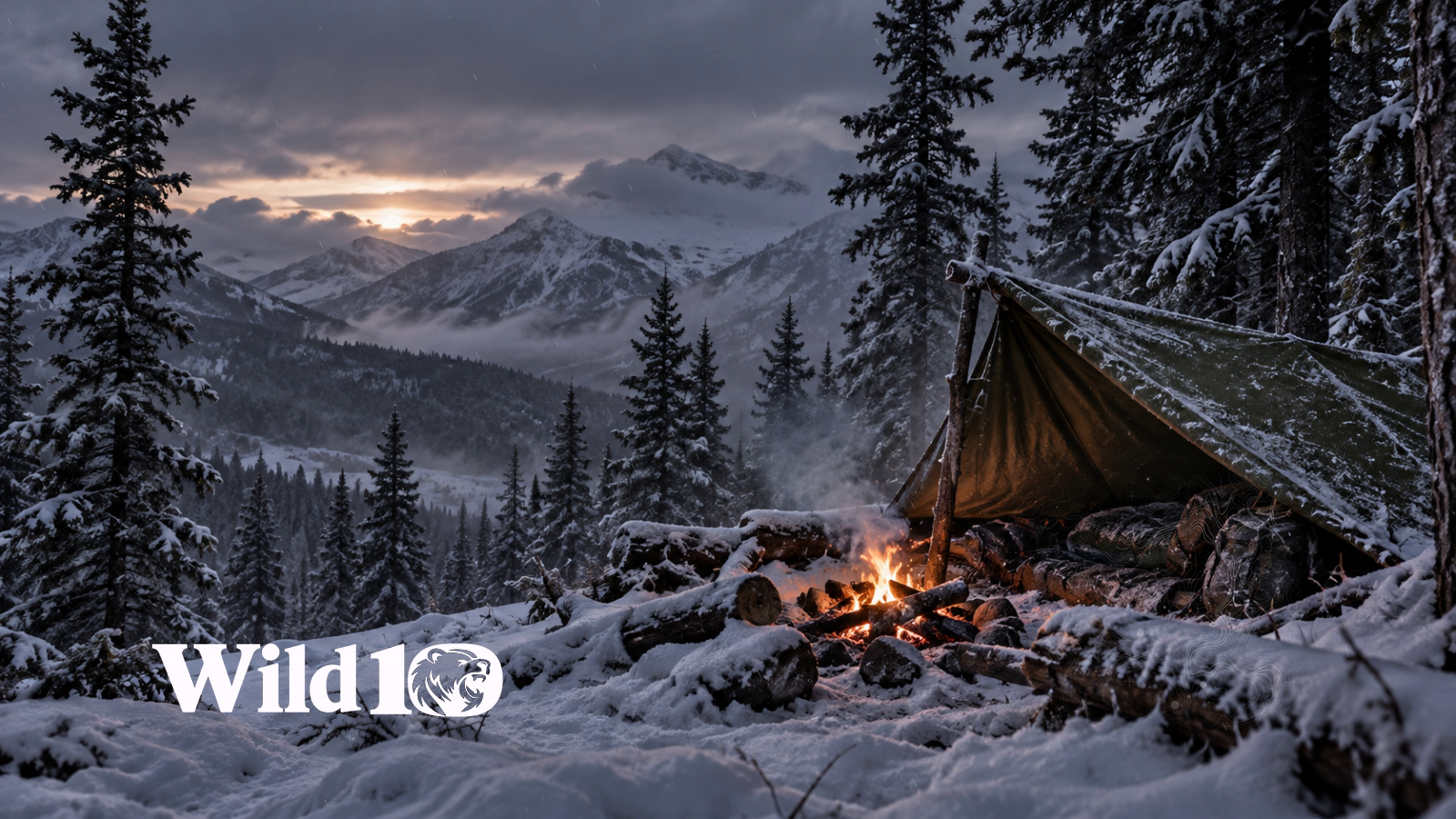
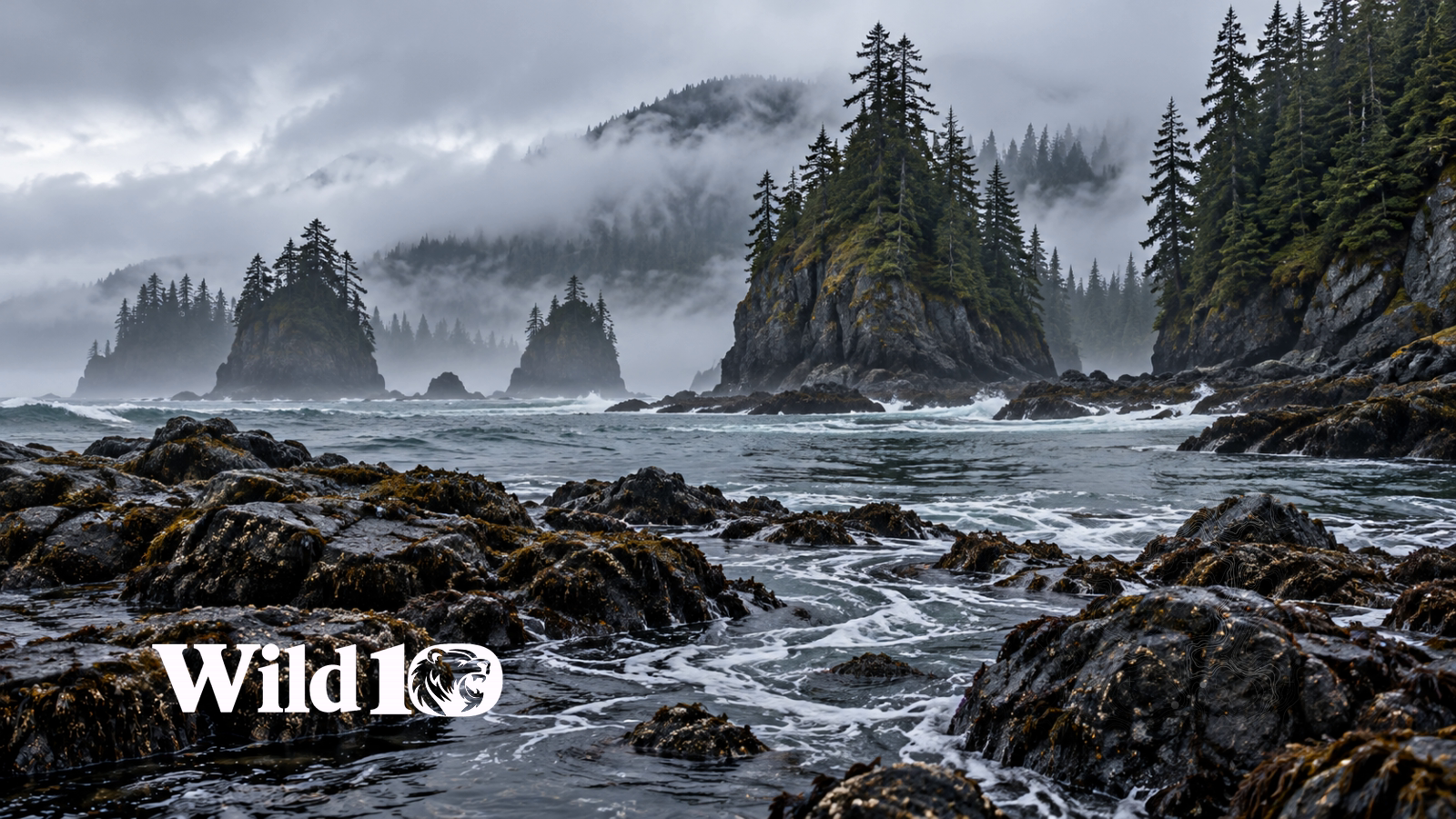
Set it as your Windows desktop
- For the standard all-86 collection, extract the outer ZIP first. Do not drag that whole collection into Lively.
- Install Lively Wallpaper from its official download.
- Open Lively and drag one
.lively.zipfile into its library, then pick your display. - The regular Windows picture background does not play videos, so a PNG will stay still there.
- Alternatively, use Lively's Add Wallpaper to import an animated MP4.
Ultrawide screens
Import the complete ultrawide Lively ZIP without extracting it. Use the WebView2 player, then Lively → Customize → Choose a scene, Full scene + ambient sides, and Ambient sound volume. Sound starts off. Fits 5120×1440, 3440×1440, 2560×1440 and 4K displays; the artwork source remains 1600×900, not native 4K or 5K detail.
Every scene offers silent and optional designed ambience versions, not recordings of the pictured location. Preview sound is opt-in. These packages have been inspected, but installation in the Windows Lively application has not been tested here.
Wallpaper questions
- Are these wallpapers really free?
- Yes. Download individual files or either complete collection without a Wild10 account, payment or subscription.
- Which file moves: MP4 or PNG?
- MP4 videos and Lively packages animate in a compatible wallpaper player. PNG is a static picture for normal Windows background settings.
- How do I choose silent or sound?
- Choose Lively · Silent or Lively · +Sound. Optional ambience is designed sound, not a field recording. Previews never start automatically; turn sound on only if you want it.
- Should I extract the complete ZIP?
- Extract the standard collection, then import one individual Lively ZIP. Do not extract the ultrawide collection: import that complete ZIP directly into Lively using WebView2.
- Will these fit a 4K or ultrawide monitor?
- The ultrawide package preserves the full scene with ambient side fill. Source artwork is 1600×900, not native 4K/5K. These are AI-created cinemagraphs with composited motion, not filmed wilderness footage.